OrganizationsProvisioning and Account Management
............................................................................................................................................................................................................................................................
8AL90208USAD ed01
November 20, 2008
4-3
............................................................................................................................................................................................................................................................
Organizations
The Alcatel-Lucent OmniTouch Advanced Communications Server (ACS) allows
multiple Organizations with their own sets of dial-in telephone numbers to be hosted (see
LDAP configuration (Authentication and Auto Provisioning)) on a single system. Users
are assigned to Organizations. Organizations can have as few as a single user assigned.
User accounts on OmniTouch ACS contain specific information needed to use the
system. When a user is initially provisioned, most parameters are set to system defaults, but
the system administrator can subsequently change specific settings for individual users, as
described below.
Note: Provisioning can be done either directly on OmniTouch ACS, or through
LDAP queries to a corporate directory. The following sections describe the process for
setting users up locally in the Alcatel-Lucent server’s database. To use LDAP, see
LDAP configuration (Authentication and Auto Provisioning).
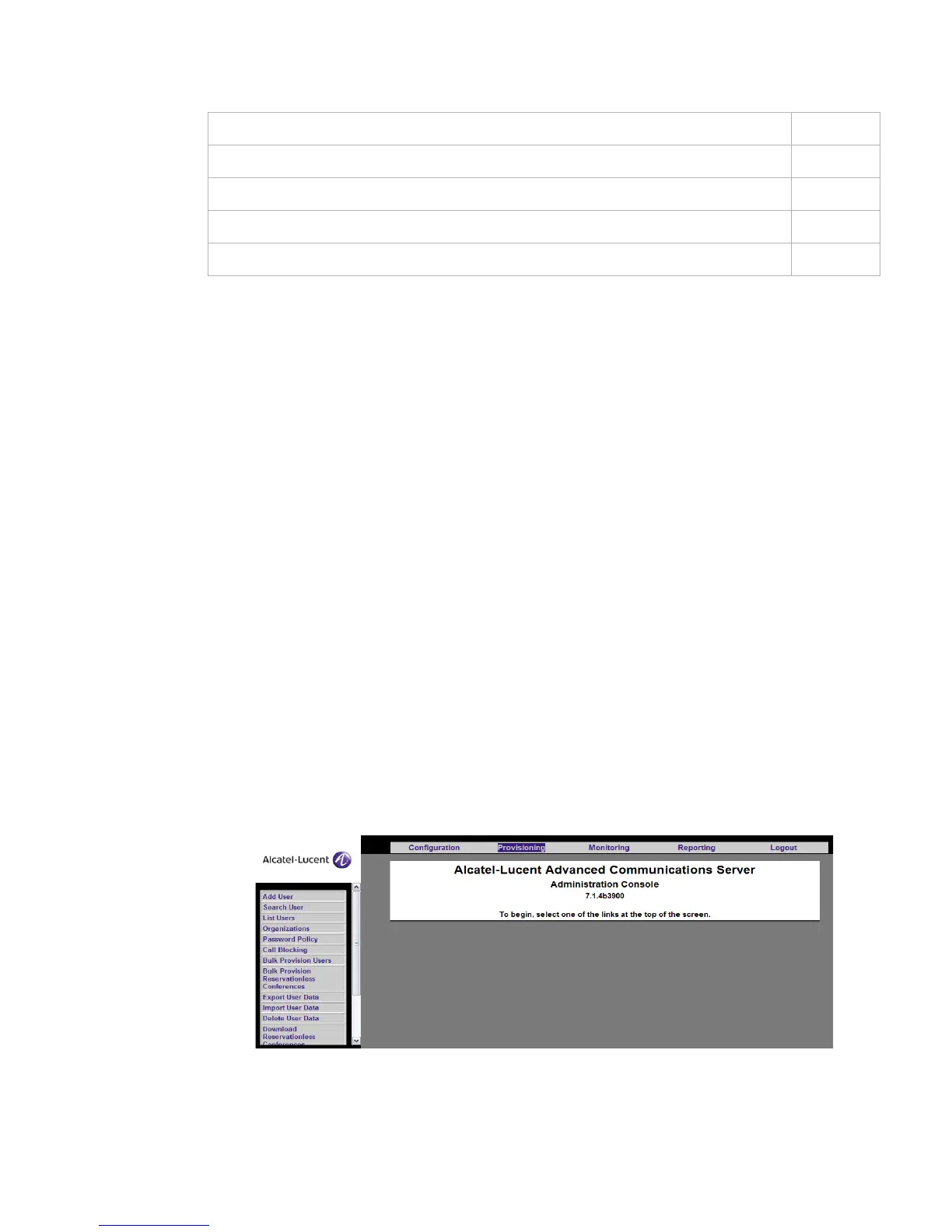
Organization and user management is provided through functions available under the
Provisioning tab on the Screen.
Figure 4-1 Provisioning Screen
To download all users’ reservationless access code sets 4-72
To add a system administrator 4-73
To see what users have system administration rights 4-74
To change the Adminstrator’s password 4-75
To find a user 4-76












 To Next Page