To initiate synchronization between the Primary and
Secondary servers’ databases
System Configuration
............................................................................................................................................................................................................................................................
8AL90208USAD ed01
November 20, 2008
2-85
............................................................................................................................................................................................................................................................
........................................................................................................................................................................................................................
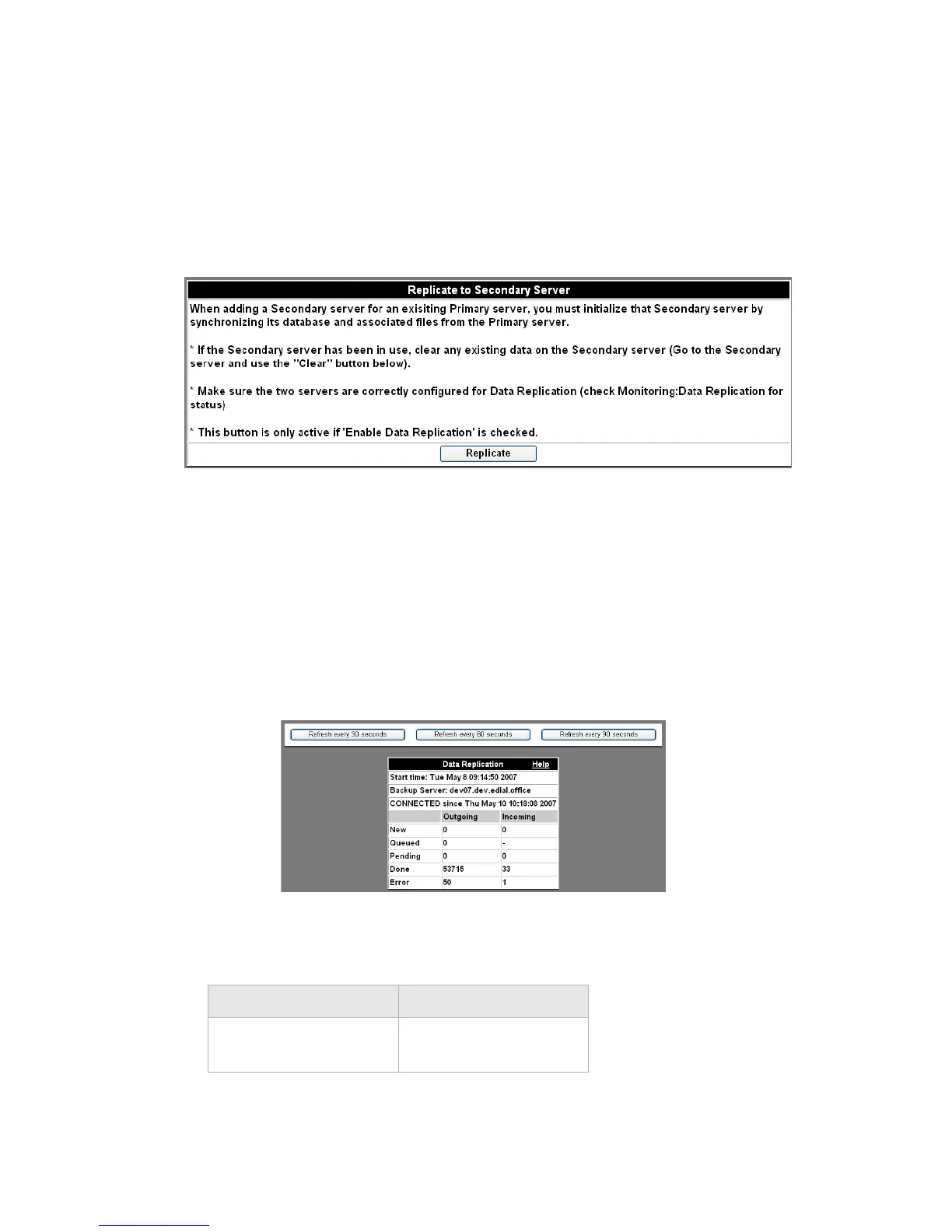
3 In the same screen you used to set the server as Primary, go to the middle section, follow
the instructions shown there, and click the Replicate button.
Figure 2-46 Replicate
........................................................................................................................................................................................................................
4 To determine the current status of data replication in configured systems, access the Data
Replication
page under Monitoring (see Viewing data replication).
a. Click the Monitoring tab.
b. Click the Data Replication item.
........................................................................................................................................................
E ND OF STEPS
Figure 2-47 Monitoring Data Replication
Table 2-16 Data Replication State Definitions
State Definition
NOT CONNECTED Database replication is
not happening.












 To Next Page