............................................................................................................................................................................................................................................................
Managing the systemServer Reporting
6-2
8AL90208USAD ed01
November 20, 2008
............................................................................................................................................................................................................................................................
Managing the system
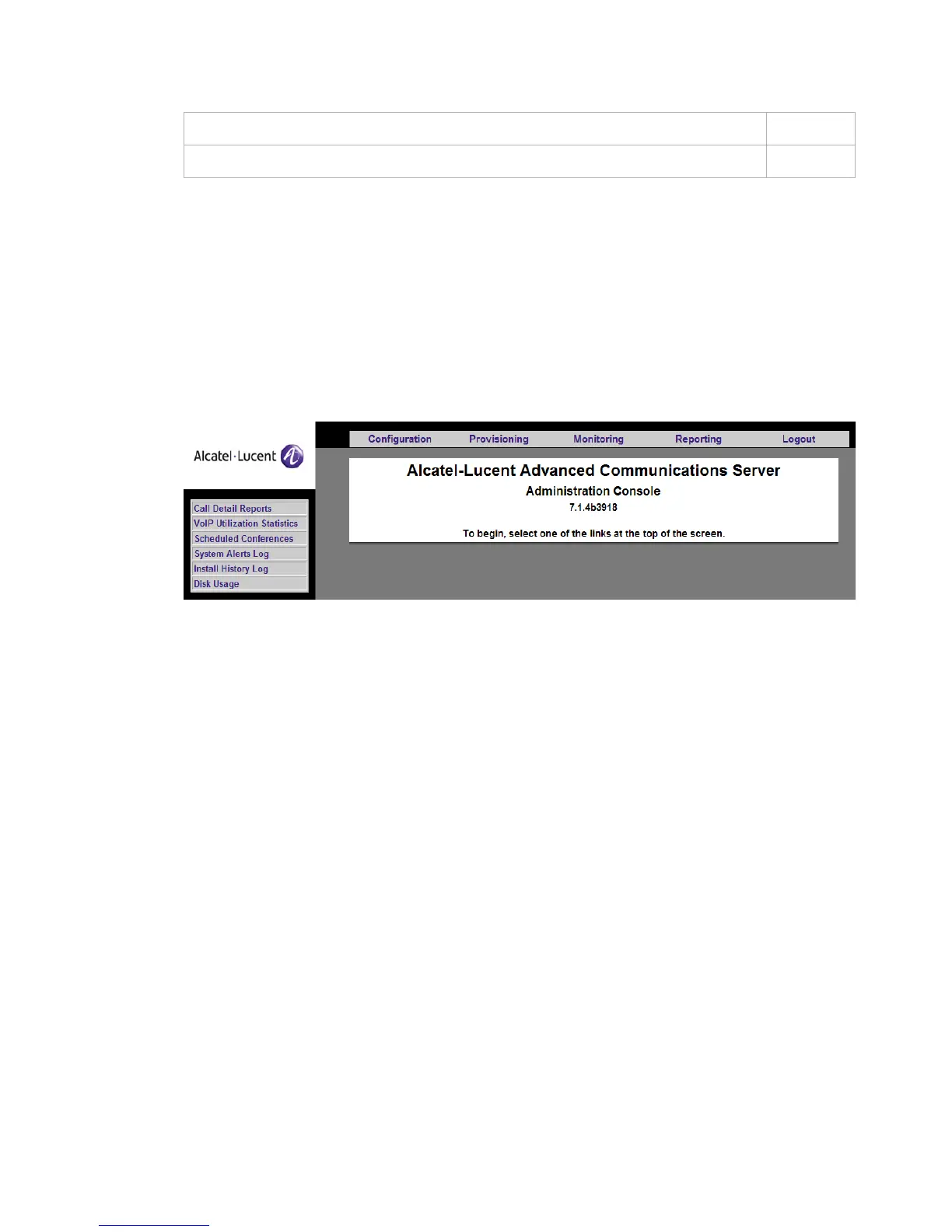
OmniTouch ACS provides a number of status and system utilization reports. These
contain non-real-time data that is useful in managing the system on an ongoing basis.
Figure 6-1 Server Reporting Screen
Call Detail Reports
System administrators can generate reports that contain detailed information about every
leg in every conference within a specified time range.
To generate Call Detail Reports
........................................................................................................................................................................................................................
1 Click the Reporting tab.
........................................................................................................................................................................................................................
2 Click the Call Detail Reports item.
The
Call Detail Report screen appears.
To generate a system alerts log 6-9
To view a history log 6-11












 To Next Page