Viewing PSTN logsMonitoring
............................................................................................................................................................................................................................................................
8AL90208USAD ed01
November 20, 2008
5-21
............................................................................................................................................................................................................................................................
Note: For Ad Hoc calls, a new ID is generated for each call. Scheduled and
Reservationless Conference calls use the same Call ID for each access. Call IDs must
not contain the @ character.
........................................................................................................................................................................................................................
6 For a specific user, enter the ID of the person called in User ID.
Note: When a number is dialed in, the Call Owner and User appear as the same.
When a person is dialed by Name, the name becomes the User ID. When a callback is
initiated, a temporary system ID is assigned (x.temp) and the temporary ID becomes
the User ID.
........................................................................................................................................................................................................................
7 Click the View button to generate the log.
........................................................................................................................................................
E ND OF STEPS
Viewing PSTN logs
The PSTN trunk logs contain troubleshooting information to be used by your System
Administrator or support representative.
Note: PSTN configuration details are located in /usr/eiab/eiab.conf.
PSTN message exchanges for each call (incoming and outgoing) are located in
/var/log/tnslog-tp240dvr.log.
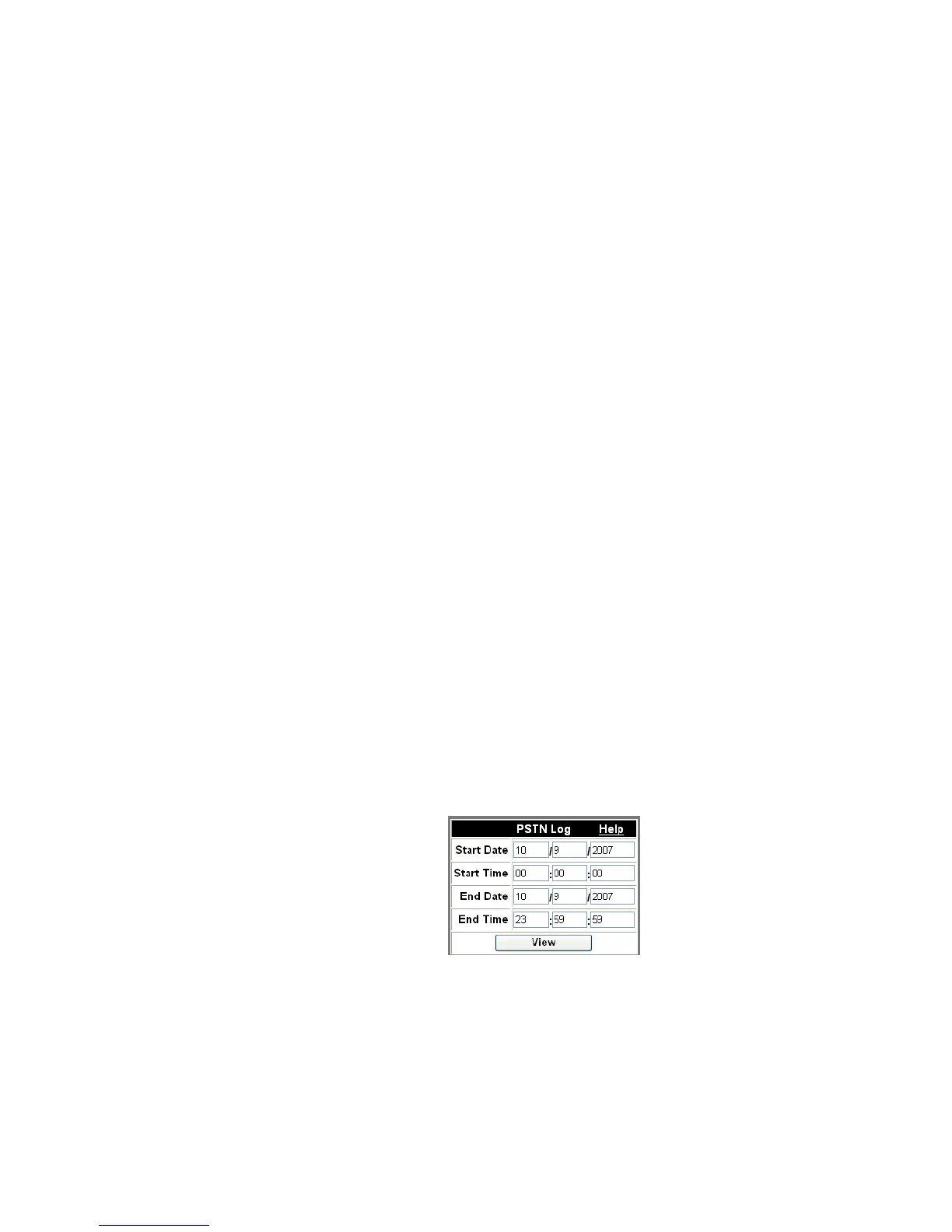
Figure 5-17 View PSTN Log












 To Next Page