............................................................................................................................................................................................................................................................
To access the list of all ECS Services and AgentsSystem Configuration
2-116
8AL90208USAD ed01
November 20, 2008
............................................................................................................................................................................................................................................................
The settings are described in the following table.
Table 2-22 ECS Service/Agent Settings
........................................................................................................................................................
E ND OF STEPS
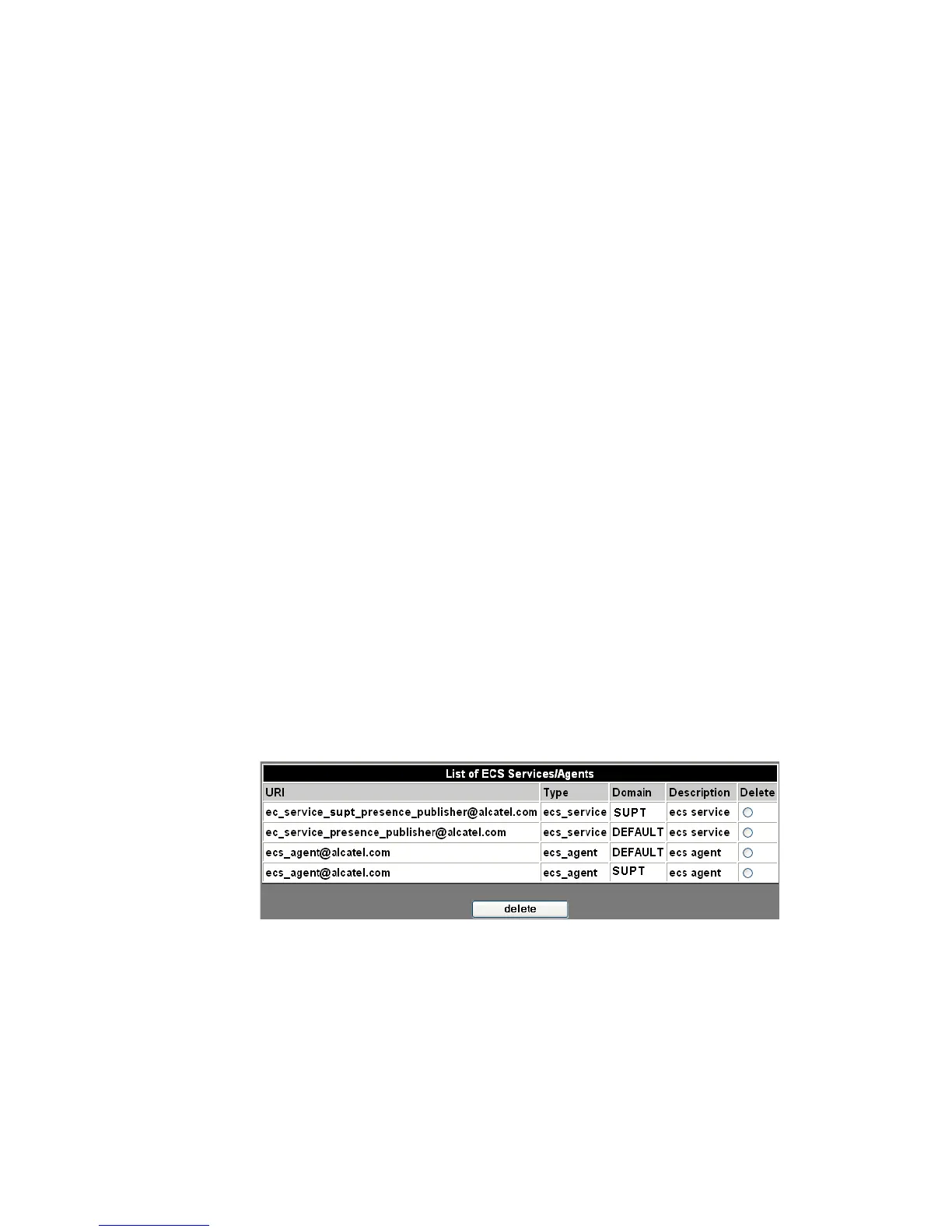
To access the list of all ECS Services and Agents
........................................................................................................................................................................................................................
1 Click the List ECS Services/Agents item.
........................................................................................................................................................................................................................
2 You can delete a Service or Agent from the list by marking it in the Delete column and
clicking the Delete button.
Figure 2-66 List ECS Services and Agents
........................................................................................................................................................
E ND OF STEPS
URI This is the location of the Agent or Service.
Domain Select a Domain from the drop-down list of all
the available Domains.
Type Select Agent or Service from the drop-down
list.
Description You can enter a pertinent text description in this
optional field.












 To Next Page