Ref ID : ADR233B/IM/SI
Rev No. : 05
Page No. : 100 of 479
ADR233B
3.11.2 To view the History Faults file
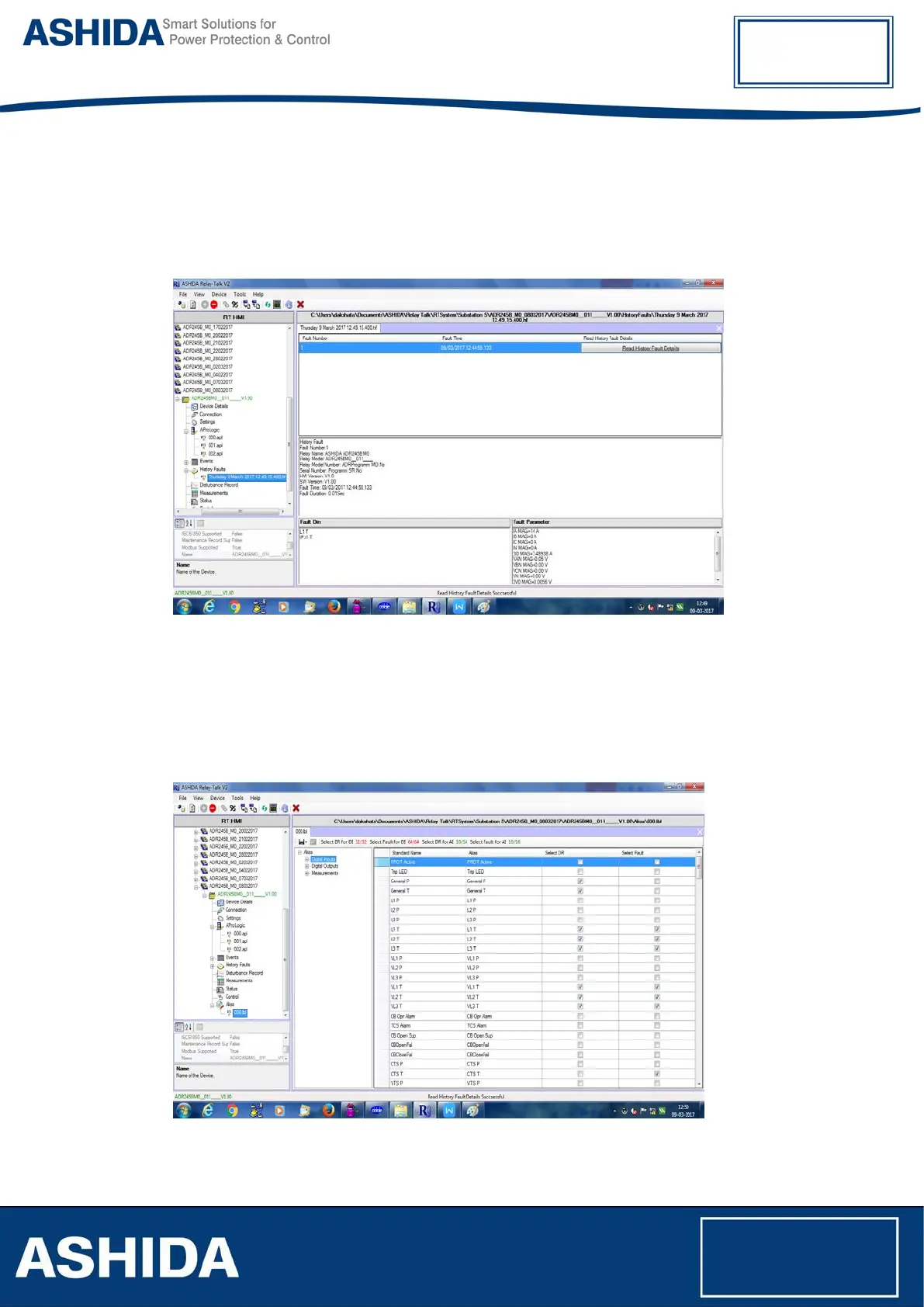
To View the History Fault file double click on respective History Fault file.
Following window will appear on screen.
Figure 44: View History Faults file
3.12 Alias
To edit DI/DO labels of specific Function number and Information number go to Alias node.
Double click on Alias node screen which will open in the main document window. Double click
on record which needs to change. Following window will appear on screen.
Figure 45: Alias screen



 To Next Page