Ref ID : ADR233B/IM/SI
Rev No. : 05
Page No. : 94 of 479
ADR233B
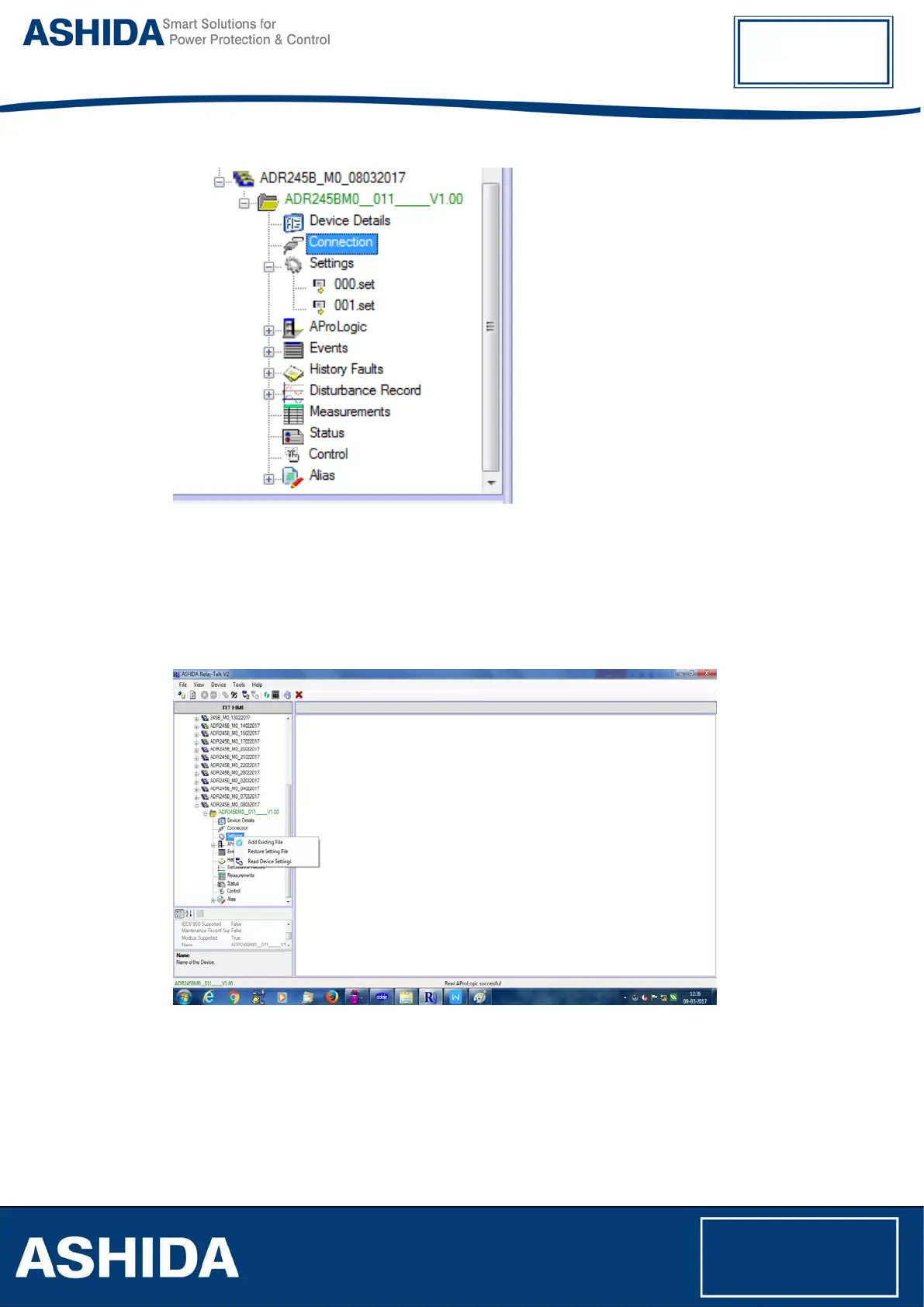
Figure 34: New setting files display
3.8.3 Restore Settings from Device
If there is no settings file available, it can be retrieve using “Restore Settings File” from Device
Template.
To restore settings from device, right click on Settings mode. Following window will appear.
Figure 35: Restore setting files
Click “Restore Settings File” to restore the settings.



 To Next Page