Ref ID : ADR233B/IM/SI
Rev No. : 05
Page No. : 99 of 479
ADR233B
3.11 History Faults
History Faults are continuously recorded till the memory is available, whenever memory gets
full, the oldest fault automatically gets erased and the new fault will be recorded on the same.
(Like First In First Out Logic)
Trip count, Tripping Timing, Fault Flags and Fault Value with Time and date will display in
history faults.
3.11.1 To read the History Faults from Device
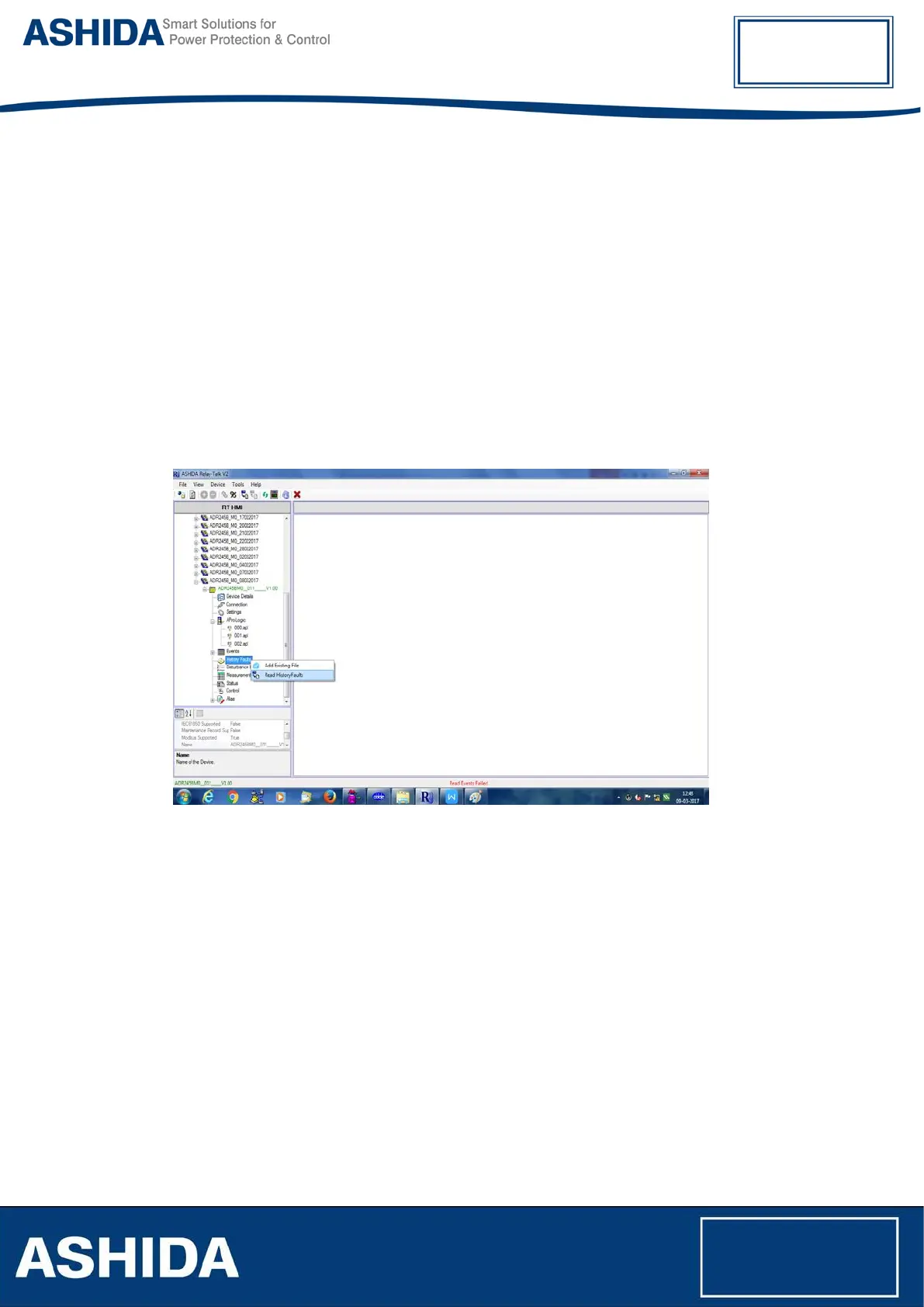
To Read history Faults from the device, right click on History Faults then click on Read History
Faults. Following window will appear on screen.
History file will get added under the History Faults node.
Figure 43: Read History faults



 To Next Page