Ref ID : ADR233B/IM/SI
Rev No. : 05
Page No. : 79 of 479
ADR233B
Step3: To uninstall Relay Talk System Version2 click yes button.
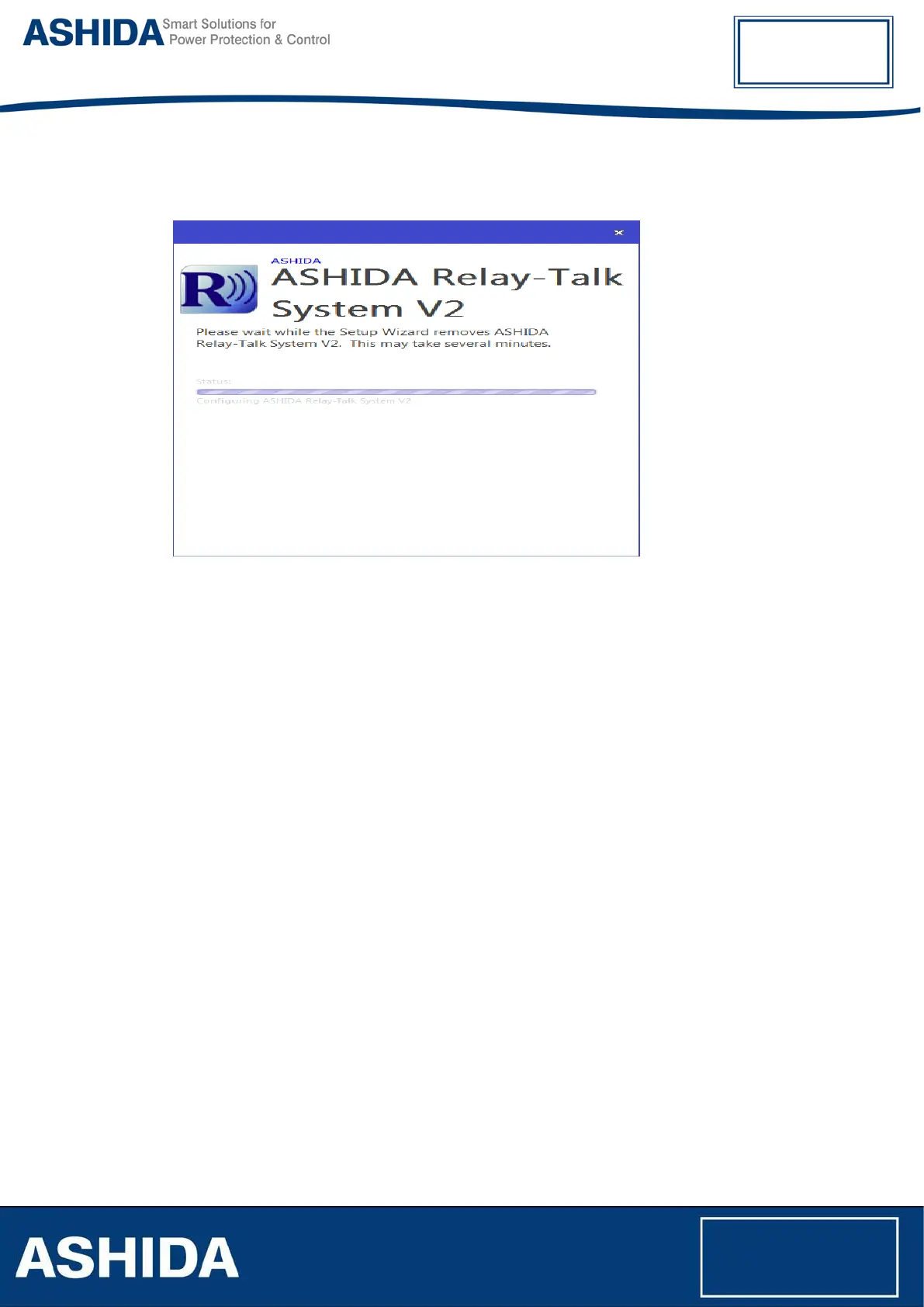
Relay Talk System Version2 – Un-Installation in Progress
3.3 Procedure
3.3.1 ASHIDA Relay Talk System Version2 (RTV2 S/W)
This section will guide the user on ASHIDA Relay Talk System Version2, establishing the
configuration and interface with the device.
To start Relay Talk System Version2:
• Click Start−>Programs −> ASHIDA−> Relay Talk−> ASHIDA Relay-Talk System V2
• Or click ASHIDA RelayTalk.exe in the Install directory (e.g. C:\Program Files \ASHIDA\Relay
Talk\ ASHIDA RelayTalk.exe)
PC to Relay Connection
Personal computer can be interfaced to the Relay by using RS232 cable or USB cable.
All new versions are used like USB interface connection between the relay and the personal
computer. But in case of older versions, user must use the RS232 cable with both side female
connections.



 To Next Page