Ref ID : ADR233B/IM/SI
Rev No. : 05
Page No. : 95 of 479
ADR233B
3.9 AProLogic
3.9.1 Read AProLogic
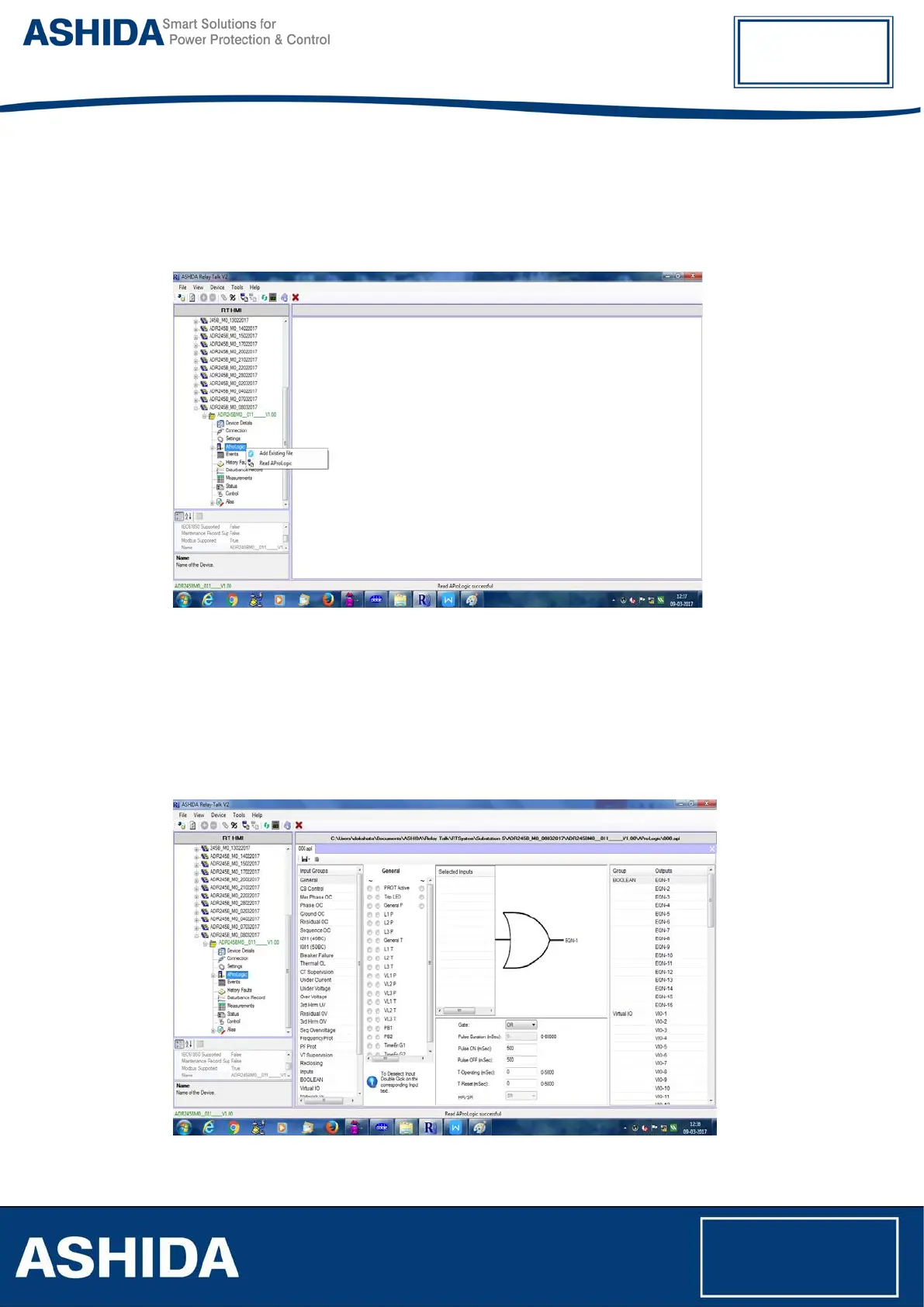
To read new AProLogic file from the device right click on AProLogic and select 'Read
AProLogic’. To open existing AProLogic file, double click on *.apl file.
Figure 36: Read AProLogic
Save as dialog box will appear for saving the name of the file. Click OK to save the file.
3.9.2 Edit and Write the AProLogic to a Device
Select a device and expand AProLogic node. Double click on icon file and the file will open in
the main document window. Select output, assign applicable inputs. Edit T-Operating, T-Reset
and HR/SR.
Figure 37: Edit T Operating, T Reset and HR/SR



 To Next Page