Ref ID : ADR233B/IM/SI
Rev No. : 05
Page No. : 93 of 479
ADR233B
3.8.2 Downloading Settings from Device
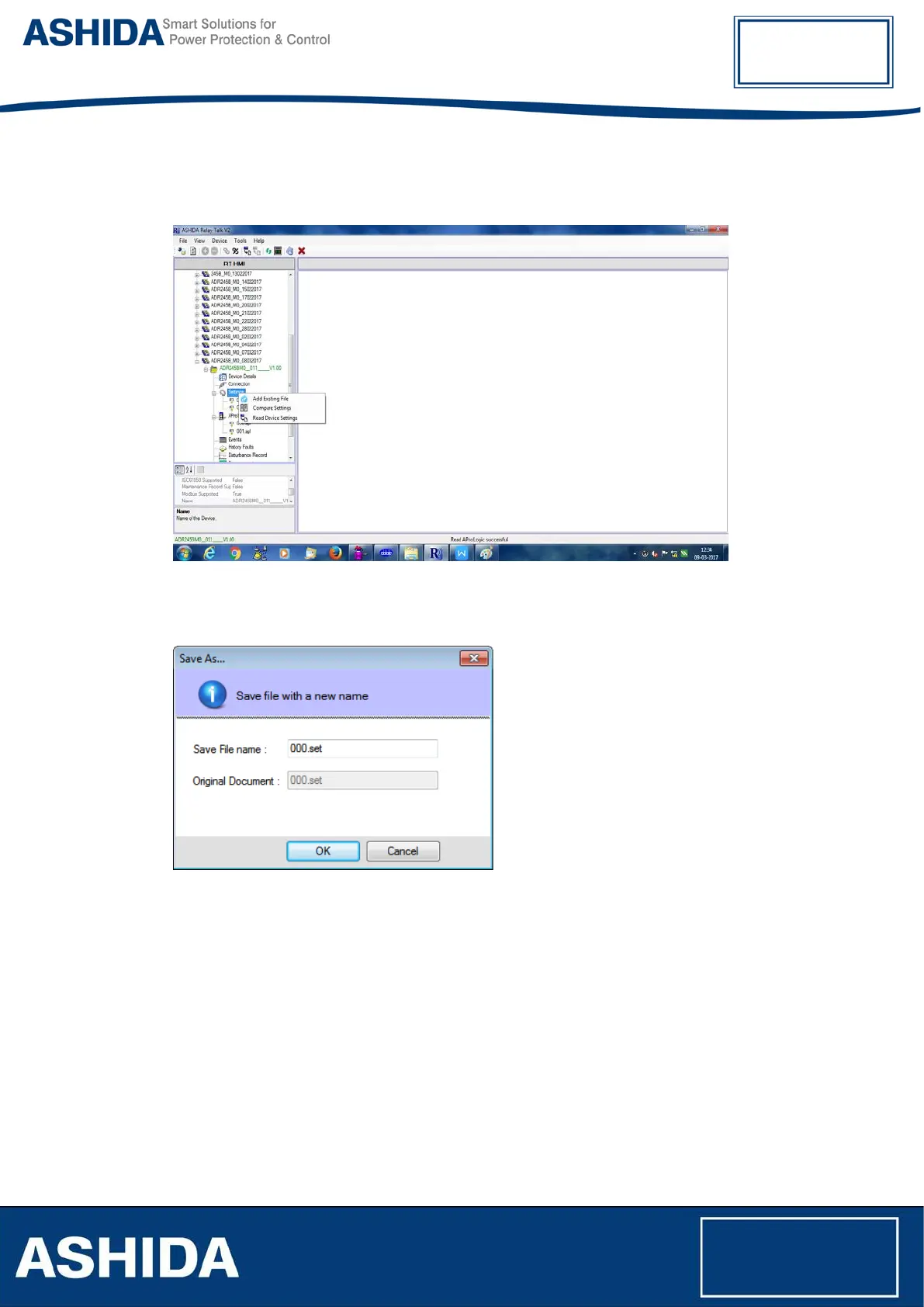
To download settings from device, right click on Settings mode. Following window will appear.
Figure 32: Read device settings
Click “Read Device Settings” to read the settings file. Following window will appear
Figure 33: Read settings file name
Type a setting file name and click Ok. It will download the device template.
After successfully reading the settings file of the device double click on set file. Following
window will appear.



 To Next Page