Ref ID : ADR233B/IM/SI
Rev No. : 05
Page No. : 105 of 479
ADR233B
3.16 Status
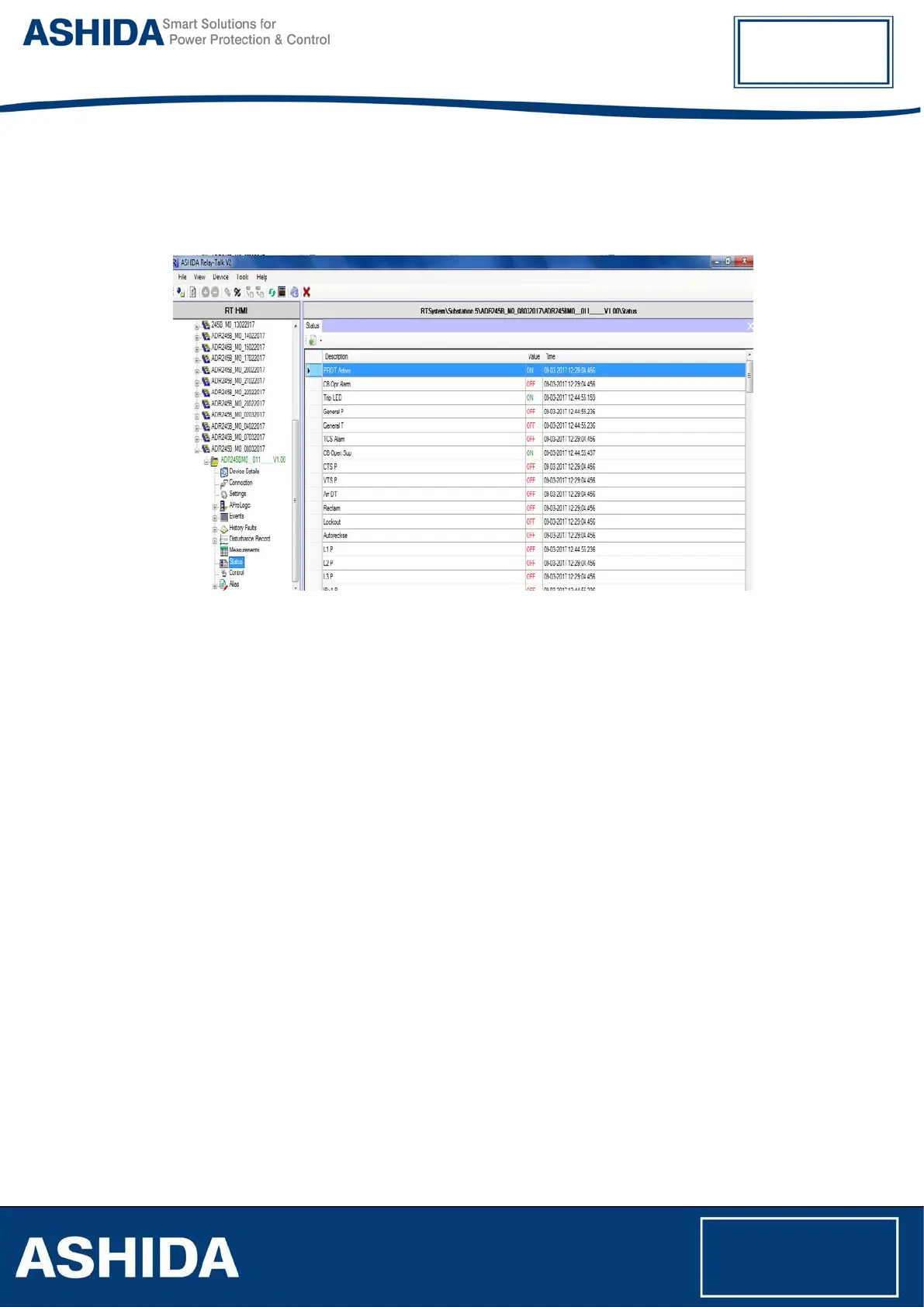
Status Screen is provided to view the online value of the status. To view status, right click on
Status node and select show status. Status list screen will appear with value and time.
Figure 53: View Status
3.17 Maintenance Record
Maintenance record reads the history errors from the device and display them. Types of errors
are internal hardware error, CB & Trip circuit errors.
3.17.1 Read Maintenance Record from Device
To View Maintenance Record right click on ‘Read Maintenance Record’.
Maintenance Record file will added under the Maintenance Record node.
3.17.2 View Maintenance Record from Device
To view Maintenance Record data, double click on Maintenance Record file. Maintenance
Record list with time will display on the screen.
3.18 Options
This section will give list of path and Settings associated with this Configurator. To view this
screen, click on Options under Tools.
3.18.1 System Folders Information
In this screen user will find Application system paths those are as follows:
• Application Folder Path



 To Next Page