Ref ID : ADR233B/IM/SI
Rev No. : 05
Page No. : 92 of 479
ADR233B
3.8 Settings
3.8.1 To View Settings files from Device
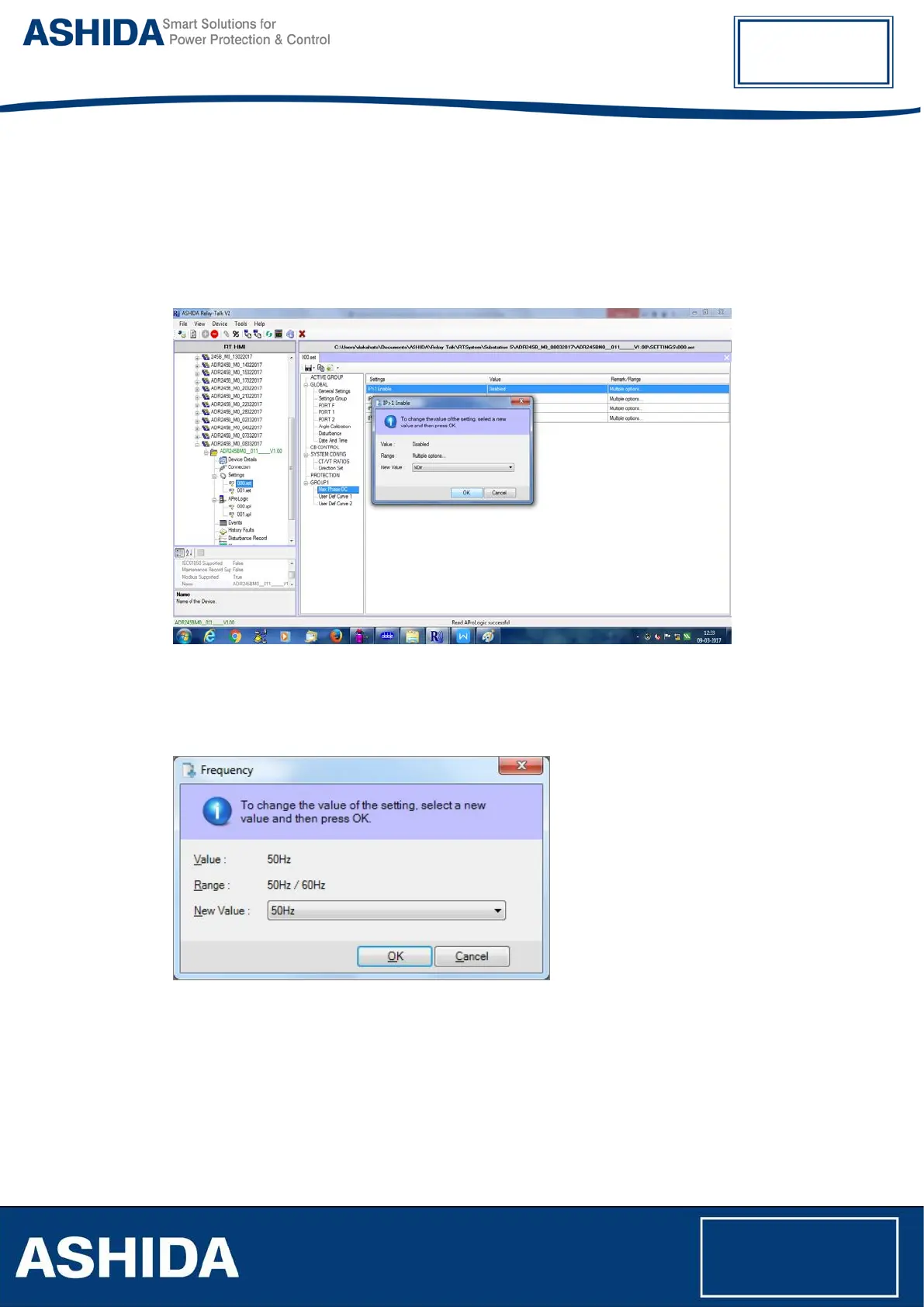
Stored settings can be seen under Settings mode like 000.set etc.
To read the settings from device double click on Settings file, then following settings menu will
appear on screen.
Figure 30: View Settings File
Note: - Settings with gray colour lines are Read-Only Settings. To edit other settings double click
on the same.
Figure 31: Edit settings file



 To Next Page