Ref ID : ADR233B/IM/SI
Rev No. : 05
Page No. : 91 of 479
ADR233B
Figure 28: Offline/Online status
It shows 'offline' in red background at the start of the system & once the driver is successfully
loaded it turns to 'online' in green background. No communication with the device is possible till
the driver is successfully started & is 'online’. Select the device and then click on Connect
button.
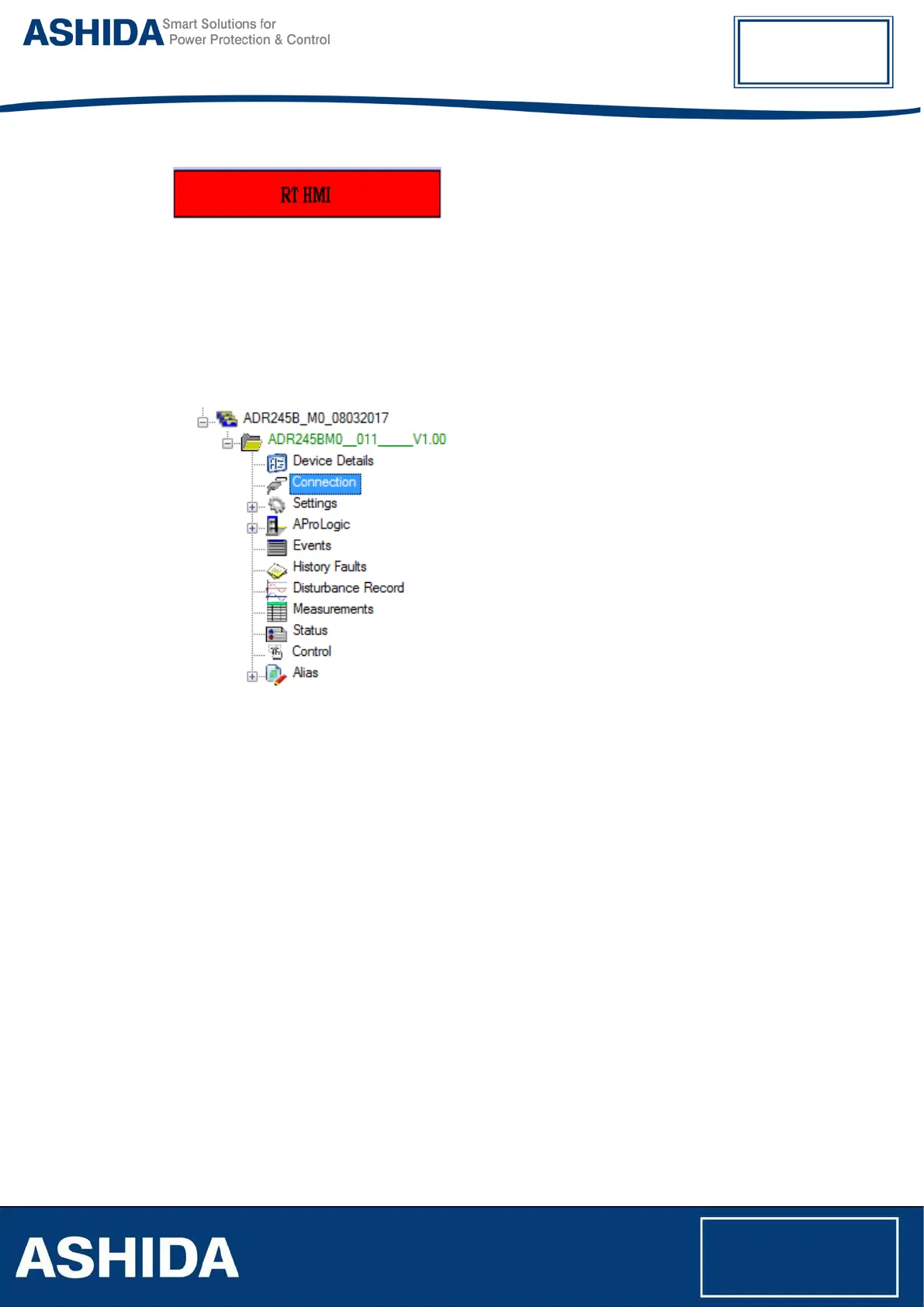
Figure 29: Connect to device
After successful communication, device name will turn into green colour.



 To Next Page