Ref ID : ADR233B/IM/SI
Rev No. : 05
Page No. : 110 of 479
ADR233B
• Help index - show index of on-line help
• About - show dialog box with program version and release date
3.18.13 Standard Toolbar buttons
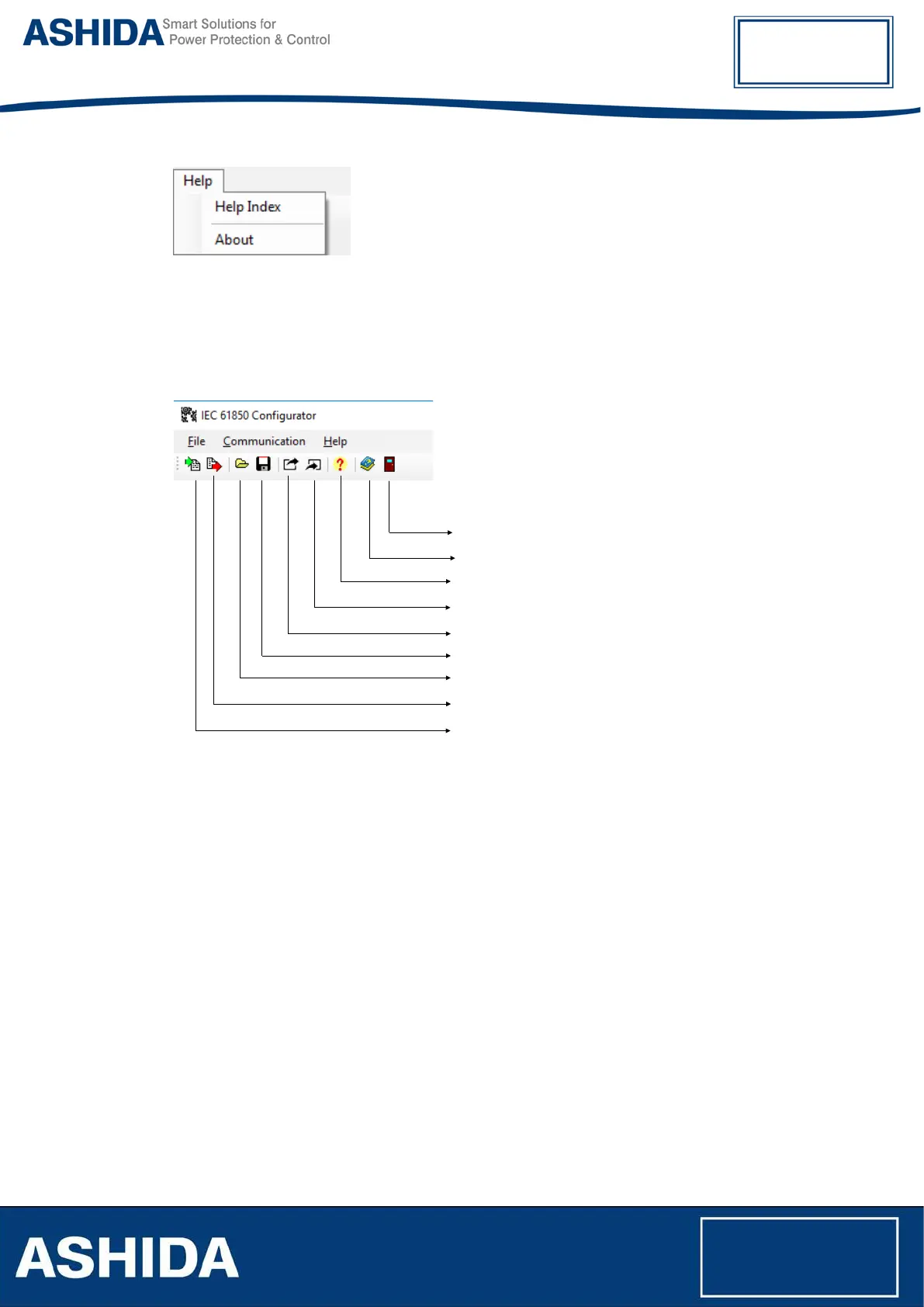
Following figure shows description of toolbar buttons:
Help Index
Export ICD
About application
Application Exit
Import SCL
Export configuration substation/bay/device
Import configuration
Write Configuration to device
Read Configuration from device
3.18.14 Main configuration view
Main Configuration tab shows IEC 61850 parameters read from the device. View consists of:
• IED Name - name of the device in IEC 61850 network
• Logical Device - name of the logical device
• Name Plate - description of the device
• Version of the Device
• IP address of the device
• Mask of the IP network
• Gateway IP address
• SNTP Server address (used for time synchronization)
These parameters are available only for preview and can be changed from device MMI or by
another tool.



 To Next Page