For details on available paper sizes, see "Paper Sizes." ➔ P.460
• H Orientation
Choose the printing orientation.
•
Making the Original Orientation Match the Paper Orientation ➔ P.140
• K Rotate Page 90 degrees (Conserve Paper)
Activate this setting to rotate the document image by 90 degrees before printing.
•
Conserving Roll Paper by Rotating Originals 90 Degrees ➔ P.129
•
L Paper Source
Choose the feed source, as desired.
Options displayed in the list vary depending on the selection in Media Type on the Main sheet.
• M Roll Paper Width
Choose the roll width.
For details on available roll widths, see "Paper Sizes." ➔ P.460
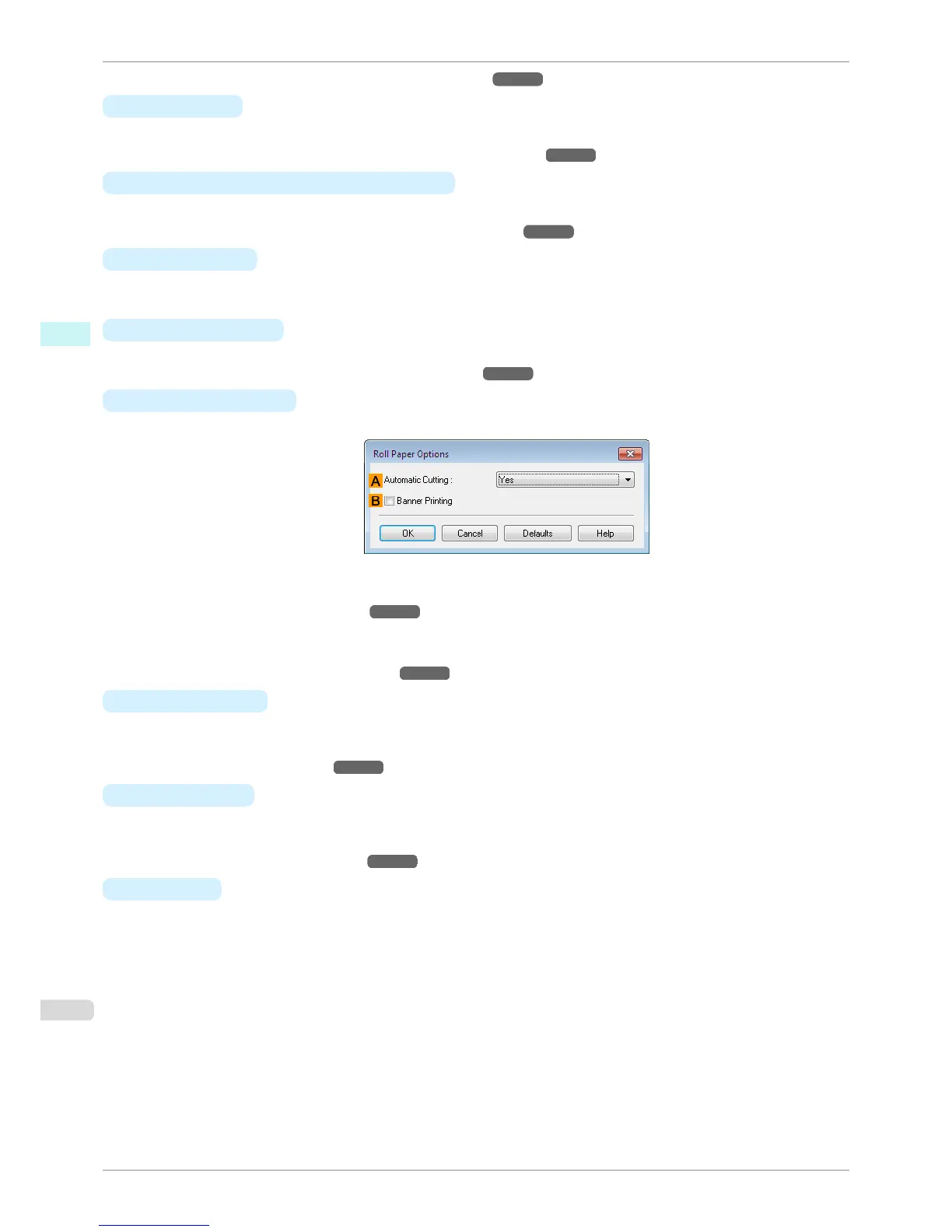
• N Roll Paper Options
Complete optional roll paper settings. Click to display the Roll Paper Options dialog box.
Under A Automatic Cutting, you can specify Yes or No and Print Cut Guideline.
•
Cutting Roll Paper After Printing ➔ P.145
Select B Banner Printing when printing multiple pages continuously.
•
Printing Multiple Pages Continuously ➔ P.109
• P Output Method
Click to display the Output Method dialog box, which enables you to complete the Output Method and Name
of data to be saved settings.
•
Output Method Dialog box ➔ P.173
• O Size Options
Click to display the Paper Size Options dialog box, which enables you to register additional paper sizes or
select the size system for use.
•
Paper Size Options Dialog Box ➔ P.174
• S
Defaults
Restores all settings on the sheet to the default values.
Page Setup Sheet
iPF6400S
User's Guide
Windows Software Printer Driver
172













 To Next Page