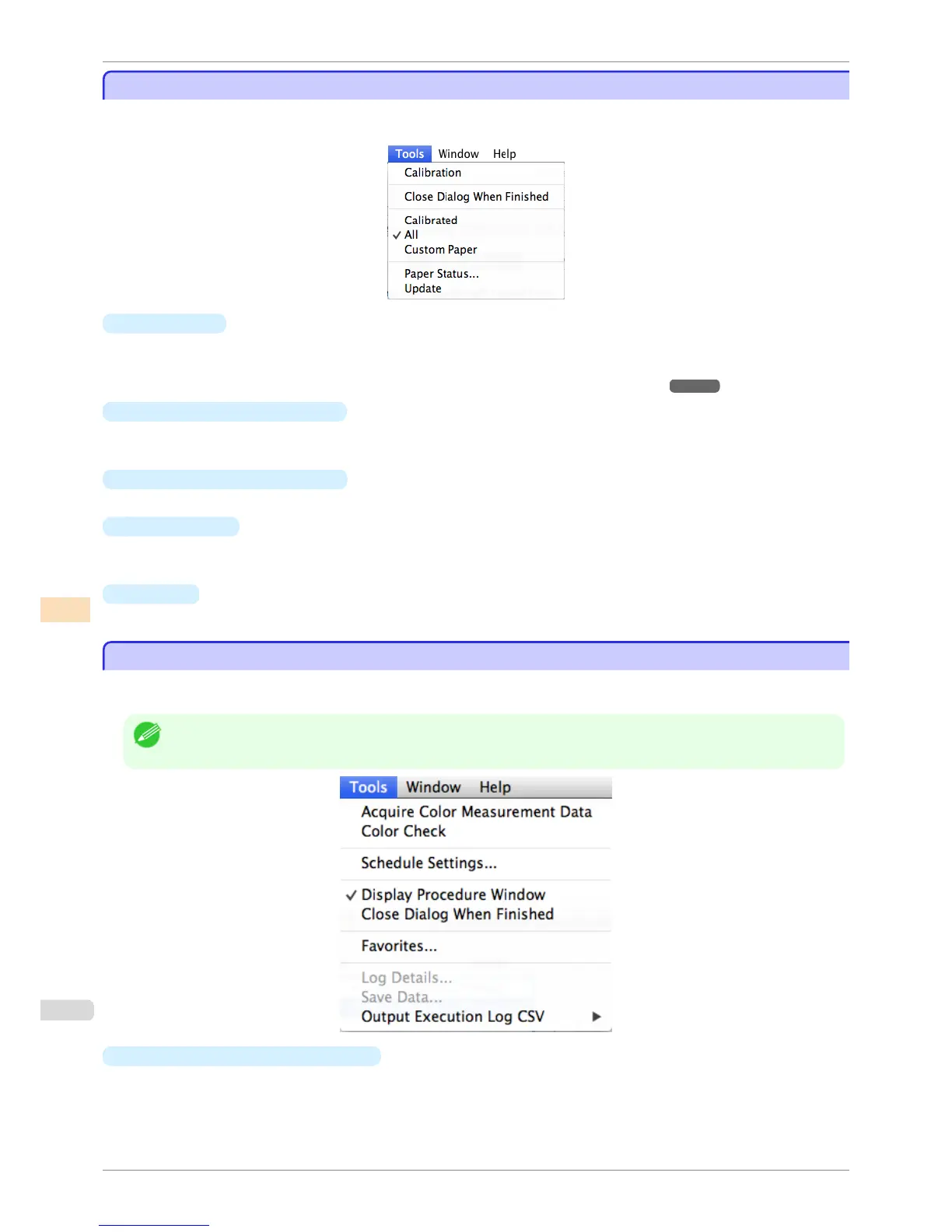
Tools Menu (When the Calibration Sheet is Displayed)
Tools Menu (When the Calibration Sheet is Displayed)
This section describes each of the menu items in the Tools menu when the Calibration sheet is displayed in the
main window.
•
Calibration
Displays the Execute Color Calibration dialog box.
Executes color calibration on the selected printer.
For the procedure for executing color calibration, see "Executing Color Calibration." ➔ P.800
•
Close Dialog When Finished
Selects whether or not to close the progress dialog box automatically when the color calibration finishes.
When the check box is selected, the progress dialog box closes automatically.
•
Calibrated/All/Custom Paper
Selects the paper types displayed in the main window (Calibration sheet).
•
Paper Status
Displays the Paper Status dialog box.
This allows you to check the color calibration and color check execution logs for the selected paper.
•
Update
Refreshes the paper list in the main window with the latest information.
Tools Menu (When the Color Measurement Sheet is Displayed)
Tools Menu (When the Color Measurement Sheet is Displayed)
This section describes each of the menu items in the Tools menu when the Color Measurement sheet is dis-
played in the main window.
Note
• Enabled when a printer that has a spectrophotometer unit installed is selected.
•
Acquire Color Measurement Data
Displays the procedure description window or
Select Execution Log window.
This allows you to measure the colors of a color chart in the selected printer and acquire the color measure-
ment data.
Tools Menu (When the Calibration Sheet is Displayed)
iPF6400S
User's Guide
Color Management Color Calibration Management Console (Mac OS)
792













 To Next Page