Optional accessories
Optional accessories
Stand ................................................................................................................................................................................... 615
Stand Parts ....................................................................................................................................................................... 616
Roll Holder Set ................................................................................................................................................................. 491
Spectrophotometer Unit ............................................................................................................................................. 616
Spectrophotometer Unit Parts - 1 .......................................................................................................................... 617
Spectrophotometer Unit Parts - 2 .......................................................................................................................... 618
Stand
Stand
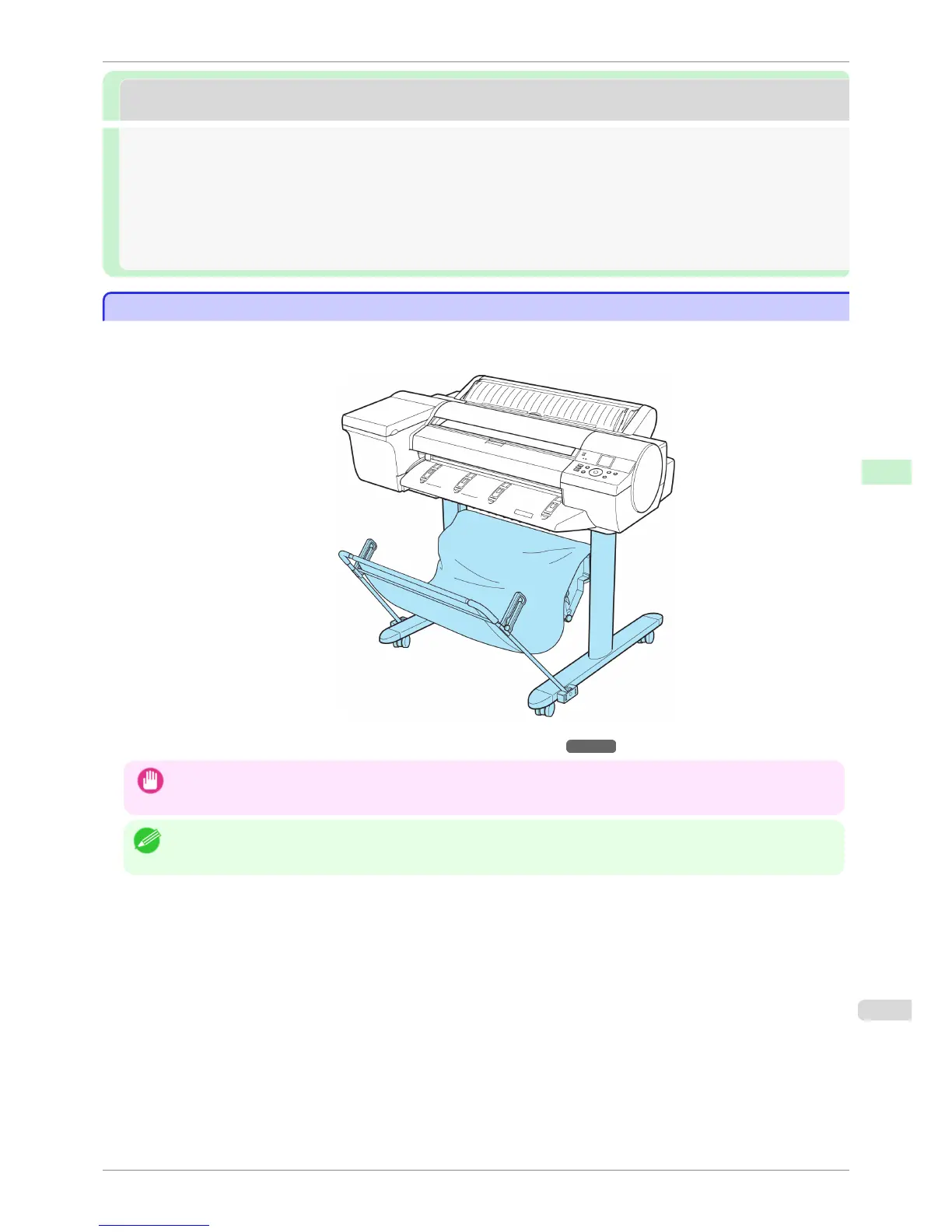
The following Stand can be used with the printer.
•
Printer Stand ST-28
For more information on the main parts of the Stand,
see "Stand Parts." ➔ P.616
Important
• Always unlock the locking casters before moving the Stand, by moving the switch to OFF. Accidentally moving the Stand
while the locking casters are locked may scratch the floor.
Note
• For instructions on installing the Stand, refer to the instructions provided with the Stand.
iPF6400S
Stand
User's Guide
Printer Parts Optional accessories
615













 To Next Page