2
In Finder, display the Applications>Canon Utilities>imagePROGRAF CCMC folder (CCMC stands for
Color Calibration Management Console).
3
Delete the imagePROGRAF CCMC folder.
Startup
Startup
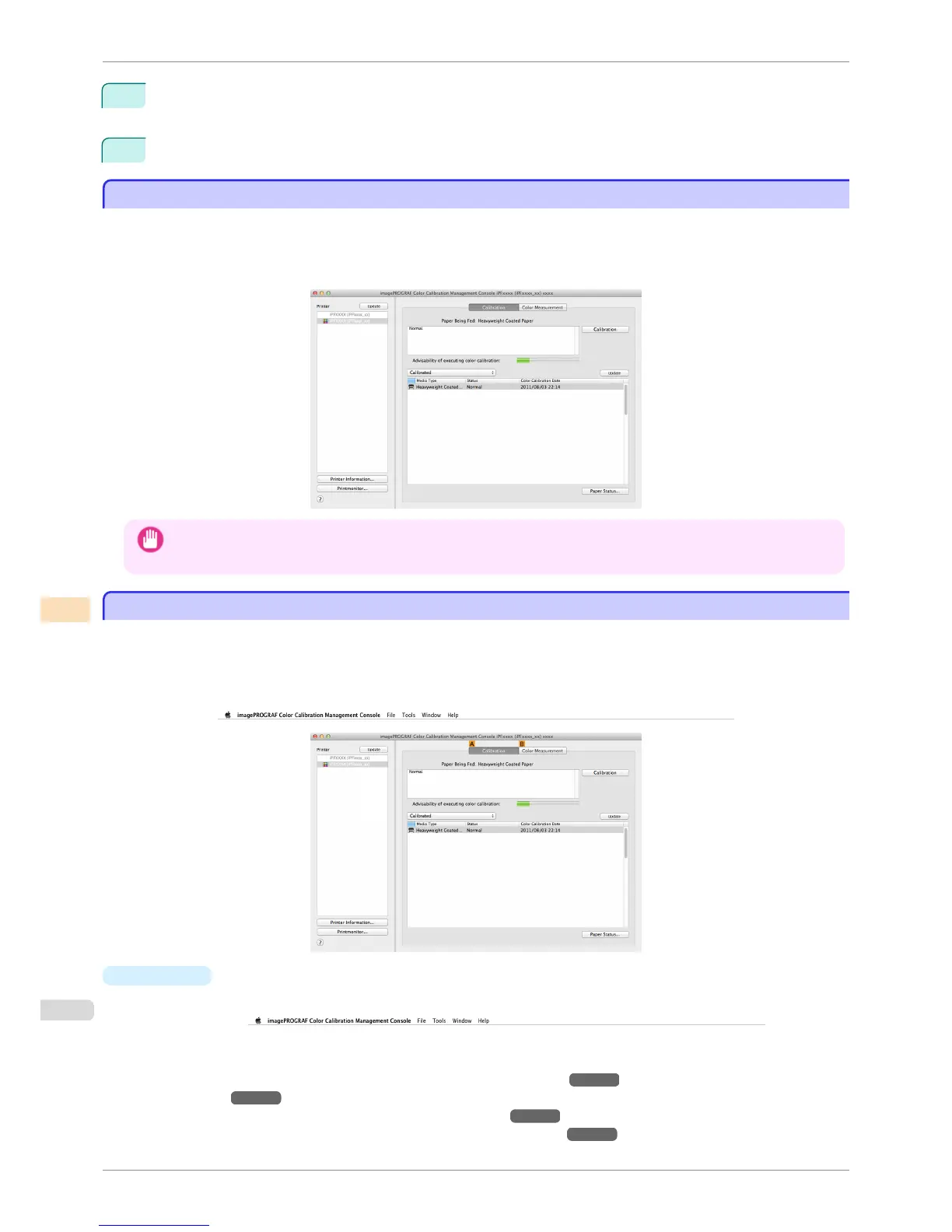
The startup procedure for the Color Calibration Management Console is as follows.
Click Applications>Canon Utilities>imagePROGRAF CCMC> and then the imagePROGRAF CCMC icon
(CCMC stands for Color Calibration Management Console).
This displays the Color Calibration Management Console main window.
Important
• The printer driver for the printer that supports Color Calibration Management Console needs to be installed in order to
run Color Calibration Management Console.
Main Window
Main Window
The Color Calibration Management Console main window consists of a menu bar, title bar, Printer list, Calibration
sheet, and Color Measurement sheet.
You can switch between the Calibration sheet and Color Measurement sheet by clicking the A Calibration tab or
B Color Measurement tab. You can also switch between the sheets from the File menu in the menu bar.
•
Menu bar
Allows you to select the menu items for the necessary operations.
For details on each of the menu items, refer to the following topics.
•
imagePROGRAF Color Calibration Management Console Menu ➔ P.790
•
File Menu ➔ P.791
•
Tools Menu (When the Calibration Sheet is Displayed) ➔ P.792
•
Tools Menu (When the Color Measurement Sheet is Displayed) ➔ P.792
Startup
iPF6400S
User's Guide
Color Management Color Calibration Management Console (Mac OS)
788













 To Next Page