Note
• You can select multiple paper.
3
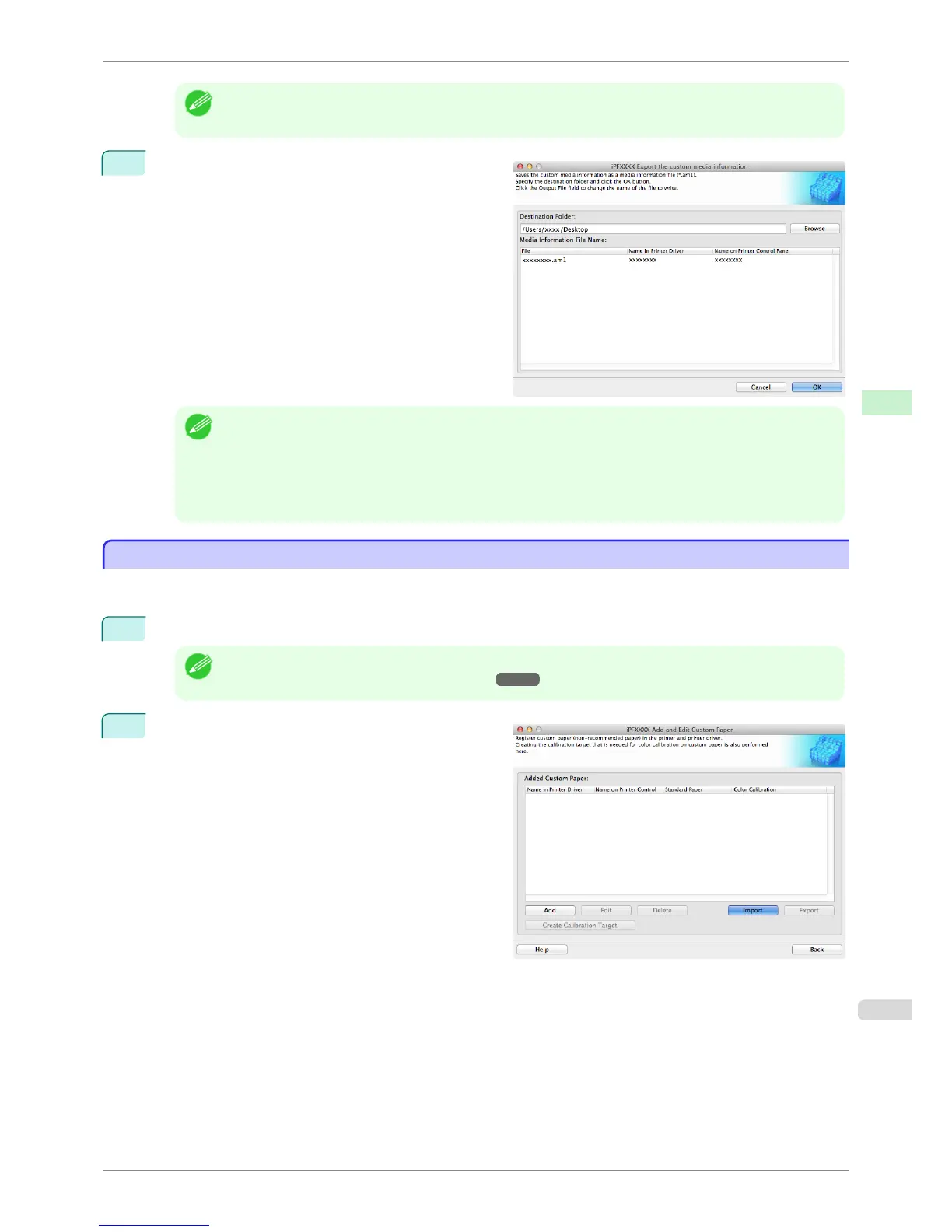
Specify the location to save the Custom Media Infor-
mation File.
Note
• You can change the file name by selecting and editing the File.
A Custom Media Information File (.am1 file) is saved.
• The Custom Media Information File is common to the iPF6400S, iPF8400S, and iPF9400S.
• For custom paper where a calibration target has been created, the calibration target information is also exported
to the file.
Import Custom Media Information
Import Custom Media Information
You can import a Custom Media Information File that has been saved in a folder, and add the file to the printer
control panel and to the printer driver of the PC you are using.
1
Open the Add and Edit Custom Paper dialog box.
Note
• For details on the procedure for opening the Add and Edit Custom Paper dialog box, see "Using Paper Other
than Genuine Paper and Feed Confirmed Paper." ➔ P.552
2
Click the Import button.
iPF6400S
Import Custom Media Information
User's Guide
Handling and Use of Paper Media Configuration Tool (Mac OS)
563













 To Next Page