Paper jam.
Paper jam.
Cause Corrective Action
A paper jam oc-
curred in the
printer during
printing.
1.
For roll paper, cut the paper on the upper side of the {Paper Feed Slot.
2.
Press the OK button.
3.
Remove the jammed paper.
(See "Clearing Jammed Paper (Paper Feed Slot).") ➔ P.875
(See "Clearing Jammed Roll Paper.") ➔ P.870
(See "Clearing a Jammed Sheet, Fed Manually.") ➔ P.873
4.
Load the paper.
(See "Loading Rolls in the Printer.") ➔ P.473
(See "Loading Sheets in the Feed Slot.") ➔ P.495
5.
If "Not finished printing. Finish printing remaining jobs?" is shown on the Display Screen, press the OK button.
Printing will resume, starting from the page on which the error occurred.
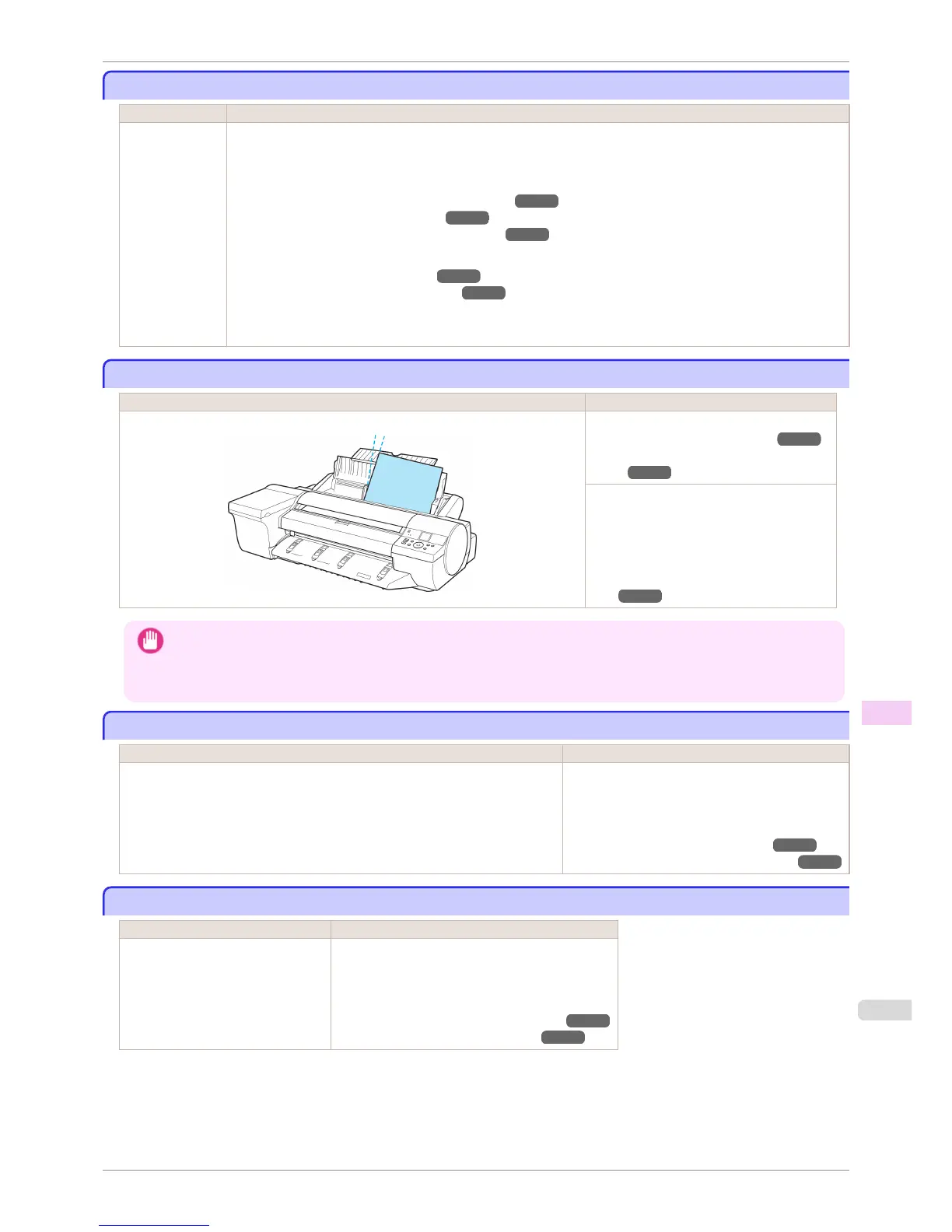
Paper loaded askew.
Paper loaded askew.
Cause Corrective Action
Paper loaded crooked was detected when the paper was advanced. Press the OK button and reload the paper.
(See "Loading Rolls in the Printer.") ➔ P.473
(See "Loading Sheets in the Feed
Slot.") ➔ P.495
If this error recurs after you reload the roll, re-
move the Roll Holder from the printer, push
the roll firmly in until it touches the Roll Holder
flange, and reload the Roll Holder in the print-
er.
(See "Loading Rolls on the Roll Hold-
er.") ➔ P.471
Important
• To disable this message (if it is displayed repeatedly despite reloading paper, for example), choose Off or Loose in the
Skew Check Lv. setting of the printer menu. However, this may cause jams and printing problems because paper may
be askew when printed. Also, the Platen may become soiled, which may soil the back of the next document when it is
printed.
Paper not aligned with right guide.
Paper not aligned with right guide.
Cause Corrective Action
Skew Check Lv. on the Control Panel menu is set to something other than Off and
the paper is not aligned with the guide on the right during loading.
Reload the paper as follows.
1.
Press the OK button to clear the error.
2.
Reload the paper.
(See "Loading Rolls in the Printer.") ➔ P.473
(See "Loading Sheets in the Feed Slot.") ➔ P.495
Cannot detect papr
Cannot detect papr
Cause Corrective Action
The printer could not detect the paper. Reload the paper as follows.
1.
Remove the paper and press the OK button.
2.
Reload the paper.
(See "Loading Sheets in the Feed Slot.") ➔ P.495
(See "Loading Rolls in the Printer.") ➔ P.473
iPF6400S
Paper jam.
User's Guide
Error Message Messages regarding paper
907













 To Next Page