Note
• A test pattern is printed in black when you choose A:High or in magenta if you choose B:Standard/Draft.
• To cancel printing the test pattern for adjustment, hold down the Stop button. When "Stop printing?" is dis-
played, press ▲ or ▼ to select Yes, and then press the OK button.
8
Press ▲ or ▼ to enter the amount of discrepancy, and then press the OK button.
If the scale is shorter than the actual size, use a positive setting value. If it is longer, use a negative value.
The feed amount can be adjusted in 0.02% increments.
Adjusting Color on the Trailing Edge of Sheets
Adjusting Color on the Trailing Edge of Sheets
If printed sheets are affected by banding in different colors by the trailing edge (about 20–30 mm (0.8–1.2 in) from
the edge), try adjusting the feed amount of the trailing edge of sheets.
Important
• This adjustment is only possible when feeding paper from the Top Paper Feed Slot that can be set up with a margin on
the trailing edge of 3 mm (0.12 in). Paper that does not allow a margin of 3 mm on the trailing edge is automatically
ejected, and the adjustment is not available.
Note
• We recommend using the type of paper you use most often for adjustment.
• For banding in different colors over the entire printed area of sheets or rolls (not only at the trailing edge of sheets), try
adjusting the overall feed amount. (See "Automatic Banding Adjustment.") ➔ P.715
Items to Prepare
Sheets One sheet of unused paper of at least A4/Letter size
Perform adjustment as follows.
1
Load the paper.
•
Loading Sheets in the Feed Slot ➔ P.495
Important
• Always make sure the loaded paper matches the type of paper specified in the settings. Adjustment cannot be
completed correctly unless the loaded paper matches the settings.
2
On the Tab Selection screen of the Control Panel, press ◀ or ▶ to
select the Settings/Adj. tab ( ).
Note
• If the Tab Selection screen is not displayed, press the Menu button.
3
Press the OK button.
The Set./Adj. Menu is displayed.
4
Press ▲ or ▼ to select Adjust Printer, and then press the OK button.
5
Press ▲ or ▼ to select Adj Far Ed Feed, and then press the OK button.
6
Press ▲ or ▼ to select Yes, and then press the OK
button.
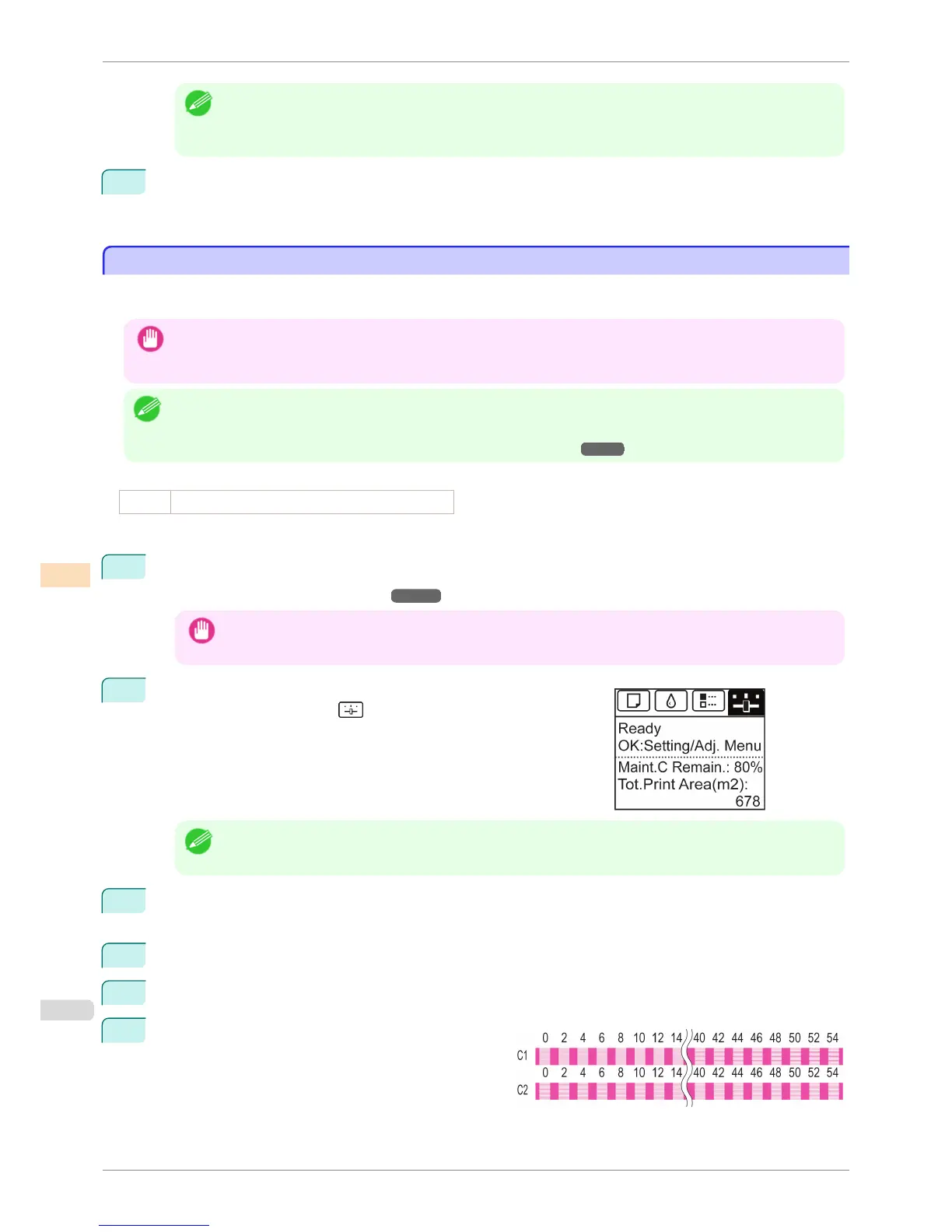
A test pattern is printed for adjustment.
C1 is displayed on the Control Panel.
Adjusting Color on the Trailing Edge of Sheets
iPF6400S
User's Guide
Adjustments for Better Print Quality Adjusting the feed amount
720













 To Next Page