Additionally, two modes are available in both AdjustmentPrint and Change Settings : A:High or B:Standard/
Draft. Choose the mode that suits your particular printing application.
•
A:High
This setting is applied when Highest quality or High is selected in Print Quality in the printer driver.
•
B:Standard/Draft
This setting is applied when Standard or Fast is selected in Print Quality in the printer driver.
Note
• We recommend executing the adjustment if you have changed the paper type or paper size.
• Always check the Adj. Priority values before using Adjust Length. (See "Selecting a Feed Amount Adjustment Meth-
od.") ➔ P.714
Paper to Prepare
When Using Rolls
•
An unused roll at least 254.0 mm (10.00 in) wide
•
High-precision ruler
When Using Sheets
•
One sheet of unused paper of at least A4/Letter size
•
High-precision ruler
Perform adjustment as follows.
1
Load the paper.
•
Loading Rolls on the Roll Holder ➔ P.471
•
Loading Rolls in the Printer ➔ P.473
•
Loading Sheets in the Feed Slot ➔ P.495
Important
• Always make sure the loaded paper matches the type of paper specified. Adjustment cannot be completed
correctly unless the loaded paper matches the settings.
2
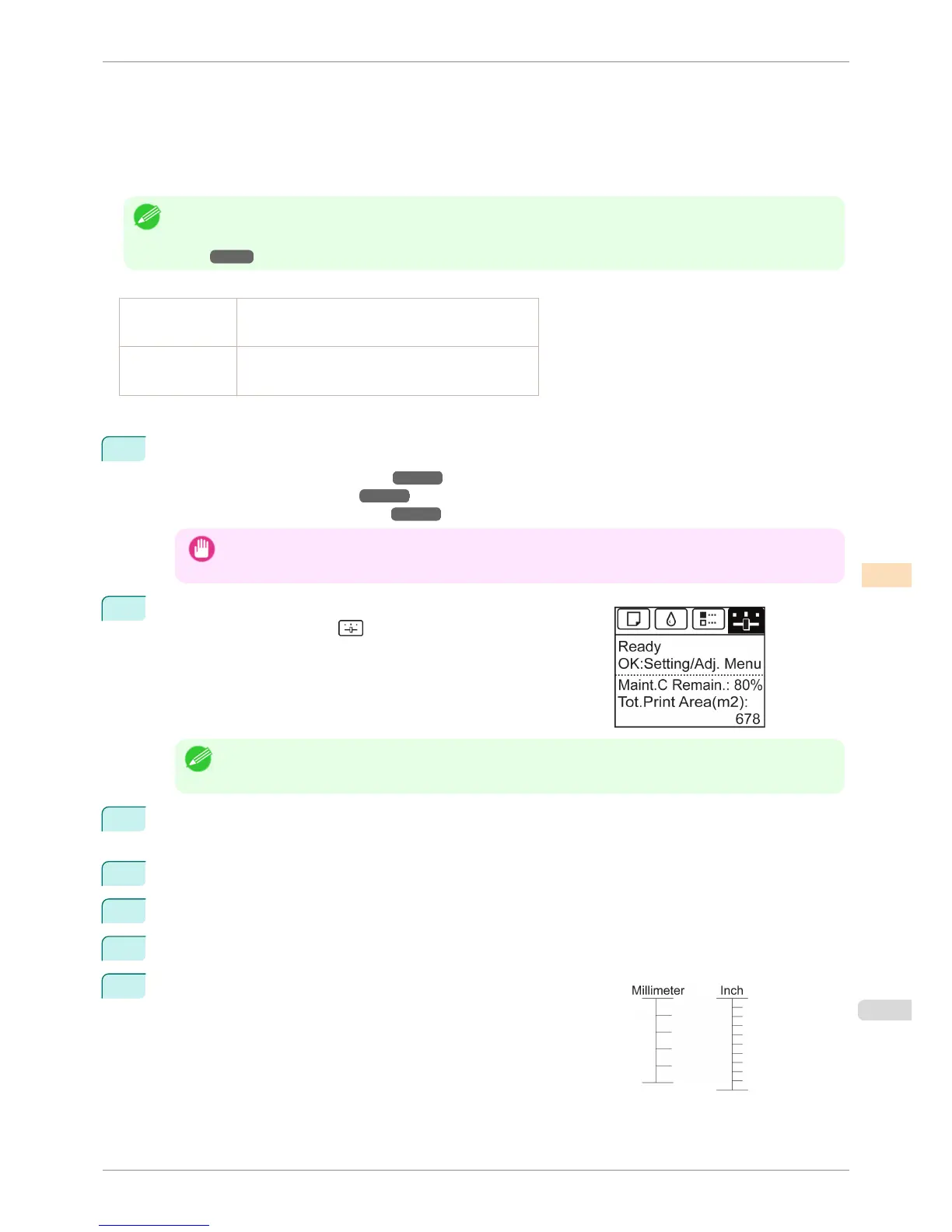
On the Tab Selection screen of the Control Panel, press ◀ or ▶ to
select the Settings/Adj. tab (
).
Note
• If the Tab Selection screen is not displayed, press the Menu button.
3
Press the OK button.
The Set./Adj. Menu is displayed.
4
Press ▲ or ▼ to select Adjust Printer, and then press the OK button.
5
Press ▲ or ▼ to select Feed Priority, and then press the OK button.
6
Press ▲ or ▼ to select Adjust Length, and then press the OK button.
7
Press ▲ or ▼ to select AdjustmentPrint or Change Settings, and
then press the OK button.
When you select AdjustmentPrint, a test pattern is printed for you to
measure the scale and calculate the discrepancy. The scale bar prints
Millimeter in 50 mm increments and Inch in 1-inch increments.
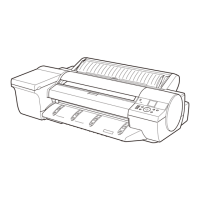
iPF6400S
Adjusting Line Length
User's Guide
Adjustments for Better Print Quality Adjusting the feed amount
719



 To Next Page