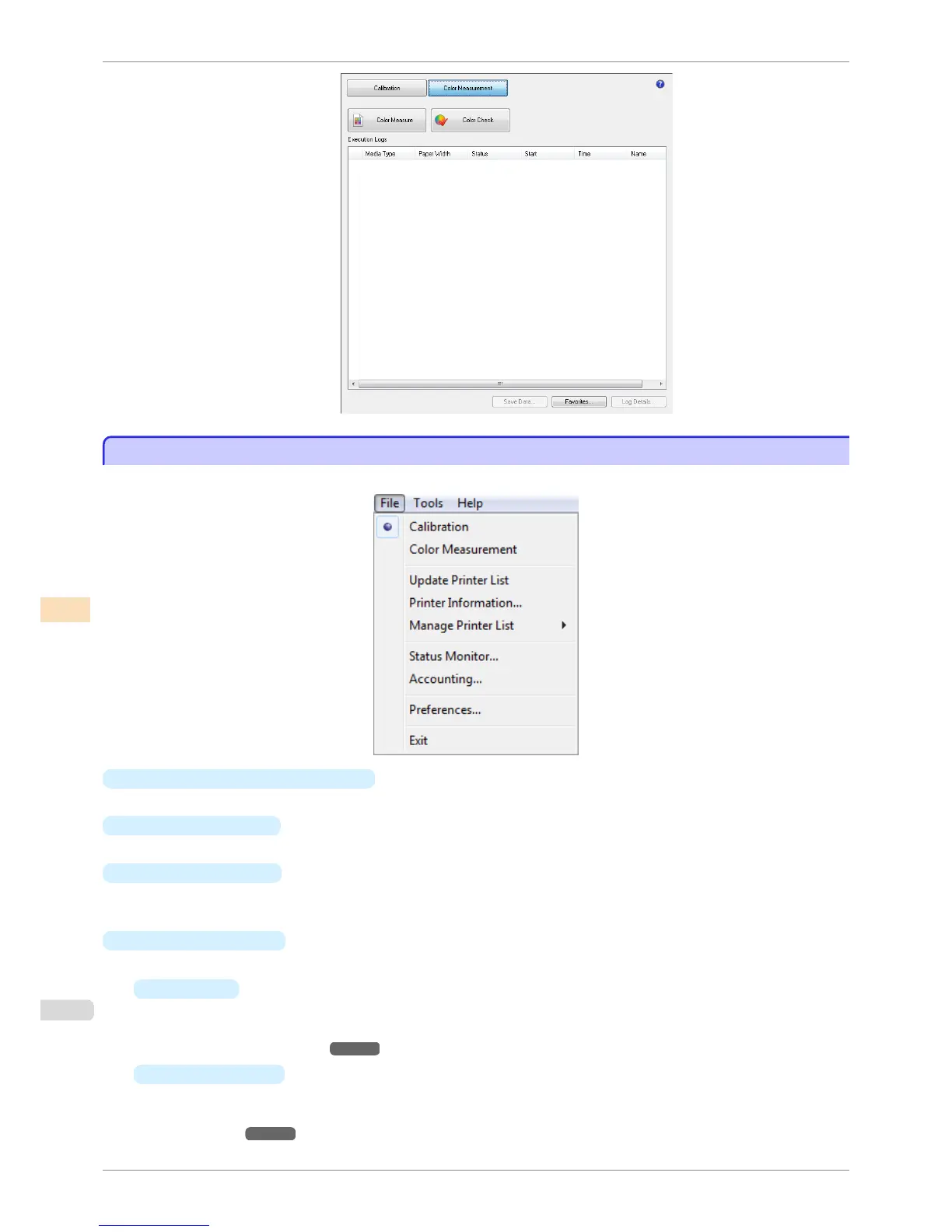
File Menu
File Menu
This section describes each of the menu items in the File menu.
•
Calibration / Color Measurement
Selects the main window sheet.
•
Update Printer List
Refreshes the
Printer list on the left side of the main window with the latest information.
•
Printer Information
Displays the Printer Information dialog box for the printer selected in the Printer list.
This allows you to check detailed information about the printer.
•
Manage Printer List
A menu for managing the printers displayed in the Printer list is displayed.
•
Register
Displays the Search Settings dialog box and registers the printers displayed in the Printer list.
For the procedure for registering a printer to display in the Printer list, see "Changing the Printers Dis-
played in the Printer List." ➔ P.765
•
List and Delete
View details of the printers displayed in the Printer list and delete printers from the Printer list.
For the procedure for deleting a printer from the Printer list, see "Changing the Printers Displayed in the
Printer List." ➔ P.765
File Menu
iPF6400S
User's Guide
Color Management Color Calibration Management Console (Windows)
758













 To Next Page