Perform adjustment as follows.
1
Load the paper.
•
Loading Rolls on the Roll Holder ➔ P.471
•
Loading Rolls in the Printer ➔ P.473
•
Loading Sheets in the Feed Slot ➔ P.495
Important
• Always make sure the loaded paper matches the type of paper specified in the settings. Adjustment cannot be
completed correctly unless the loaded paper matches the settings.
2
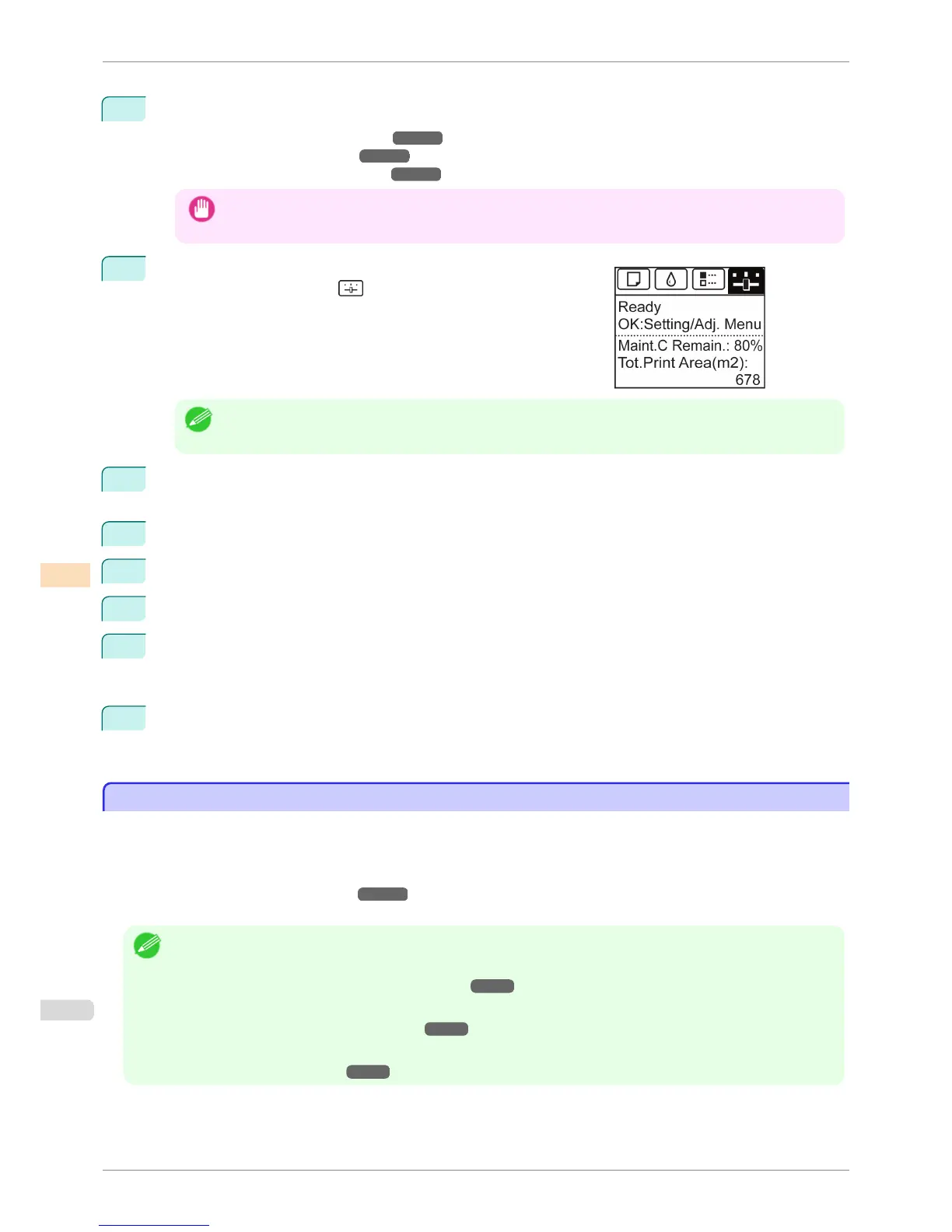
On the Tab Selection screen of the Control Panel, press ◀ or ▶ to
select the Settings/Adj. tab ( ).
Note
• If the Tab Selection screen is not displayed, press the Menu button.
3
Press the OK button.
The Set./Adj. Menu is displayed.
4
Press ▲ or ▼ to select Adjust Printer, and then press the OK button.
5
Press ▲ or ▼ to select Feed Priority, and then press the OK button.
6
Press ▲ or ▼ to select Adj. Quality, and then press the OK button.
7
Press ▲ or ▼ to select Auto(GenuinePpr) or Auto(OtherPaper), and then press the OK button.
A test pattern is printed for adjustment.
Adjustment is now finished if you have printed on a roll or a sheet of A2 size or larger.
8
If you are printing on sheets smaller than A2 size for Auto(OtherPaper), a confirmation message is shown
on the Display Screen requesting you to continue printing.
Press the OK button and follow the instructions on the Display Screen.
Manual Banding Adjustment
Manual Banding Adjustment
If printed images are affected by banding in different colors, execute Adj. Quality for adjustment of the paper feed
amount.
Use Manual adjustment with highly transparent media or other paper for which Auto(GenuinePpr) or Auto(Other-
Paper) cannot be used.
(See "Automatic Banding Adjustment.") ➔ P.715
Manual adjustment requires you to enter an adjustment value after a test pattern is printed.
Note
• We recommend executing the adjustment if you have changed the paper type or paper size.
• Always check the Adj. Priority values before using Manual adjustment.
(See "Selecting a Feed Amount Adjustment Method.") ➔ P.714
• If additional fine-tuning is necessary after Manual adjustment, use Adj. Fine Feed
(See "Fine-Tuning the Paper Feed Amount.") ➔ P.718
• Use Adjust Length to ensure that lines in CAD drawings are printed at exactly the right length.
(See "Adjusting Line Length.") ➔ P.718
Manual Banding Adjustment
iPF6400S
User's Guide
Adjustments for Better Print Quality Adjusting the feed amount
716













 To Next Page