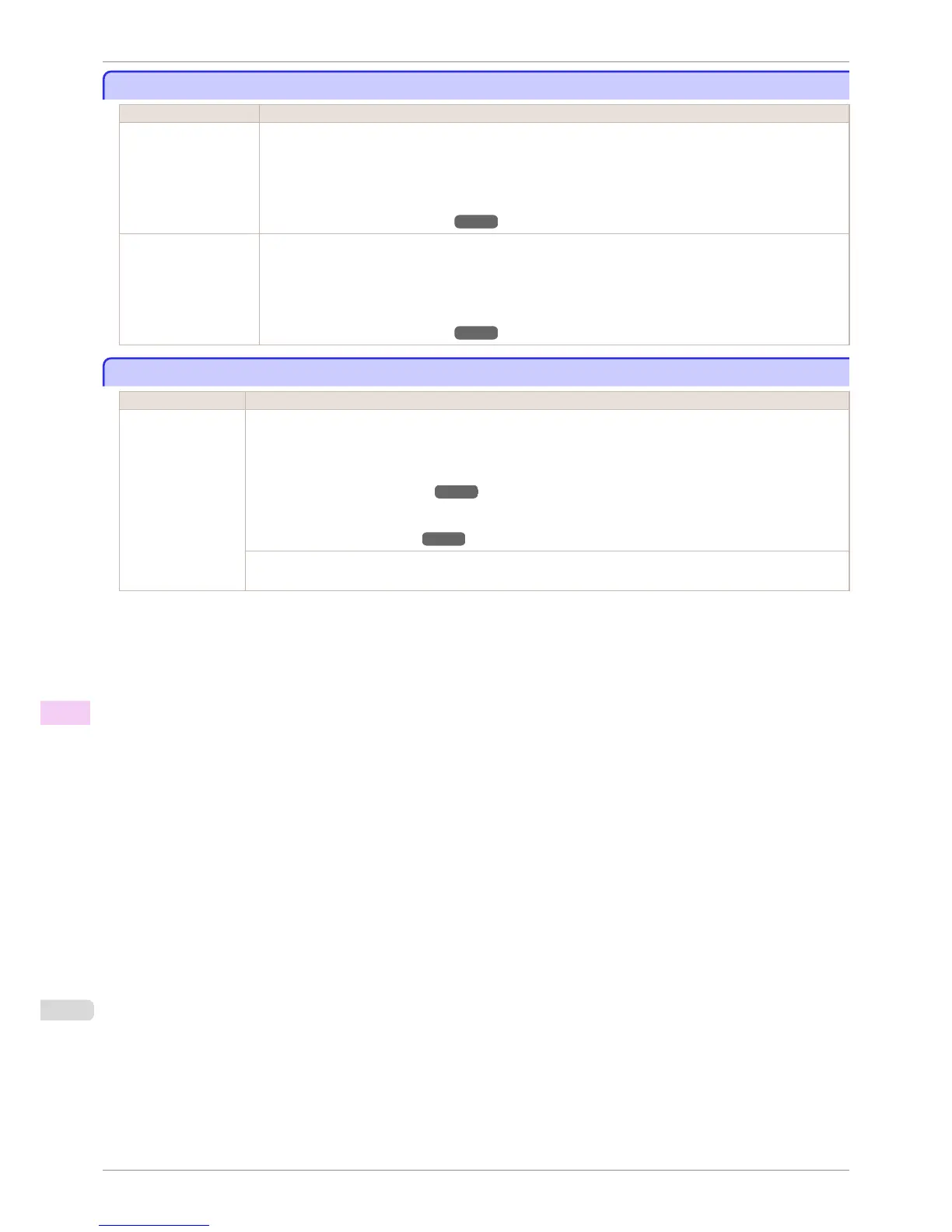
Cannot recognize print head x. (x is L, R, or not displayed)
Cannot recognize print head x. (x is L, R, or not displayed)
Cause Corrective Action
No Printhead is instal-
led.
Follow these steps to install the Printhead.
1.
Open the Top Cover.
2.
Install the Printhead L if Printhead L is displayed and the Printhead R if Printhead R is displayed. If neither
left or right is indicated, install both Printhead L and Printhead R.
(See "Replacing the Printhead.") ➔ P.826
The Printhead cannot
be recognized because
it is not installed cor-
rectly.
Follow these steps to reinstall the Printhead.
1.
Open the Top Cover.
2.
Reinstall the Printhead L if Printhead L is displayed and the Printhead R if Printhead R is displayed. If nei-
ther left nor right is indicated, re-install both Printhead L and Printhead R.
(See "Replacing the Printhead.") ➔ P.826
Execute printhead cleaning.
Execute printhead cleaning.
Cause Corrective Action
The Printhead noz-
zles are clogged.
Follow these steps to clean the Printhead.
1.
Stop printing by pressing ▲ or ▼ to select Stop Printing.
2.
Clean the Printhead.
(See "Cleaning the Printhead.") ➔ P.825
If the message is still displayed when printing, replace the Printhead.
(See "Replacing the Printhead.") ➔ P.826
Press ▲ or ▼ to select Print, and then press the OK button to resume printing. However, note that this error may
affect the printing quality.
Cannot recognize print head x. (x is L, R, or not displayed)
iPF6400S
User's Guide
Error Message Messages regarding printheads
918













 To Next Page