•
Executing a Color Check from the Control Panel
1
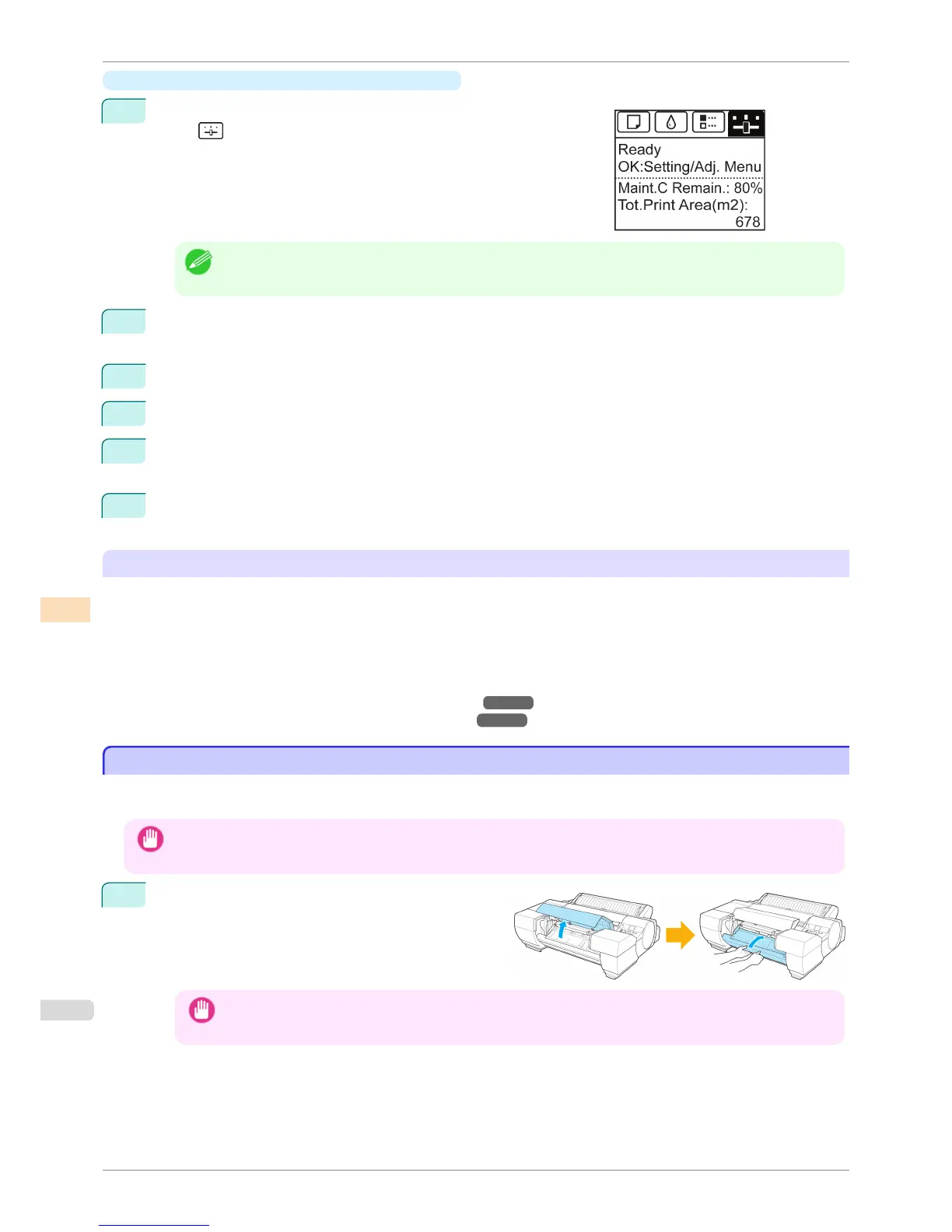
On the Tab Selection screen of the Control Panel, press ◀ or ▶ to
select
(Settings/Adj. tab).
Note
• If the Tab Selection screen is not displayed, press the Menu button.
2
Press the OK button.
Set./Adj. Menu is displayed.
3
Press ▲ or ▼ to select Adjust Printer, and then press the OK button.
4
Press ▲ or ▼ to select Calibration, and then press the OK button.
5
Press ▲ or ▼ to select ColorCheck Print and then press the OK button.
The printer then measures environmental conditions, checks the paper, and executes a Color Check.
6
The results of the Color Check are shown on the Control Panel.
If the color measurement results exceed the threshold values, we recommend executing color calibration.
Using the Color Calibration Management Console Management Functions
The Color Calibration Management Console provides the following management functions.
•
Detailed execution information
•
Execution instructions from the computer
•
Multiple printer management
For details, refer to the Color Calibration Management Console instructions.
(See "Color Calibration Management Console (Windows).") ➔ P.751
(See "Color Calibration Management Console (Mac OS).") ➔ P.786
Switching the White/Black Backing Plate (Optional) Color
Switching the White/Black Backing Plate (Optional) Color
The Spectrophotometer Unit (option) uses the White/Black Backing Plate to measure colors. Choose white (white
backing) or black (black backing) based on your particular printing application.
Important
• The White/Black Backing Plate is fragile. Do not bend or drop it.
1
If the Up-down Unit is lowered, open the Spectropho-
tometer Unit Cover and lift up the central part (near
the blue label) of the Up-down Unit.
Important
• Lifting up the ends of the Up-down Unit may cause damage.
Switching the White/Black Backing Plate (Optional) Color
iPF6400S
User's Guide
Color Management Color Calibration
746













 To Next Page