2
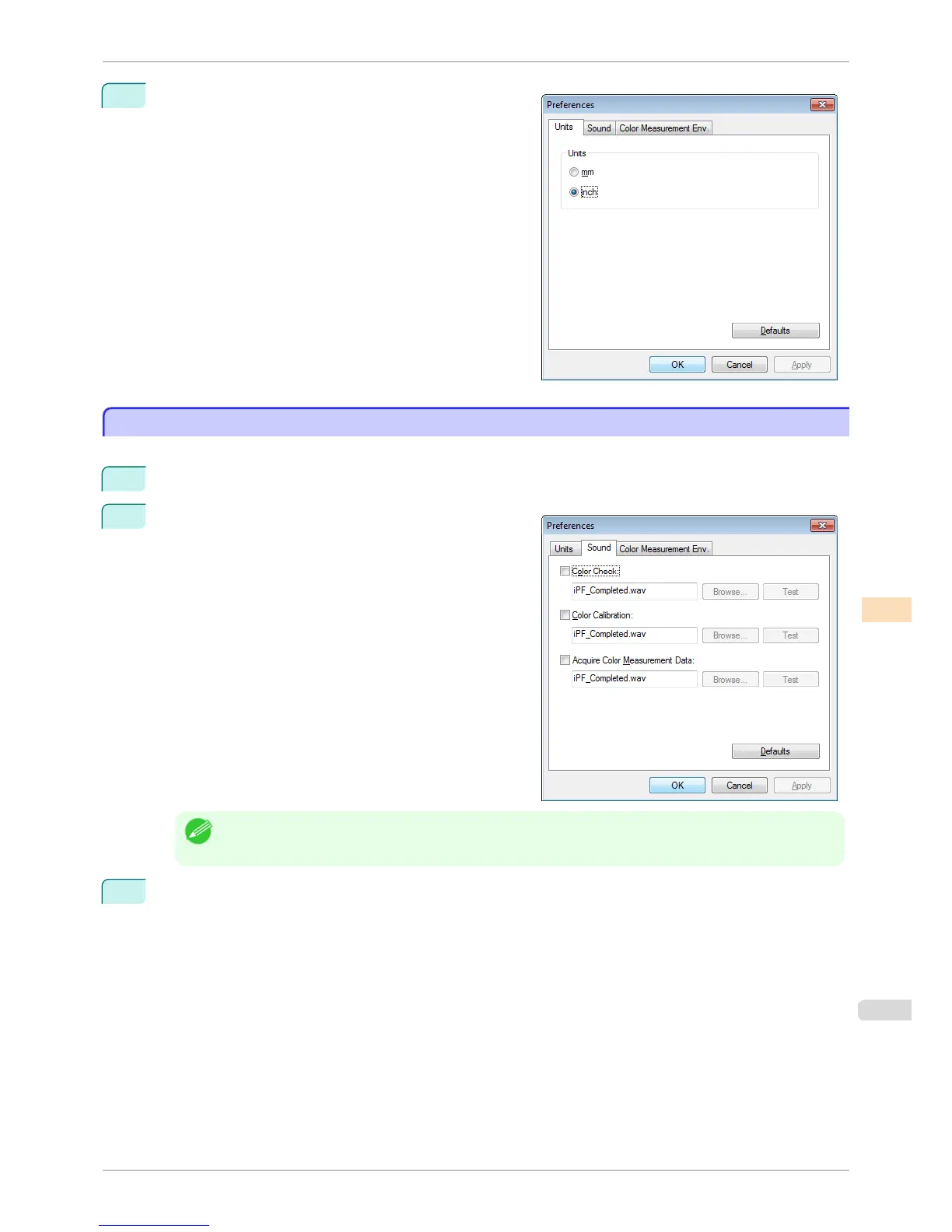
Select the display units in the Units sheet in the Prefer-
ences dialog box and then click the OK button.
Getting Audio Notification of Color Calibration Finished
Getting Audio Notification of Color Calibration Finished
You can be notified by sound when color calibration finishes.
1
Select Preferences from the File menu.
2
Select the Color Calibration check box in the Sound
sheet in the Preferences dialog box and then click the
Browse button and select the audio file.
Note
• If you want to check the sound in the selected audio file, click the Test button.
3
Click the OK button.
iPF6400S
Getting Audio Notification of Color Calibration Finished
User's Guide
Color Management Color Calibration Management Console (Windows)
785













 To Next Page