•
Button Area
This contains the buttons Print, Quit and Help.
•
Print Button
Click this button to begin printing.
•
Quit Button
Click this button to close the Print Plug-In for Photoshop/Digital Photo Professional Main window and re-
turn to application software.
•
Help Button
Click this button to display the Print Plug-In for Photoshop/Digital Photo Professional Help file.
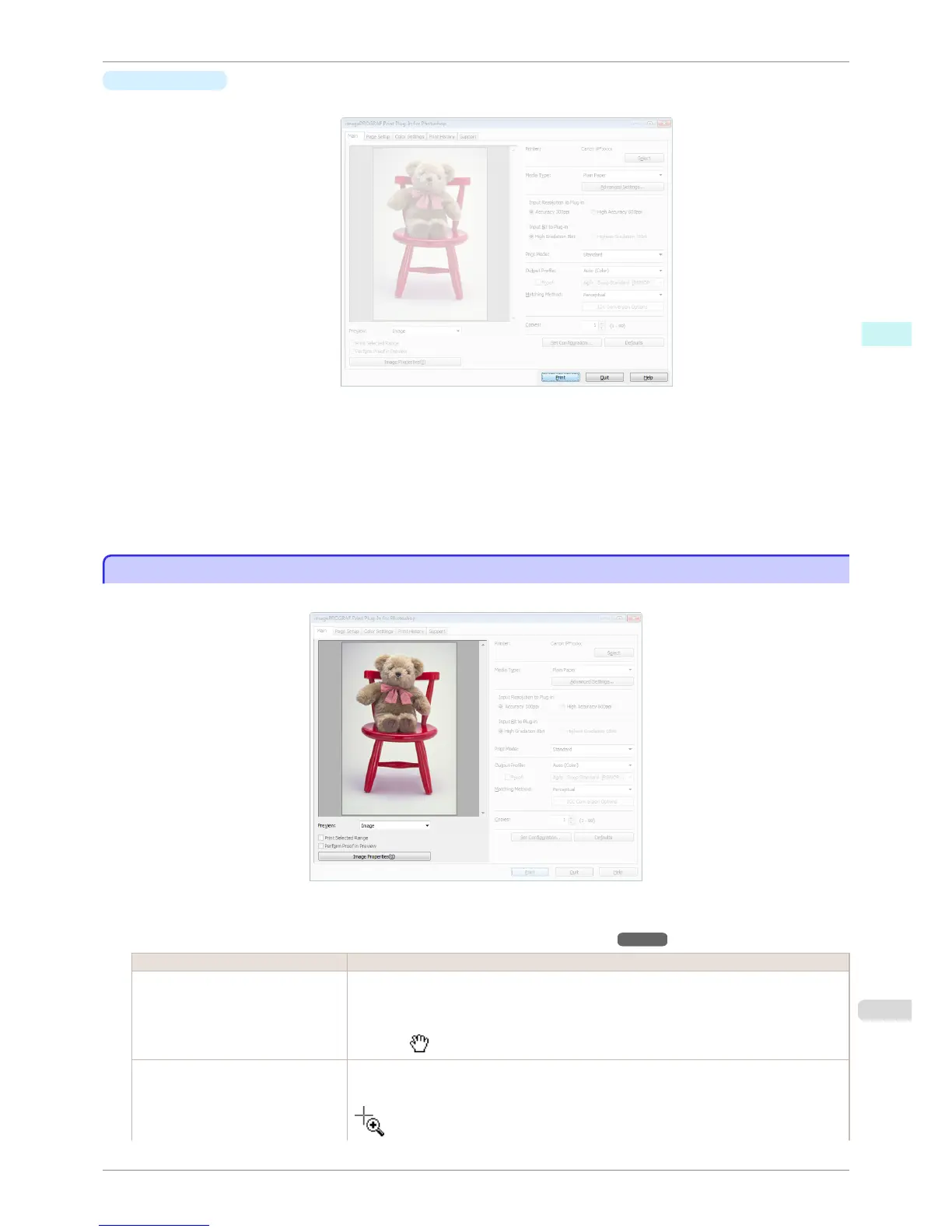
Preview Area
Preview Area
You can check the settings you made on the image in this area.
•
Preview
Select the preview display method.
For more information about preview, see "Utilize Three Types of Previews." ➔ P.250
Setting Details
Print Area Layout Displays the print range and the area out of the print range in the layout matching the Paper
Size set.
*You can change the image print position when you drag the image while the cursor is dis-
played as .
Image The entire image is displayed.
*You can select the print range when you drag the image while the cursor is displayed as
.
iPF6400S
Preview Area
User's Guide
Windows Software Print Plug-In for Photoshop / Digital Photo Professional
231













 To Next Page