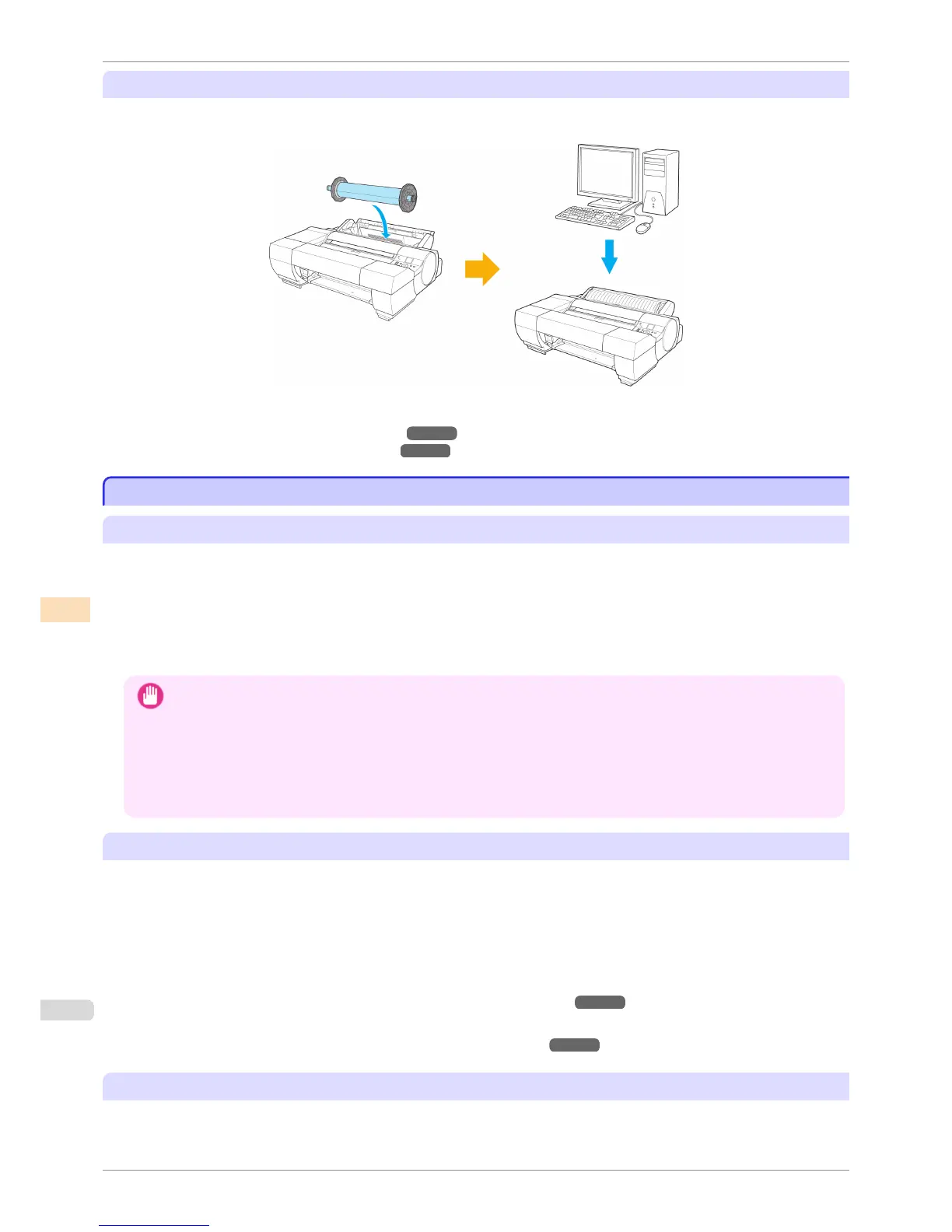
Executing Color Calibration from the Computer
With the Color Calibration Management Console, you can execute color calibration from the computer via the
same process outlined above.
For details, refer to the Color Calibration Management Console instructions.
(See "Executing Color Calibration (Windows).") ➔ P.768
(See "Executing Color Calibration (Mac OS).") ➔ P.800
Color Calibration Using the Spectrophotometer Unit (option)
Color Calibration Using the Spectrophotometer Unit (option)
Features of Color Calibration Using the Spectrophotometer Unit
Color calibration improves color consistency by compensating for slight differences in how color appears when
printing due to individual variations or aging among the printers.
Executing color calibration from the Spectrophotometer Unit prints a test pattern (built into the printer), which will be
measured automatically by the Spectrophotometer Sensor on the Spectrophotometer Unit.
The printer is then configured with calibration adjustment values reflecting the results of color measurement.
By using the Spectrophotometer Unit, you can execute color calibration with higher precision compared to using
the printer sensor.
Important
• In order to increase the color stability precision when executing color calibration, maintain a constant temperature and
humidity environment each time within the range of temperatures of 15 to 30°C and within the range of humidities of 40
to 60%.
Executing color calibration under various temperature and humidity conditions may prevent the printer from making the
correct adjustments.
• Before color calibration, ensure the printer is not exposed to direct sunlight or other strong sources of light.
If the printer is exposed to strong sources of light, correct adjustment may not be possible.
Recommend Timing for Color Calibration
We recommend color calibration in the following situations.
•
After initial printer installation
•
After Printhead replacement
•
If colors seem different from before, despite using the same printing environment, under the same conditions
•
To ensure uniform colors when printing on multiple printers (however, be sure to use the same version of firm-
ware and printer driver, under the same settings)
•
When the Execution Guide is displayed (Specifying Execution Guide ➔ P.744 )
•
The results of a Color Check exceed the threshold value.
(See "Color Checks Using the Spectrophotometer Unit (option).") ➔ P.745
Executing Color Calibration from the Control Panel on the Printer
Execute color calibration from the Control Panel on the printer as follows.
Color Calibration Using the Spectrophotometer Unit (option)
iPF6400S
User's Guide
Color Management Color Calibration
742













 To Next Page