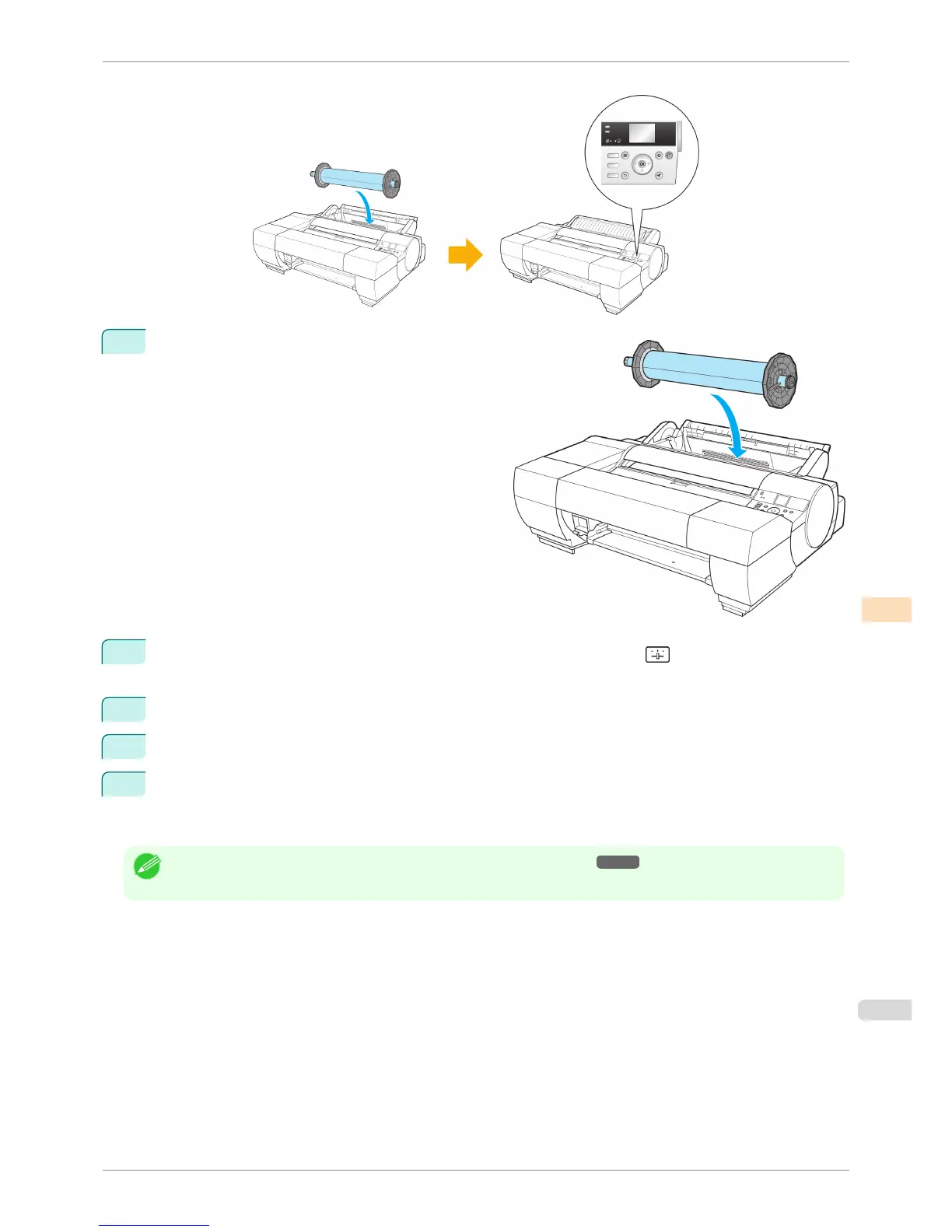
To execute color calibration, all you need to do is load paper and select the menu on the Control Panel.
1
Load paper in the printer.
2
On the Tab Selection screen of the Control Panel, press ◀ or ▶ to select (Settings/Adj. tab) and
then press OK.
3
Press ▲ or ▼ to select Adjust Printer, and then press the OK button.
4
Press ▲ or ▼ to select Calibration, and then press the OK button.
5
Press ▲ or ▼ to select AutoAdjst(HiPrc) and then press OK to execute color calibration.
The system then prints the test pattern built into the printer, performs color measurement, and automatically
sets the adjustment value.
Note
• For details, see "Color Calibration Using the Spectrophotometer Unit (option)." ➔ P.742
iPF6400S
Using the Spectrophotometer Unit (option)
User's Guide
Color Management Color Calibration
741













 To Next Page