1
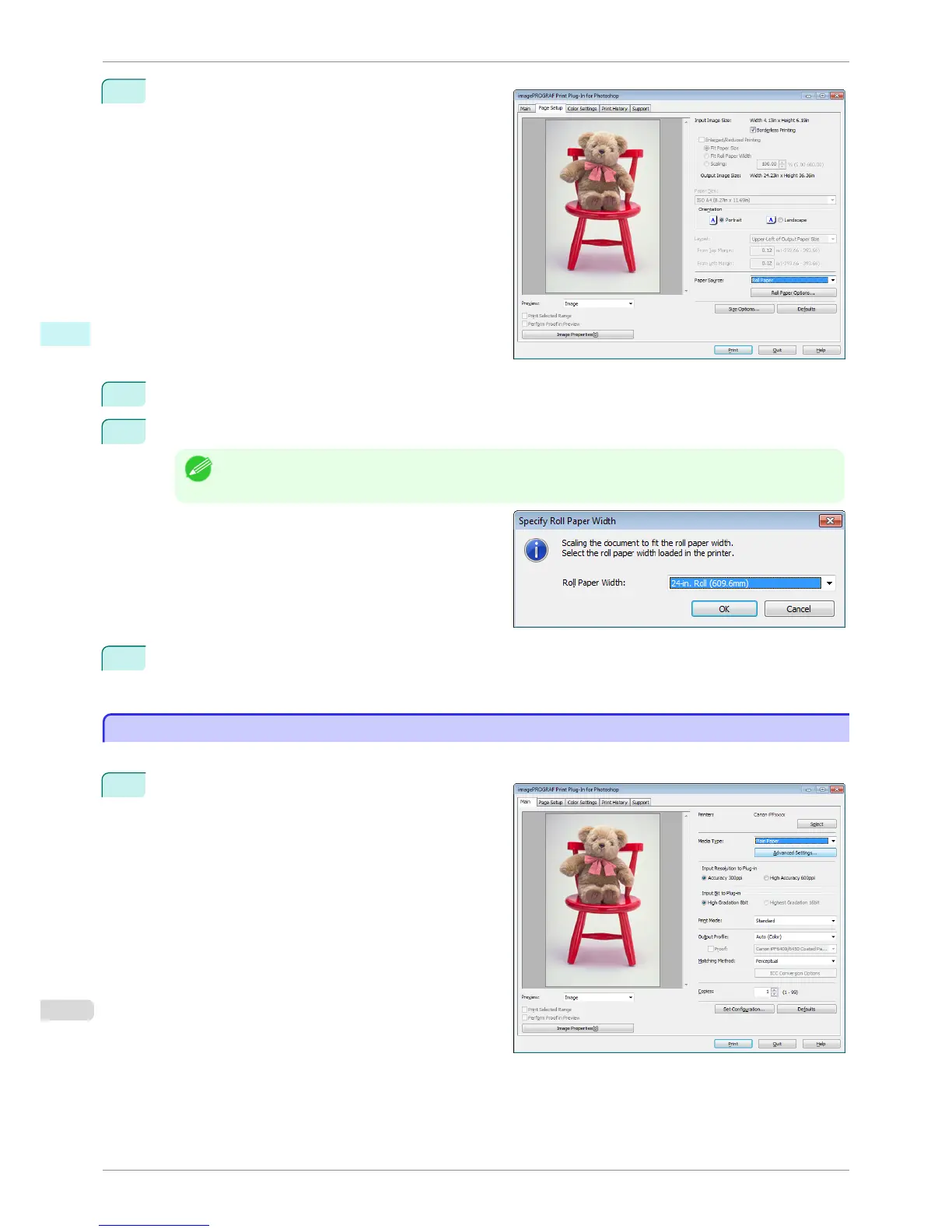
Display the Page Setup sheet.
2
Select Roll Paper in Paper Source.
3
Click the Borderless Printing check box on.
Note
• Select the width for roll paper set in the printer in Roll Paper Width in the Specify Roll Paper Width dialog
box, and click OK.
4
Click the Print button.
Borderless printing begins.
Customize Media Settings
Customize Media Settings
You can customize media settings.
1
Display the Main sheet.
Customize Media Settings
iPF6400S
User's Guide
Windows Software Print Plug-In for Photoshop / Digital Photo Professional
266













 To Next Page