•
Shadow
Adjust the brightness of the darkest portion.
•
Tint
Fills in the white parts of the paper with a small amount of ink in order to reduce the difference in texture be-
tween highlights in the image and the white parts of the paper.
•
Adjustment pattern setting button
When this button is clicked, the Adjustment pattern setting dialog box is displayed. The Adjustment pattern
setting dialog box allows you to print an adjustment pattern with adjustment values that vary in steps up and
down, and to select your preferred adjustment values.
For details on Adjustment pattern setting, see "Adjustment pattern setting dialog box." ➔ P.241
•
Curves button
Click the button to open the Curves dialog box then set the Channel and other settings.
For more information about Curves, see "Curves Dialog Box." ➔ P.248
•
Defaults button
Click the button to return all of the settings on the Color Settings sheet to their defaults.
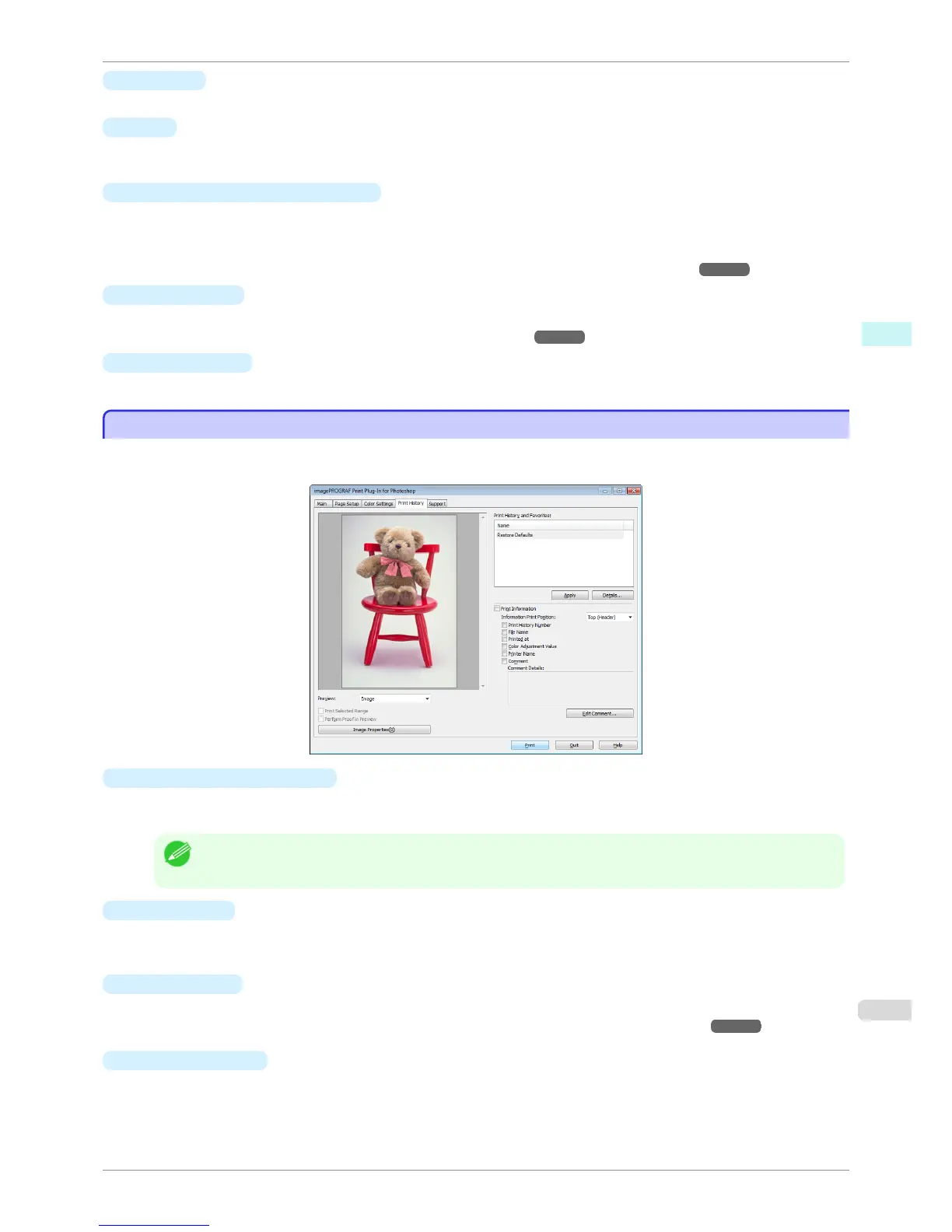
Print History Sheet
Print History Sheet
You can use this sheet to apply settings history used in printing, and to print information, such as the image file
name, with the image.
•
Print History and Favorites
This displays a list of print preferences.
Select Restore Defaults and click the Apply button to restore all settings to their initial settings.
Note
• You can check the 3 print preferences in the preview display.
•
Apply button
When you click the button, the print setting content applies to the current image selected with Print History
and Favorites.
•
Details
button
Click the Details button to open the Print History Details dialog box, where you can manage print history.
For more information about the print history details, see "Print History Details Dialog Box." ➔ P.249
•
Print Information
When you place a checkmark here, you can print the file name and print time and date on the image. The
following settings are available for the print position and content.
iPF6400S
Print History Sheet
User's Guide
Windows Software Print Plug-In for Photoshop / Digital Photo Professional
239













 To Next Page