2.
Press the OK button.
The Set./Adj. Menu is displayed.
3.
Press ▲ or ▼ to select Interface Setup, and then press the OK button.
4.
Press ▲ or ▼ to select Ethernet Driver, and then press the OK button.
5.
Press ▲ or ▼ to select MAC Address, and then press the OK button.
Note
• If the Tab Selection screen is not displayed, press the Menu button.
• You can investigate the MAC address by printing an interface setting report.
(See "Printing Interface Setting Reports.") ➔ P.599
2
In Windows, open a command prompt, or in Mac OS X, start Terminal.
3
Execute the following command to add entries to the ARP table for managing IP addresses and corre-
sponding MAC addresses.
arp -s [IP address] [the printer's MAC address you have verified]
Example: arp -s xxx.xxx.xxx.xxx xx-xx-xx-xx-xx-xx
Note
• In Mac OS X when using Terminal, enter the arp command in the format
arp -s xxx.xxx.xxx.xxx xx-xx-xx-xx-xx-xx.
For details, refer to the help file for the command line.
4
Execute the following command to send the IP address to the printer and configure it.
ping [IP address as specified in the ARP command] -l 479
Example: ping xxx.xxx.xxx.xxx -l 479
Note
• In -l, the l is the letter l.
• In Mac OS X when using Terminal, enter the ping command in the format
ping -s 479 xxx.xxx.xxx.xxx.
For details, refer to the help file for the command line.
Note
• The subnet mask and default gateway are set to 0.0.0.0. Use RemoteUI to change the subnet mask and default gateway
to match your network settings.
For details on RemoteUI, see "Using RemoteUI." ➔ P.623
Configuring TCP/IPv6 Network Settings
Configuring TCP/IPv6 Network Settings
When printing in a TCP/IPv6 network, you must configure the TCP/IPv6 settings on the Control Panel.
Follow the steps below to configure the TCP/IPv6 network settings.
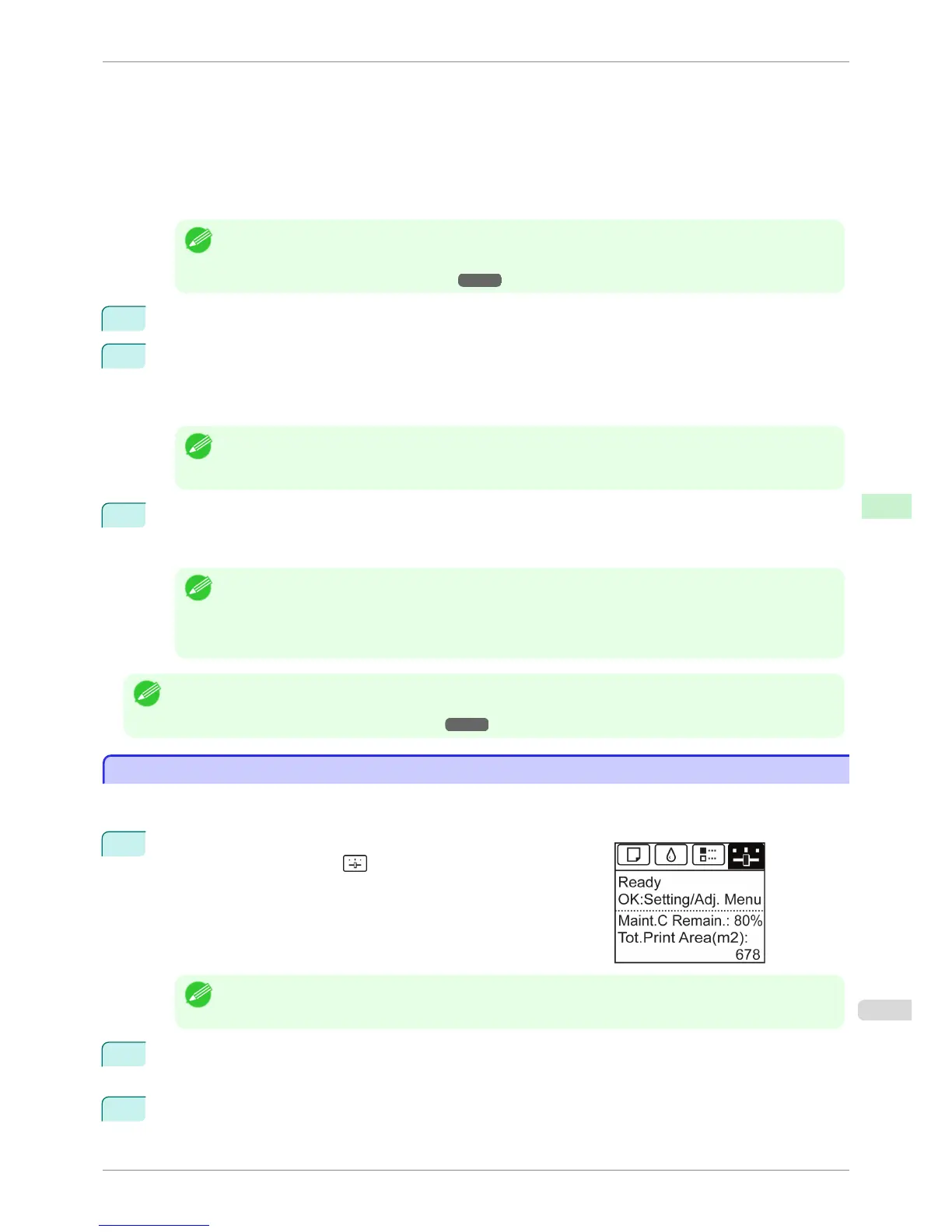
1
On the Tab Selection screen of the Control Panel, press ◀ or ▶ to
select the Settings/Adj. tab (
).
Note
• If the Tab Selection screen is not displayed, press the Menu button.
2
Press the OK button.
The Set./Adj. Menu is displayed.
3
Press ▲ or ▼ to select Interface Setup, and then press the OK button.
iPF6400S
Configuring TCP/IPv6 Network Settings
User's Guide
Network Setting Initial Settings
627













 To Next Page