Other Maintenance
Other Maintenance
Carrying the Printer ...................................................................................................................................................... 849
Preparing to Transfer the Printer ........................................................................................................................... 855
Updating the Firmware ................................................................................................................................................ 859
Replacing the Spectrophotometer Sensor of the Spectrophotometer Unit (option) ...................... 859
Carrying the Printer
Carrying the Printer
This section describes how to carry the printer or move the printer while mounted on the optional stand mainly with-
in the same building.
Important
• When carrying the printer or moving the printer while mounted on the stand, do not tilt the printer. The ink may spill
internally and stain the surroundings.
Note
• When transporting the printer, operations such as drawing out the ink are required. Execute preparations for transporting
when transporting the printer.
(See "Preparing to Transfer the Printer.") ➔ P.855
• For details information on the operation, see the Setup Guide included with the printer or options.
Carrying the Printer Removed From the Stand
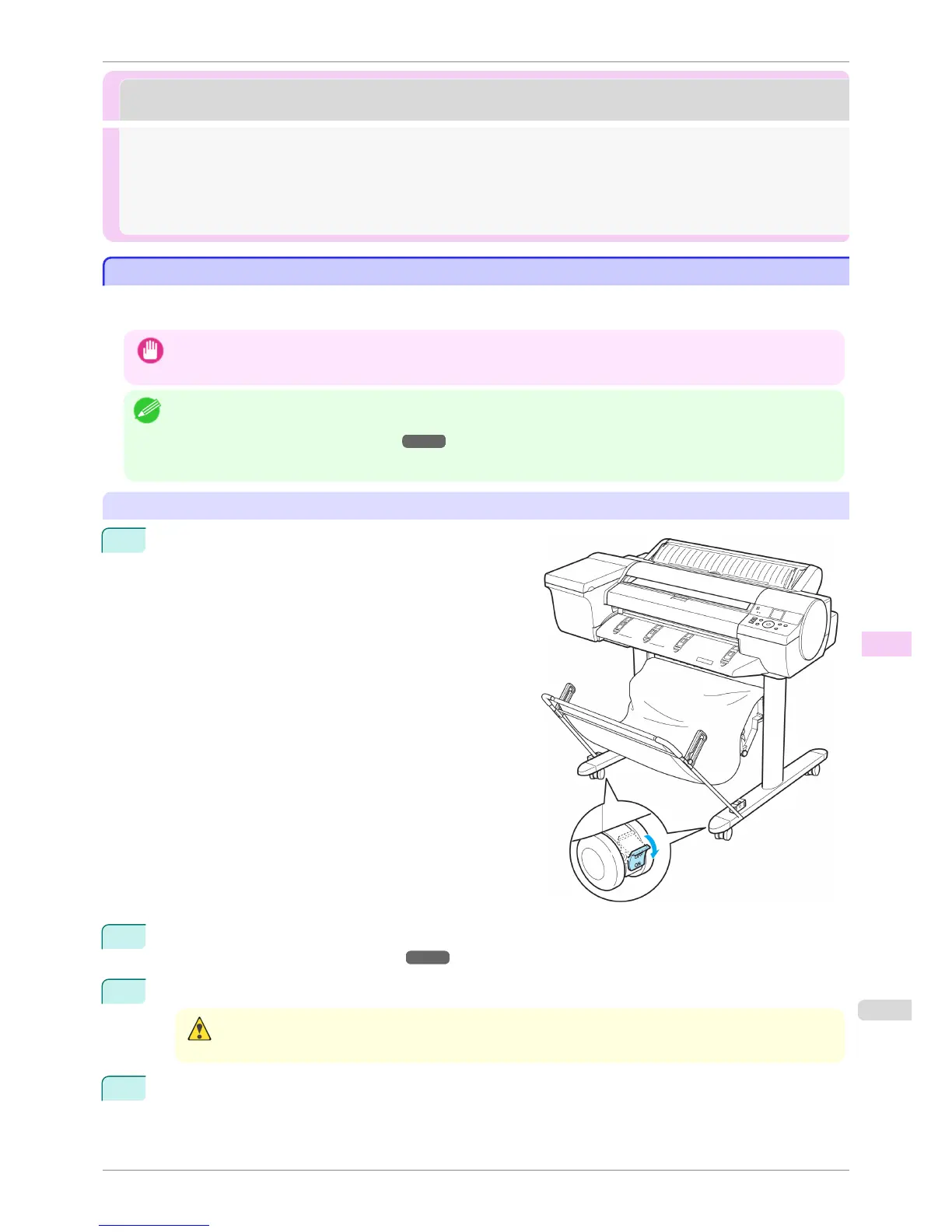
1
Move the Locking Caster switch on the Stand to ON to
lock the Stand.
2
Turn the printer off.
(See "Turning the Printer On and Off.") ➔ P.21
3
Unplug the power cord from the outlet.
Caution
• Always turn off the printer and unplug the power cord before cleaning or maintenance. Accidentally leaving the
printer on poses a risk of injury if you touch moving parts inside the printer.
4
Disconnect the power cord and interface cable from the printer.
iPF6400S
Carrying the Printer
User's Guide
Maintenance and Consumables Other Maintenance
849













 To Next Page