You can switch between displaying and hiding the Color Calibration Management Console using the Window
menu.
Clicking imagePROGRAF Color Calibration Management Console Help in the Help menu displays the Col-
or Calibration Management Console help.
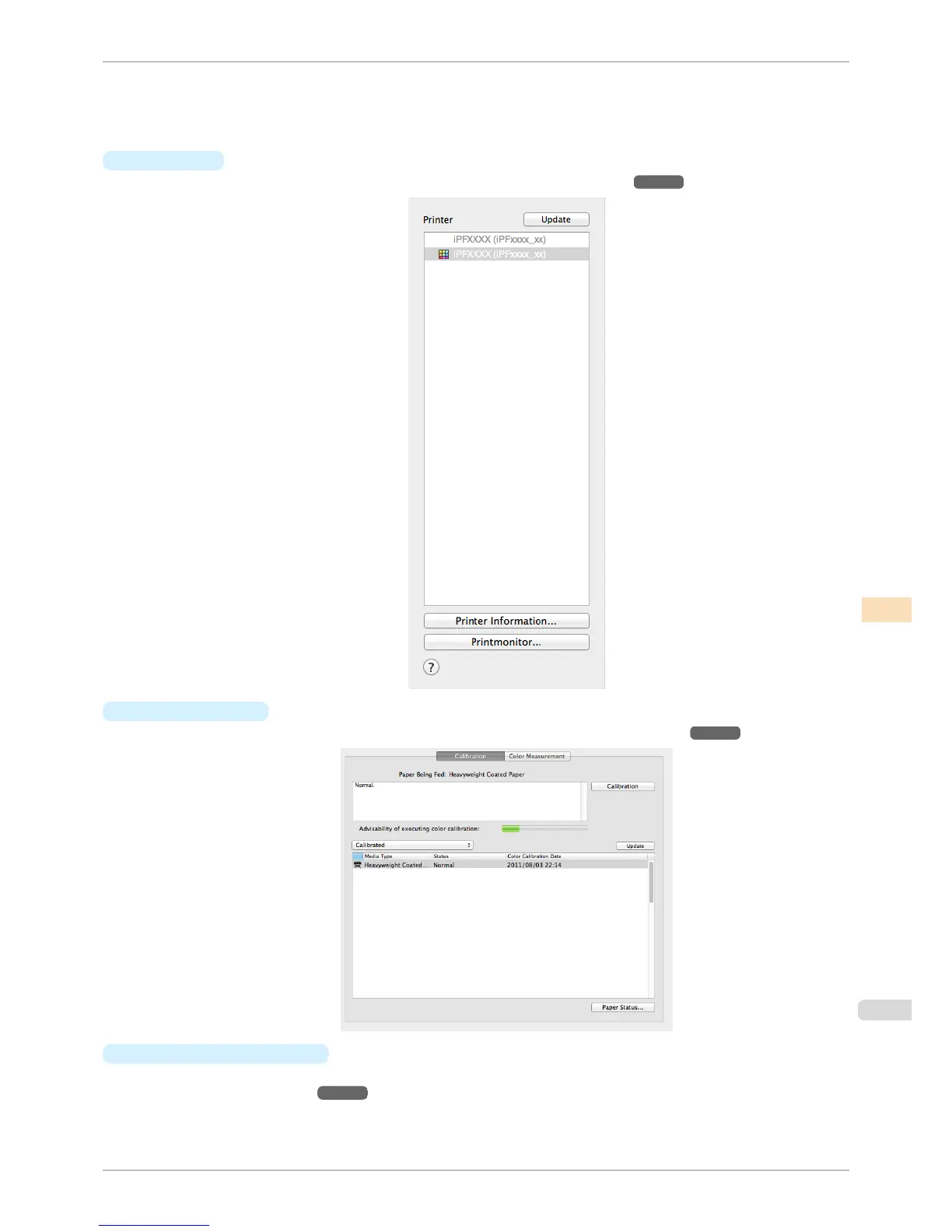
•
Printer List
Displays a list of printers that can be controlled. For details, see "Printer List." ➔ P.793
•
Calibration Sheet
This sheet allows you to execute color calibration. For details, see "Calibration Sheet." ➔ P.795
•
Color Measurement Sheet
This sheet allows you to acquire color chart measurement data and execute color check. For details, see
"Color Measurement Sheet." ➔ P.796
iPF6400S
Main Window
User's Guide
Color Management Color Calibration Management Console (Mac OS)
789













 To Next Page