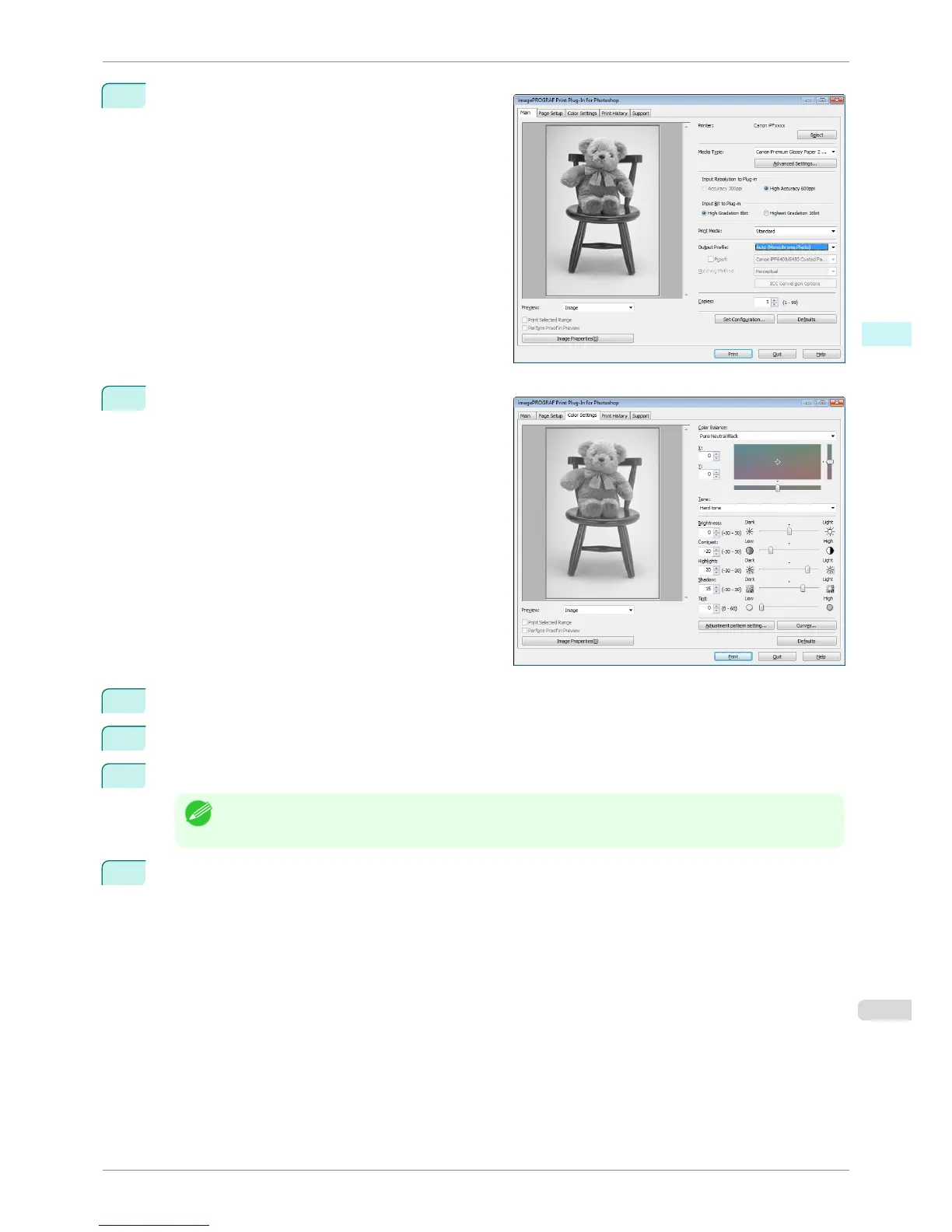
2
Select Auto (Monochrome Photo) in Output Pro-
file.
3
Open the Color Settings sheet.
4
In Contrast, drag the slide bar toward Low.
5
In Highlight, drag the slide bar toward Light.
6
In Shadow, drag the slide bar toward Light.
Note
• You can change the numbers by inputting in numerical characters.
• You can change the numbers by clicking either ▲ button or ▼ button.
7
Click the Curves button then click near the center of the curve.
iPF6400S
Adjust the Colors while Checking the Preview (for Monochrome)
User's Guide
Windows Software Print Plug-In for Photoshop / Digital Photo Professional
255













 To Next Page