For information on the types of paper the printer supports, refer to the Paper Reference Guide. (See "Dis-
playing the Paper Reference Guide.") ➔ P.464
•
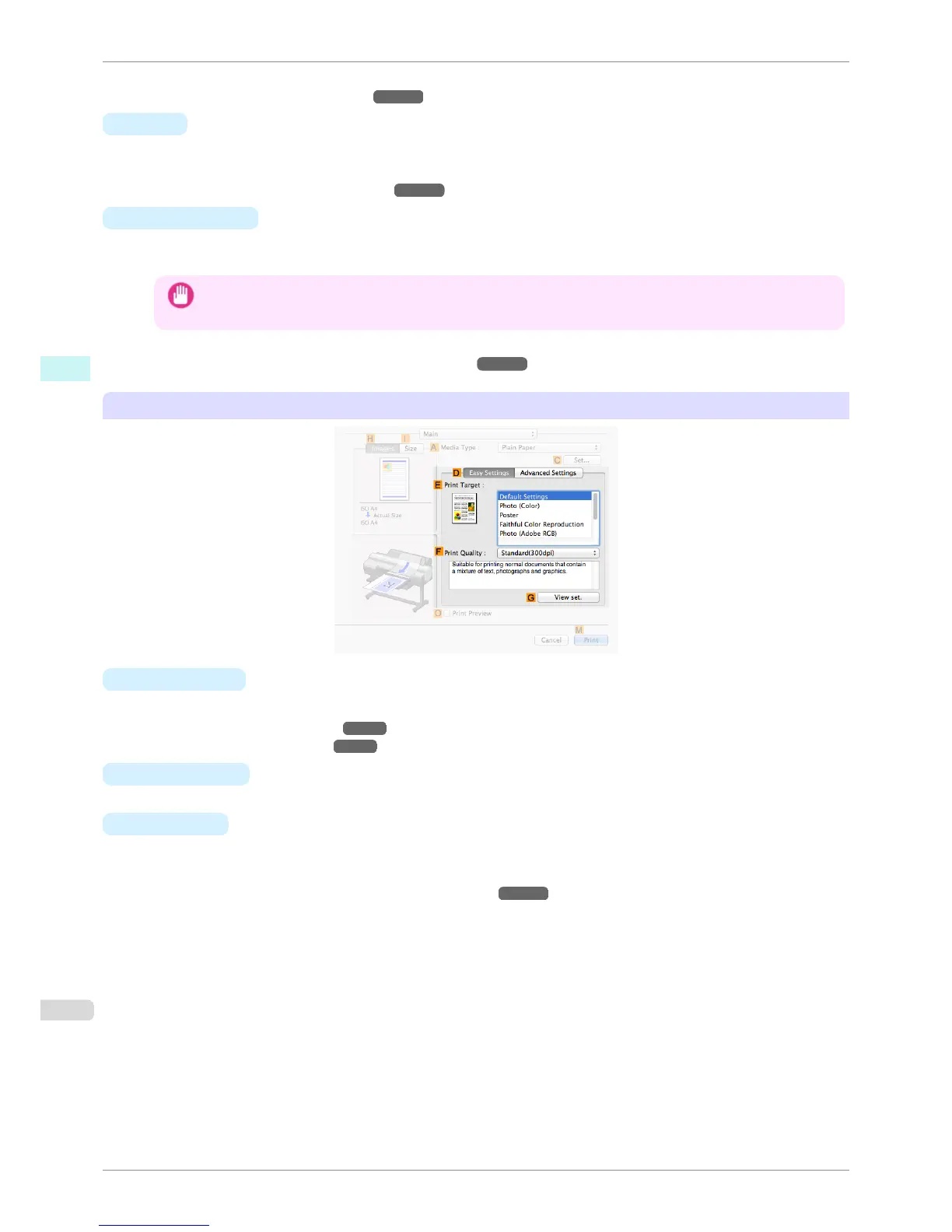
C Set
Displays Paper Detailed Settings. You can configure the printing settings to match the type of media, such as
the ink drying time.
•
Paper Detailed Settings Dialog Box ➔ P.326
• O Print Preview
If you turn this on, imagePROGRAF Preview starts before printing.
This allows you to check on-screen previews of documents before printing.
Important
• When Free Layout is selected on the Page Setup panel, Free Layout is disabled.
•
Checking the Layout in a Preview Before Printing ➔ P.137
Configuration using Easy Settings
• E Print Target
Choose presets that match the type of document to be printed.
•
Printing Photos and Images ➔ P.35
•
Printing Office Documents ➔ P.45
• F Print Quality
Choose the level of print quality.
•
G View set.
Click to display the View settings dialog box, which enables you to confirm the settings for the selected item
from the E Print Target list or change the order of items listed in E Print Target.
•
View settings Dialog Box for the Printing Application ➔ P.328
Main Pane
iPF6400S
User's Guide
Mac OS Software Printer Driver
324













 To Next Page