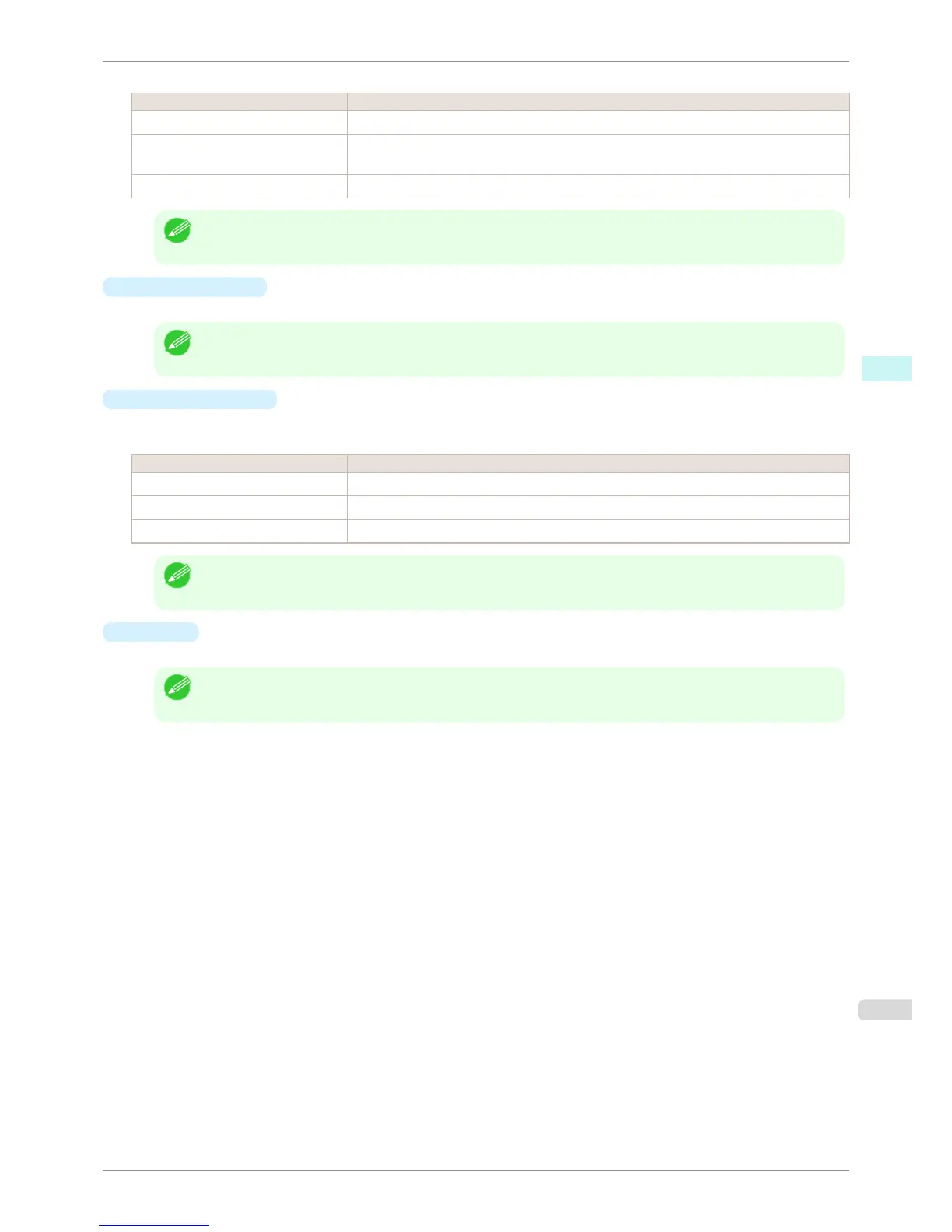
The following settings are available for paper source.
Setting Details
Manual Select for manual paper feed printing.
Manual (3mm margins) Select for manual paper feed printing when you want to minimize the margin at the far end
edge of paper.
Roll Paper Select to print on roll paper.
Note
• When you select Manual (3mm margins) for Paper Source, the far end edge of printed image may become defec-
tive depending on the paper used. If this happens, select another paper source.
•
Roll Paper Width
This selects the width of the roll media set to the printer.
Note
• Available only if rolls are selected in Paper Source.
•
Automatic Cutting
You can set the printer to cut roll paper automatically or print a guideline for cutting.
The following settings are available for automatic cutting.
Setting Details
Printer Default The value set on the printer operation panel takes priority.
None Each page is not cut after it is printed and printing continues without interruption.
Print Cut Guideline A print cut guideline is printed after each page and printing continues without interruption.
Note
• Available only if rolls are selected in Paper Source.
•
Copies
You can input the number of print copies in numerical characters.
Note
• The maximum value is 999.
• You can change the numbers by clicking either ▲ button or ▼ button.
iPF6400S
Paper Settings Panel
User's Guide
Mac OS Software Color imageRUNNER Enlargement Copy
391













 To Next Page