•
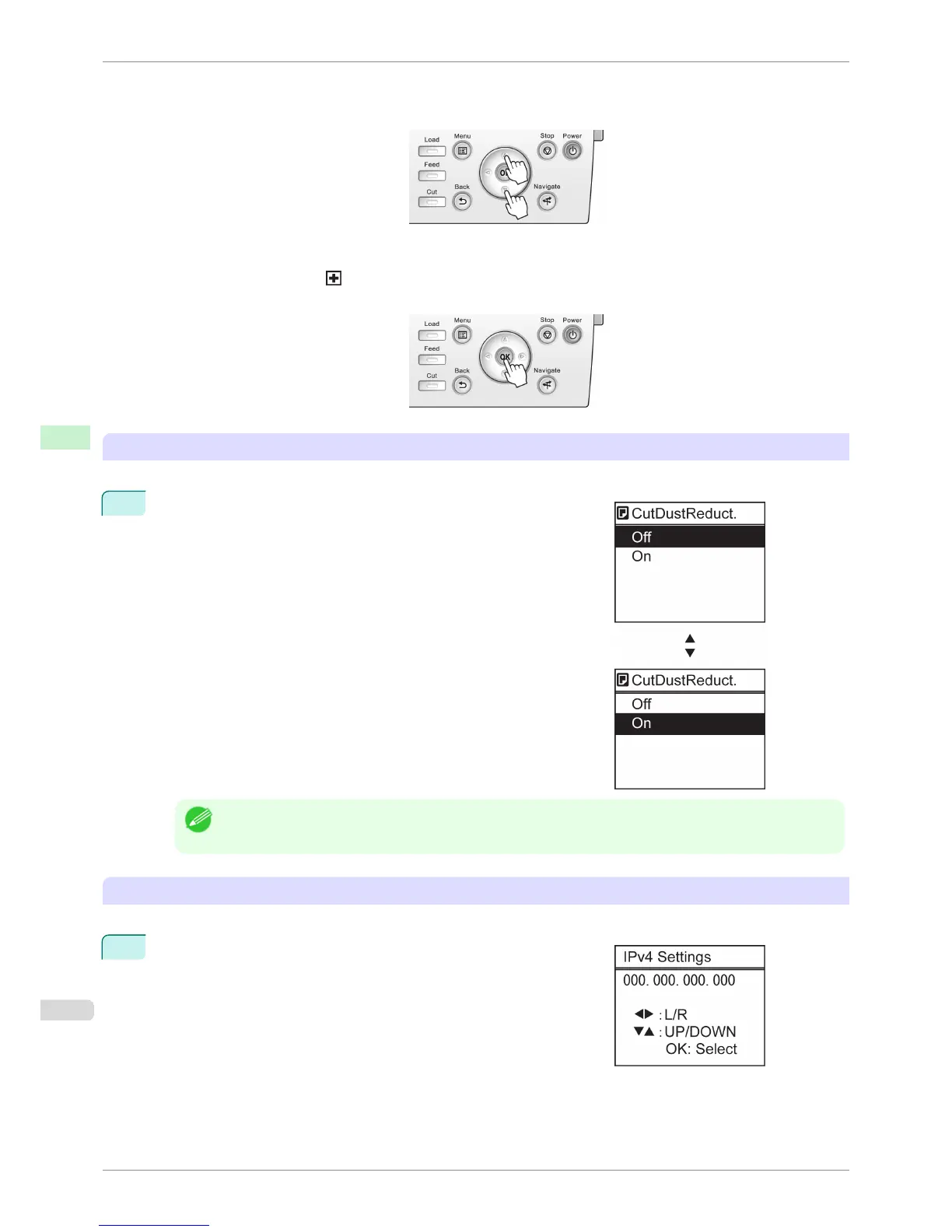
Press Back to access a higher menu in the menu list, and press OK to access a lower one. If not all menu
items are displayed, hold down ▲ or ▼ to scroll through higher and lower menu items. Items you select are
highlighted.
The scroll bar at right indicates the current position in the overall menu.
•
Lower menus are available if is displayed at left next to the second and subsequent rows. To access the
lower menus, select the menu and press the OK button.
Specifying menu items
Menu items can be set as follows.
1
Press ▲ or ▼ to select the desired setting, and then press the OK
button.
After two seconds, the display reverts to the upper level menu.
Note
• If a confirmation message is displayed regarding the setting you entered, press the OK button. The setting is
applied, and the printer is now in Standby.
Specifying numerical values
Follow these steps to enter numbers. In this example, network settings items are entered.
1
Press the ◀ or ▶ button to move to the next field for input.
Menu Operations
iPF6400S
User's Guide
Control Panel Printer Menu
580













 To Next Page