•
Color Management Using the Spectrophotometer Unit (Optional) ➔ P.738
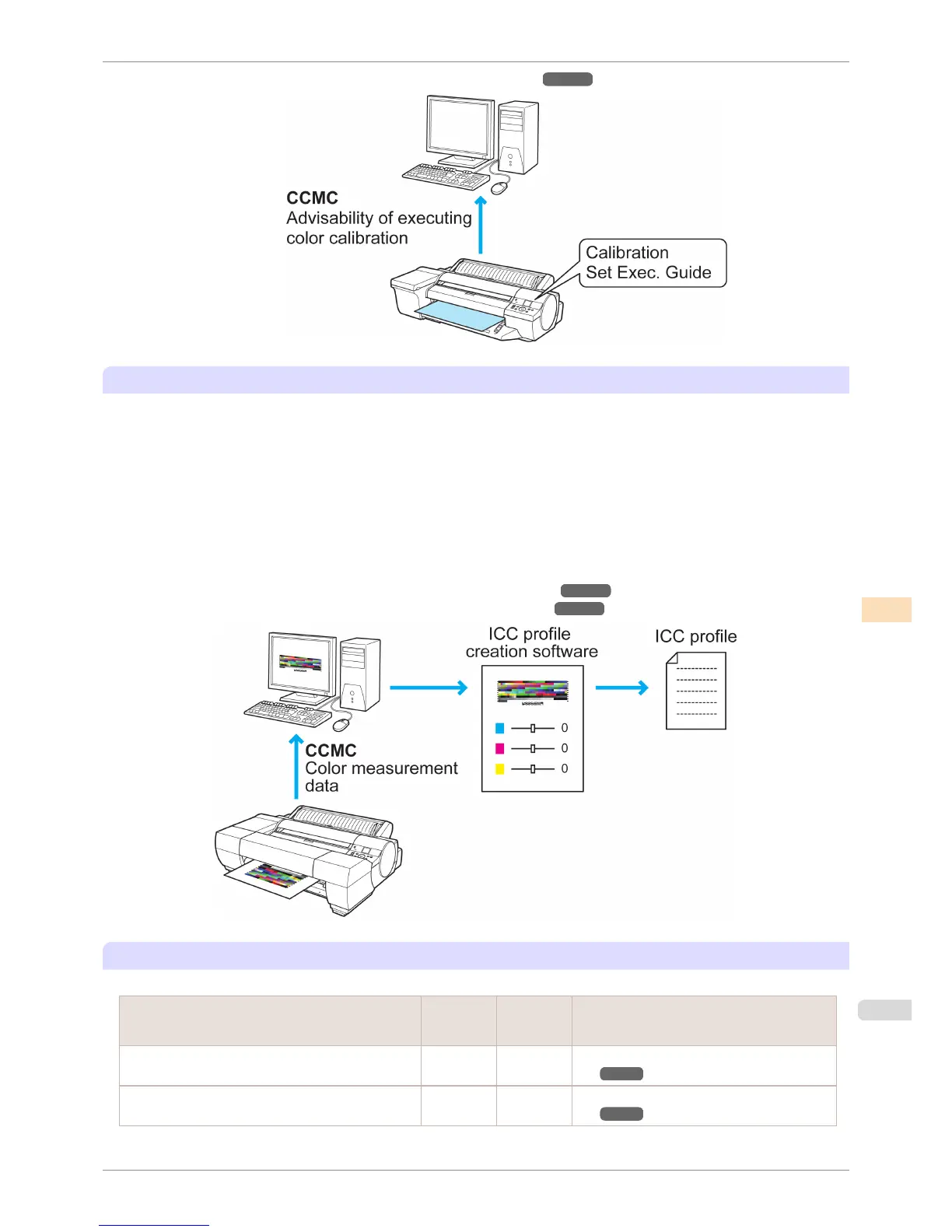
Outputting Color Measurement Data for Creating ICC Profiles
If you want strict color management using paper other than genuine Canon paper and feed certified paper, use a
dedicated ICC profile for that paper.
Dedicated ICC profiles (*1) for paper other than genuine Canon paper and feed certified paper need to be created
using commercially available ICC profile creation software. (*1: Some paper manufacturers also distribute profiles
from their websites.)
You can create a dedicated ICC profile by creating color measurement data using the CCMC color management
utility and this printer with Spectrophotometer Unit (optional) mounted, and using this color measurement data in
commercially available ICC profile creation software.
(This printer does not have a built-in ICC profile creation function.)
For a detailed explanation, see the following.
•
Acquiring Color Measurement Data For Any Color Chart (Windows) ➔ P.771
•
Acquiring Color Measurement Data For Any Color Chart (Mac OS) ➔ P.802
List of Color Management Functions
This is a list of the functions that can be used for color management in this printer.
Color management function
Printer +
Spectropho-
tometer Unit
Printer only Reference
Color Calibration Using the Printer Sensor Can exe-
cute
Can exe-
cute
Color Calibration Using the Printer Sen-
sor ➔ P.736
Color Calibration Execution Guide Settings Can exe-
cute
Can exe-
cute
Color Calibration Using the Printer Sen-
sor ➔ P.736
iPF6400S
Managing Colors
User's Guide
Color Management Color Calibration
733













 To Next Page