2
Load the paper.
(See "Loading Rolls on the Roll Holder.") ➔ P.471
(See "Loading Rolls in the Printer.") ➔ P.473
Note
• If Adj. Quality has not been executed even once on the paper you are using, execute Adj. Quality in the con-
trol panel menu.
(See "Automatic Banding Adjustment.") ➔ P.715
3
Select the White/Black Backing Plate color.
(See "Switching the White/Black Backing Plate (Optional) Color.") ➔ P.746
Note
• For the color of the White/Black Backing Plate, select the color from when color calibration was executed using
the spectrophotometer unit.
(See "Executing Color Calibration.") ➔ P.800
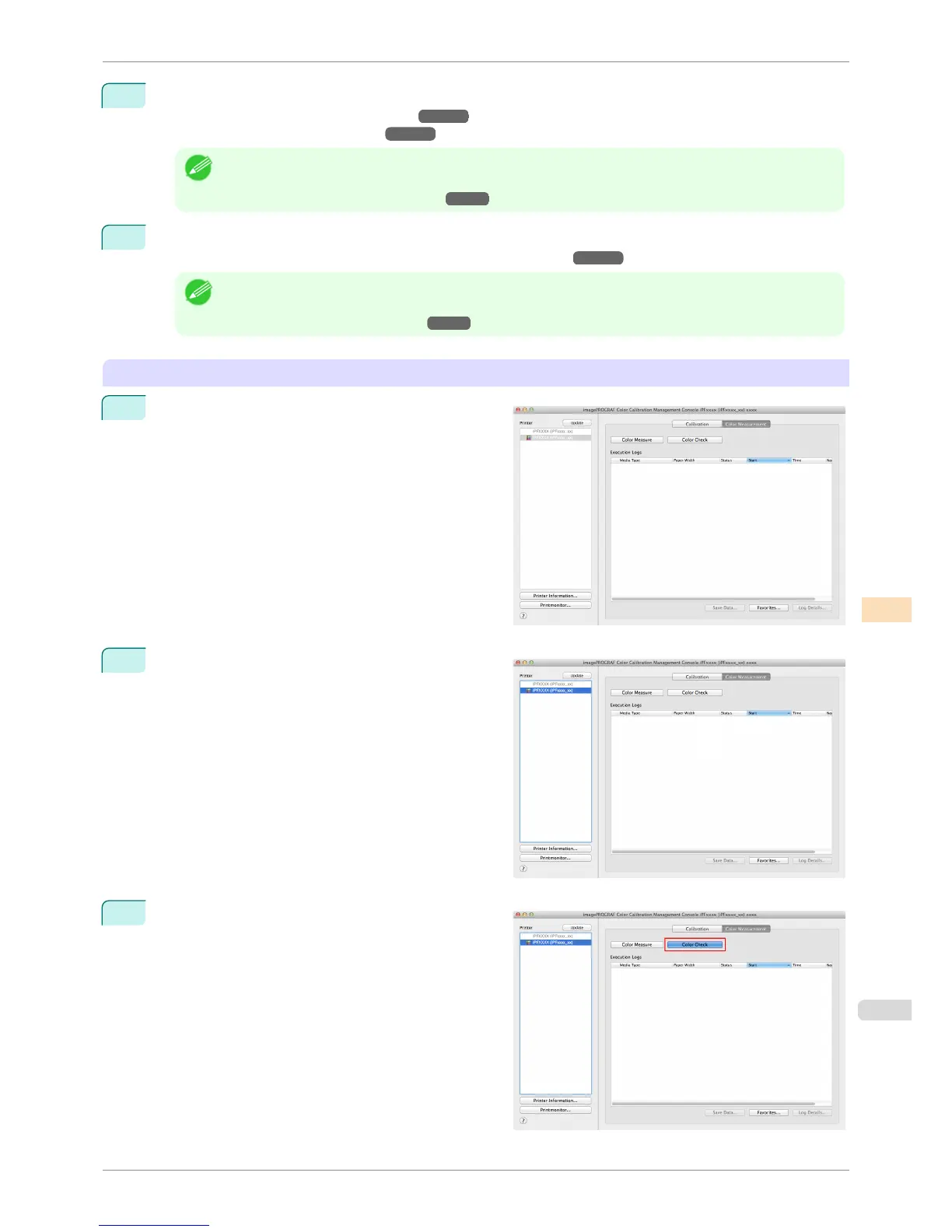
Executing Color Check
1
Open the Color Measurement sheet.
2
Select the printer you want to execute color check on
from the Printer list.
3
Click the Color Check button.
iPF6400S
Executing Color Check
User's Guide
Color Management Color Calibration Management Console (Mac OS)
809













 To Next Page