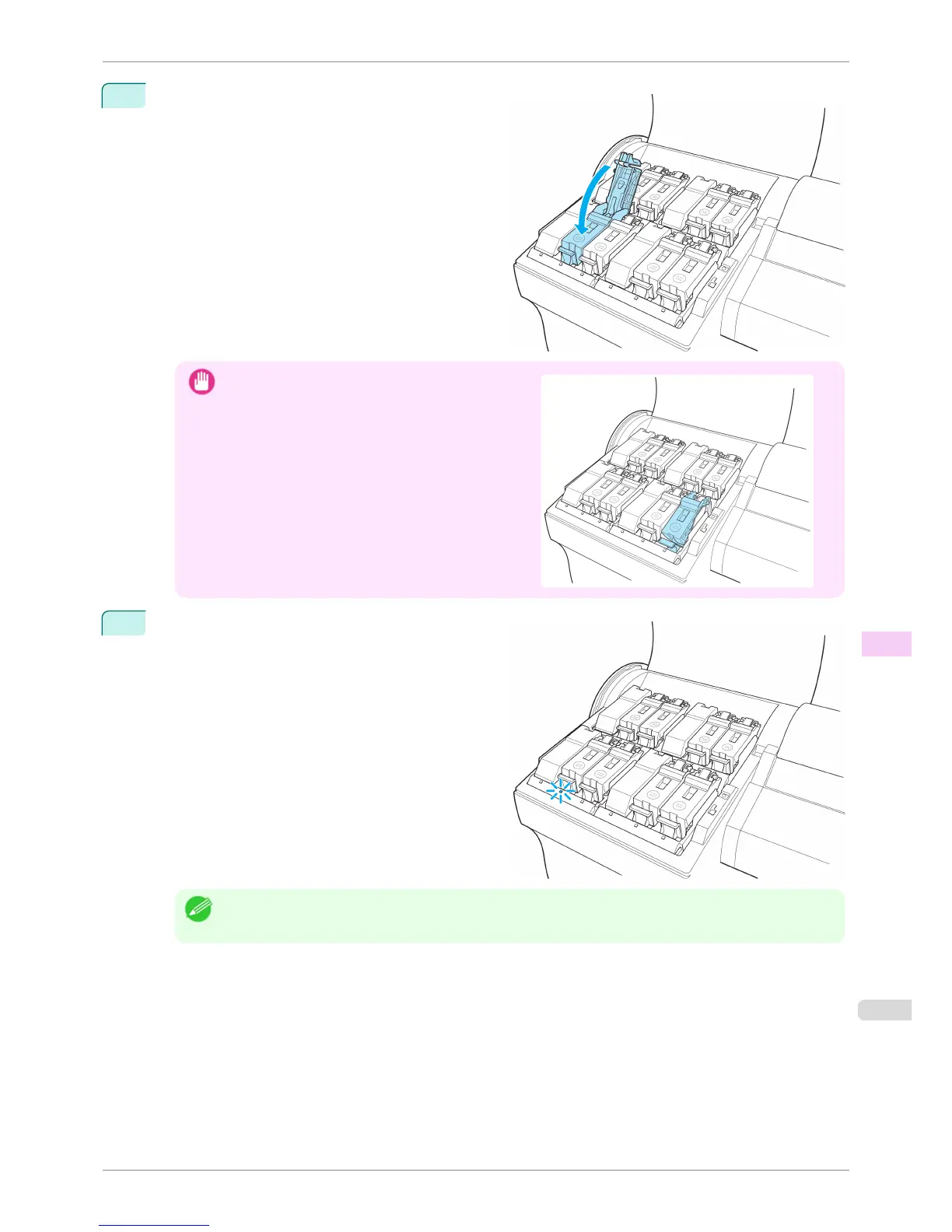
4
Push the Ink Tank Lock Lever closed until it clicks in-
to place.
Important
•
If a 130 ml (4.4 fl oz) ink tank is installed facing the
wrong direction, the rotating part of the Ink Tank Lock
Lever come out of place.
If this happens, open the Ink Tank Lock Lever to re-
turn it to the proper position.
5
Make sure the Ink Lamp is lit in red.
Note
• If the Ink Lamp is not lit, reinstall the tank.
iPF6400S
Replacing Ink Tanks
User's Guide
Maintenance and Consumables Ink Tanks
821













 To Next Page