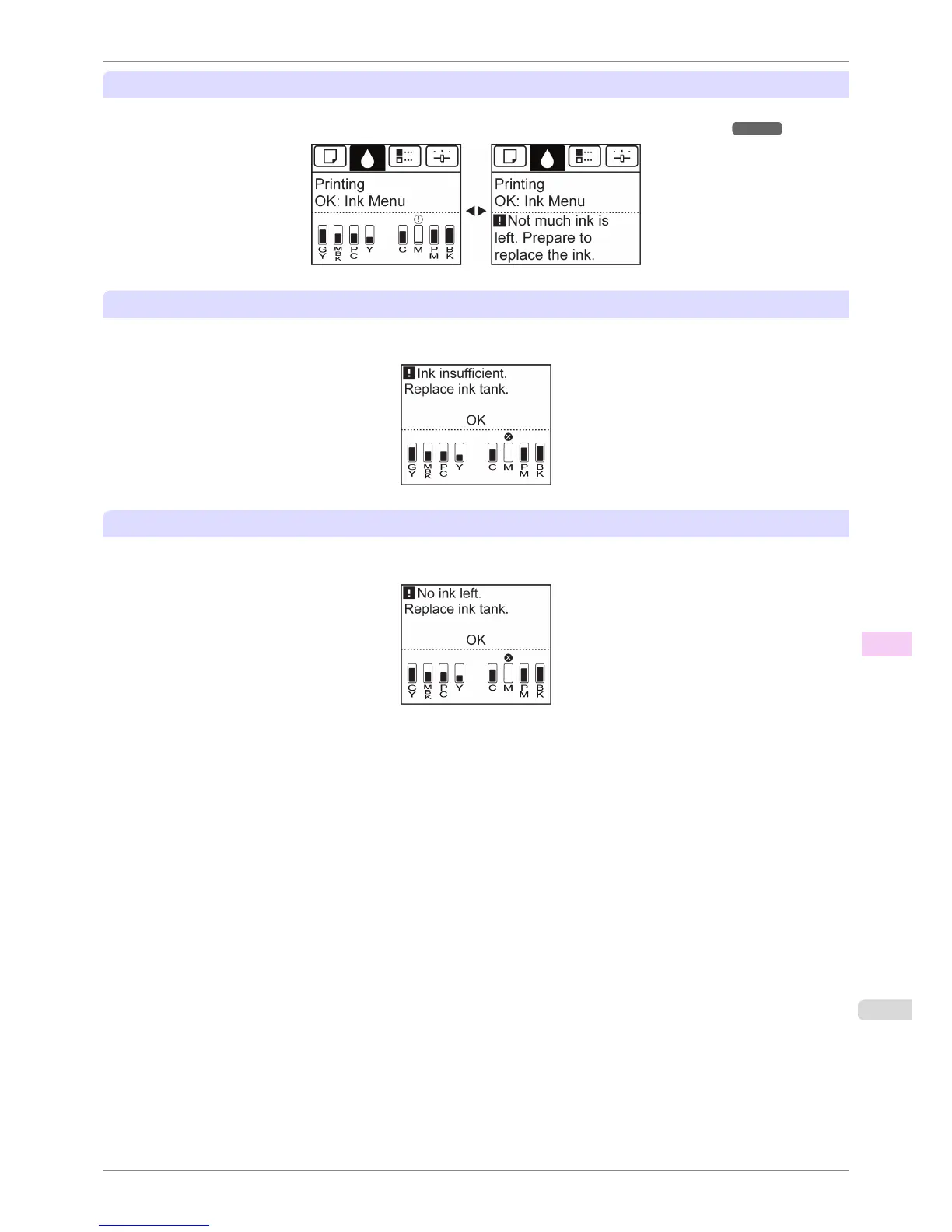
If a message for checking the ink is shown on the Display Screen
When there is little ink left, the Message Lamp is lit and "Not much ink is left." is shown on the Display Screen.
You can continue to print, but prepare to replace the Ink Tank. (See "Checking Ink Tank Levels.") ➔ P.822
Before print jobs and maintenance that consume a lot of ink
If little ink is left, there may not be enough for large-format printing, head cleaning, and maintenance, which require
a lot of ink. Replace or prepare to replace the Ink Tank.
If a message for ink replacement is shown on the Display Screen
When ink runs out, the Message Lamp flashes, a message regarding Ink Tank replacement is shown on the Dis-
play Screen, and printing is disabled. Replace the Ink Tank at this point.
iPF6400S
When to Replace Ink Tanks
User's Guide
Maintenance and Consumables Ink Tanks
823













 To Next Page