3
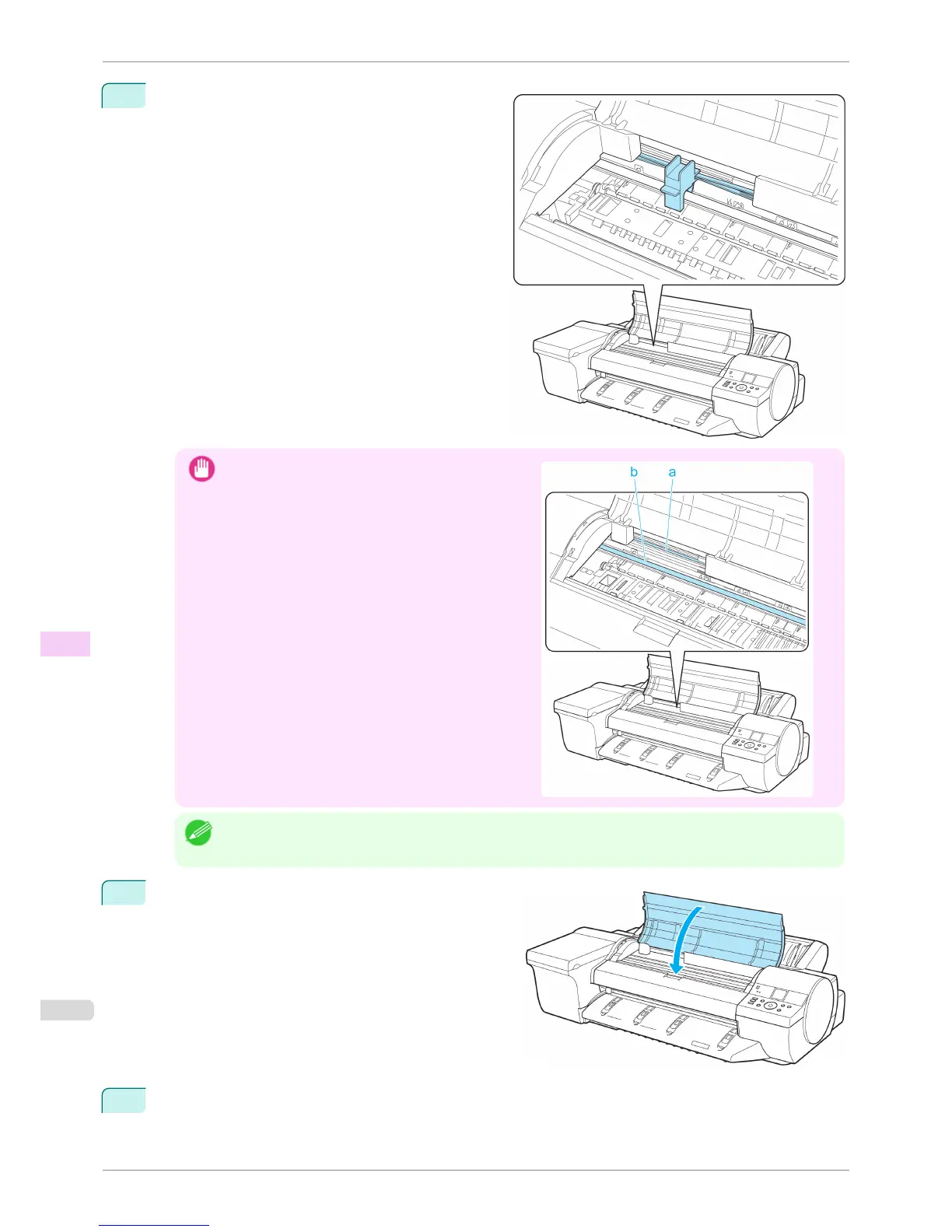
Pinch the Belt together, insert it between the Belt
Stopper, and affix the Belt Stopper to the Carriage
Shaft.
Important
•
Do not touch the Linear Scale (a) or Carriage Shaft
(b). This may stain your hands and damage the print-
er.
Note
• Here, the Belt Stopper is the one that was removed and stored after initial installation.
4
Close the Top Cover.
5
If any options are attached to the printer, remove them from the printer and pack them.
Preparing to Transfer the Printer
iPF6400S
User's Guide
Maintenance and Consumables Other Maintenance
858













 To Next Page