9
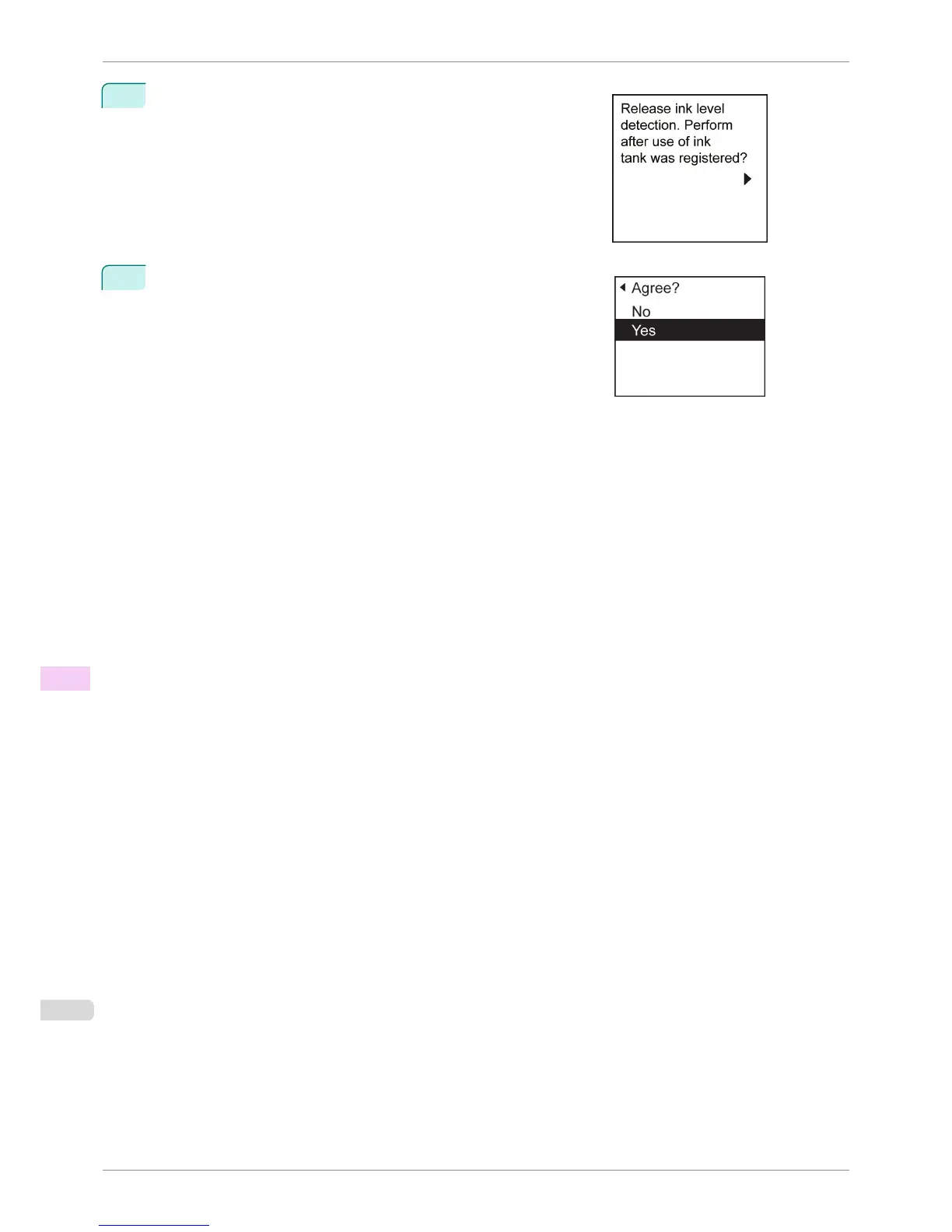
A confirmation message about updating ink information is shown on
the Display Screen. After checking the message, press the ▶ but-
ton.
10
Press ▲ or ▼ to select Yes, and then press the OK button.
Ink level detection is now released.
Ink Level Detection
iPF6400S
User's Guide
Troubleshooting Other problems
898













 To Next Page