140
Cedex HiRes Analyzer Operator’s Manual
F
F
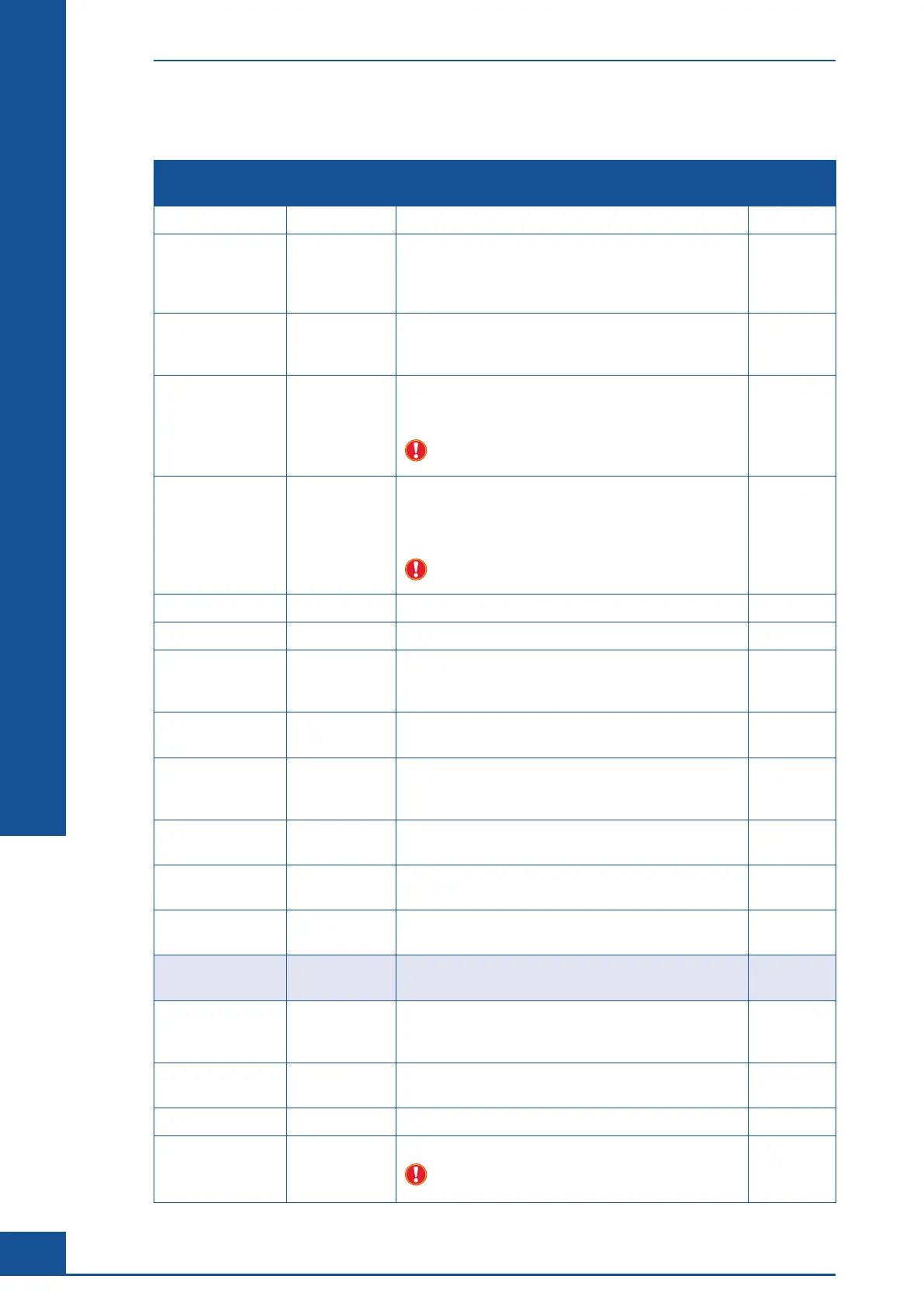
Settings in the “General” tab:
Option Value Description Save last
value
ActualLanguage English Language used for the Software.
AutoLogOff 0 Automatically logs off the user from the Cedex HiRes
Software after a preset time has passed without any
keyboard or mouse activity.
(0=feature not active; 1= feature active)
Automatically
StartHardware
1 1 = The Hardware Management is automatically started
after the Cedex Server has been started and the first
login into the Software has been completed.
CellDistMin 0.8 Minimum cell distance [µm] for which cells are
ascertained to be single cells with regard to the
determination of the aggregate rate.
Do not change this parameter without consulting
a Roche Service representative.
CellDistRatio 1.3 Minimum relationship of the cell distance to the sum
of the radii used for which cells are ascertained to be
single cells with regard to the determination of the
aggregate rate.
Do not change this parameter without consulting
a Roche Service representative.
CertificateStore My Certificate Store name.
CleaningPort 0 Cleaning port (will not be used in the current version).
Consumption
HistoryRecord
Count
25 The number of cleanings to be used for the estimation of
the average time the cleaning will take.
CriticalDiskSpace 1 Critical disk space for the hard disk where a Cedex DB is
located [Gigabyte].
DataBaseDrive
MapName
C: The drive on which the database is located (this will, for
example, be used for checking the free disk space, see
“CriticalDiskSpace”).
DBDMOperator DBDM
Operator
Designation of the Dirt and Bubble Detection Operators.
DefaultCupPosition 1 Cup Position for “DefaultCup” used for cleaning and
maintenance routines in the Multi Sampler.
DisableReagent
Control
0 Disable reagent control (verification of reagent container
levels). “0” means that the reagent control is active.
DisplayedResult
Types
2,1,3 Result types to be displayed in MultiRun dialog box.
DisplayExponential 5 The exponential unit to be used for displaying cell
concentrations. Only the numbers 5 and 6 are valid
entries.
ErrorLevelDisplay
ToUser
3 Minimum level of error messages to be displayed to the
user 1-Fatal/2-Critical/3-Error/4-Warning.
HistogramBarWidth 2 The width of the histogram bars.
JpegQuality 95 JPEG image encoder quality.
Do not change this parameter without consulting
a Roche Service representative.
×
System Options and User Preferences



 To Next Page