143
Appendix
F
F
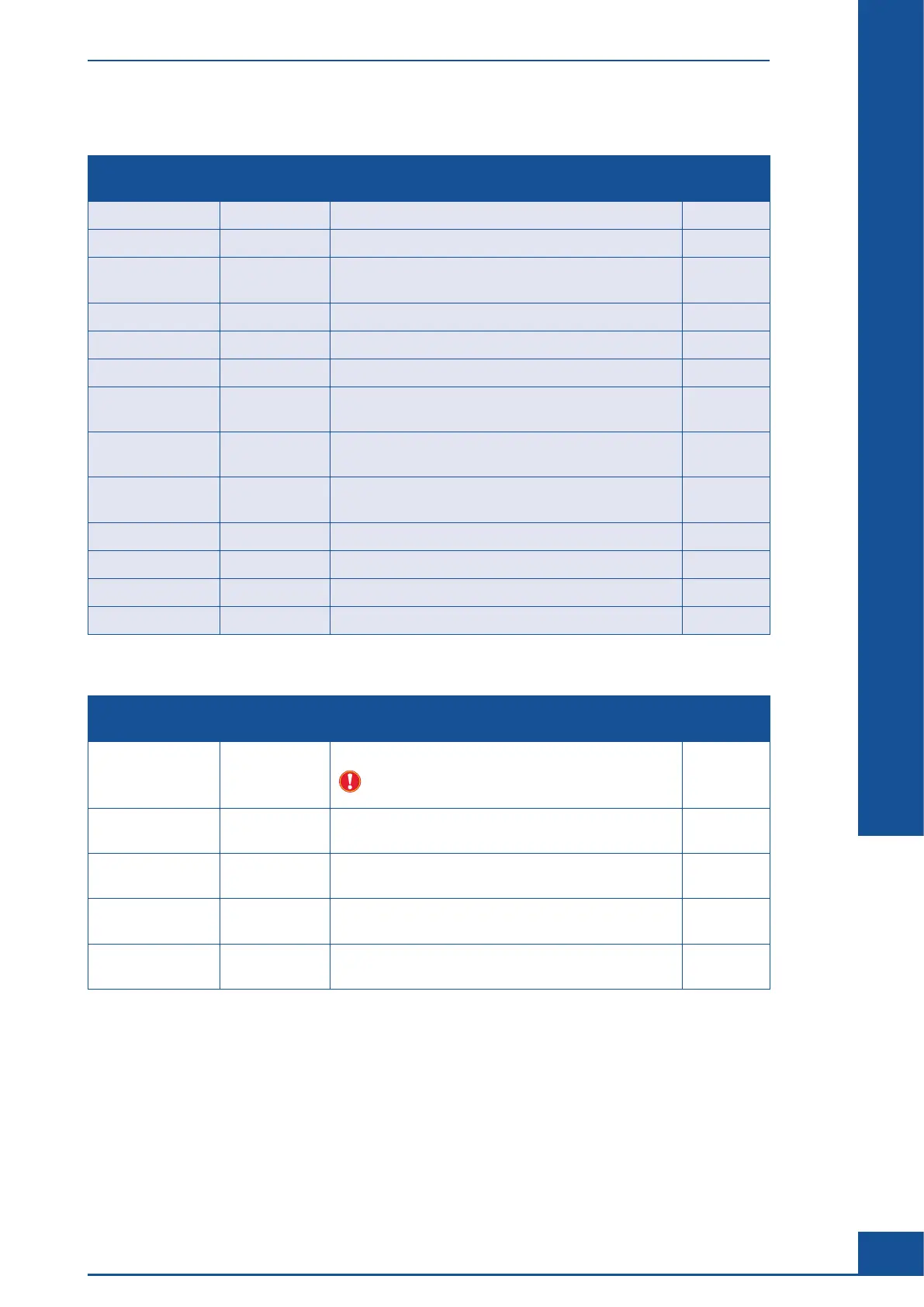
Settings in the “Measurement List Default Filter” tab:
Option Value Description Save last
value
CellType Measurement List Default Filter for CellType. ×
DataSet Measurement List Default Filter for DataSet. ×
DataSetType Effective Measurement List Default Filter for DataSet:
Effective/Original/All.
×
ProcessDateFrom Measurement List Default Filter for Process Date From. ×
ProcessDateTo Measurement List Default Filter for Process Date To. ×
ReactorId Measurement List Default Filter for ReactorID. ×
ResultsToShow
InList
2,1,3 Result types to be displayed in measurement list dialog
box.
×
SampleDrawing
DateFrom
Measurement List Default Filter for Sample Drawing
Date From.
×
SampleDrawing
DateTo
Measurement List Default Filter for Sample Drawing
Date To.
×
SampleId Measurement List Default Filter for SampleID. ×
ShowResults 0 Show result in measurement list dialog box. ×
User Measurement List Default Filter for UserID. ×
Workarea Standard Measurement List Default Filter for Workarea. ×
Settings in the “Hardware” tab:
Option Value Description Save last
value
ChamberHeight 0.1 Height of the measurement chamber.
Do not change this parameter without consulting a
Roche Service representative.
ErrorLevelFor
BatchStopping
1 Error level that stops further Multi Run processing.
(1-Fatal/2-Critical/3-Error/4-Warning).
Multisampler
Present
1 (not adjustable) Indication of whether a Multi Sampler is
recognized.
PixelsPermmX 1250 (not adjustable) Number of pixels per millimeter in the
x-axis of the images taken.
PixelsPermmY 1250 (not adjustable) Number of pixels per millimeter in the
y-axis of the images taken.
System Options and User Preferences



 To Next Page