104
Compulite
Chapter 6
Playbacks as crossfader
For QList playback, you can change the operation of a playback slider from an intensity master to a
crossfade slider.
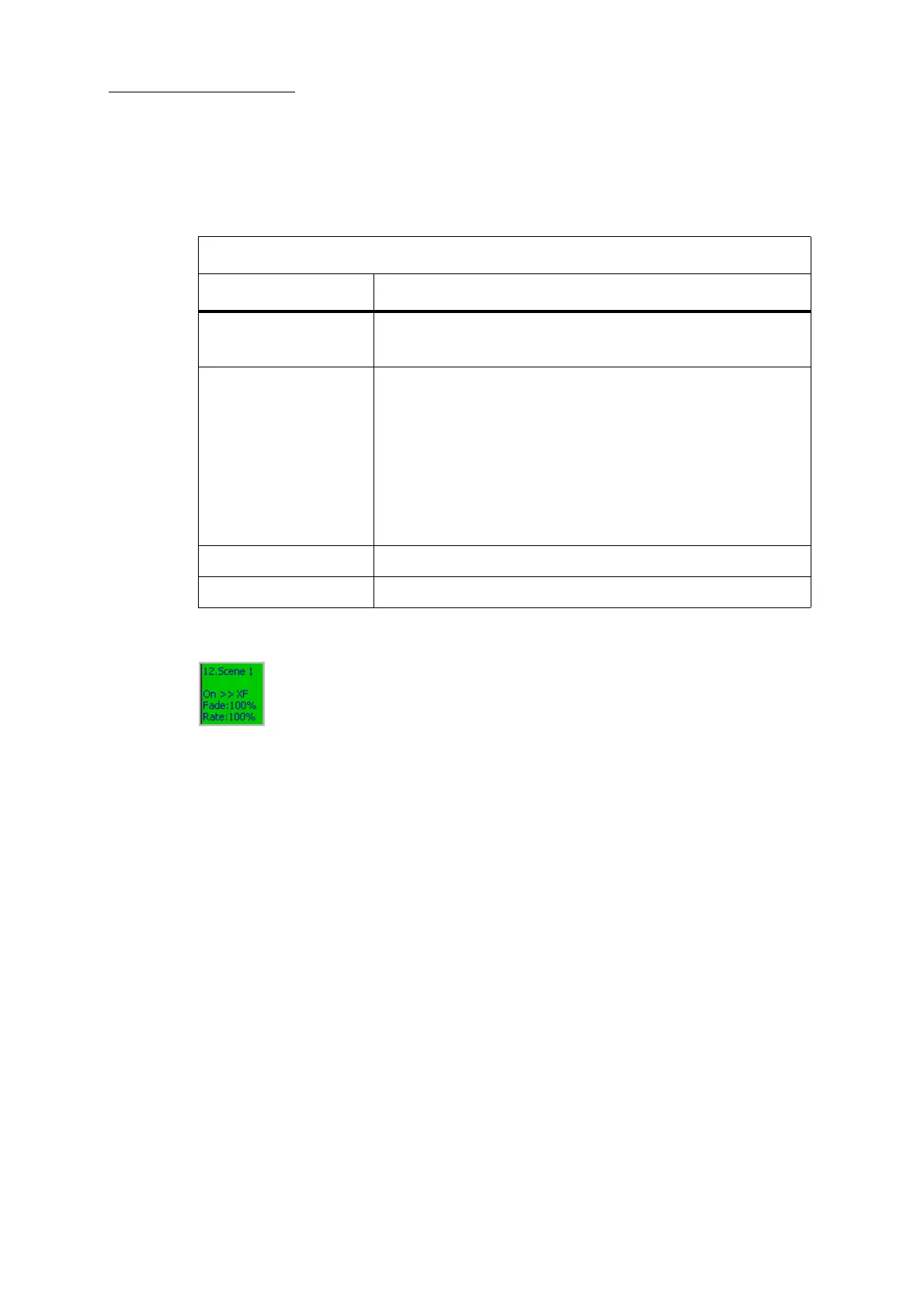
Playbacks operating as crossfaders are indicated by
XF on external displays that include Ukeys.
Figure 26: XF indicates Playback as Crossfader
To change a playback to a crossfader
Example: Make playback 11’s slider a crossfader.
1 Press
EDIT.
2 Press
PB.
3 Press the select key for playback 11.
Edit: Playback 11 is displayed in the command line.
4 Tap
PLAYBACK AS XFADER.
This button now appears on a dark field and the slider functions as a crossfader.
Note: If a Qlist, loaded on a playback, contains a single cue, setting the playback to X-
fader allows a cross fade between the cue to cue 0.
Use playbacks as a crossfader
Playback control What it does
SELECT key • Turns the playback on and off.
• Loads the QList.
Slider
PLAYBACK AS XFADER enabled - The slider crossfades between
cues, fading parameter values to the levels stored in the incoming
cue.
Note: Playbacks as crossfaders can also be used with scenes,
fading all parameter values, as well as the dimmer.
PLAYBACK AS XFADER disabled - The slider functions as an
intensity master (controlling the dimmer parameter) for the current
cue.
Flash key Fade to the next cue.
SHIFT + Flash key Fade to the previous cue.



 To Next Page