5
DLITE
System Overview
Adjusting the touch screen
You can adjust the touch screen’s contrast and turn its backlight on or off.
To adjust the contrast
Press and hold SETUP and turn wheel 1 to adjust the touch screen’s contrast.
To turn the backlight on/off
Press and hold SETUP and turn wheel 2 to turn the touch screen’s backlight on or off.
External monitor
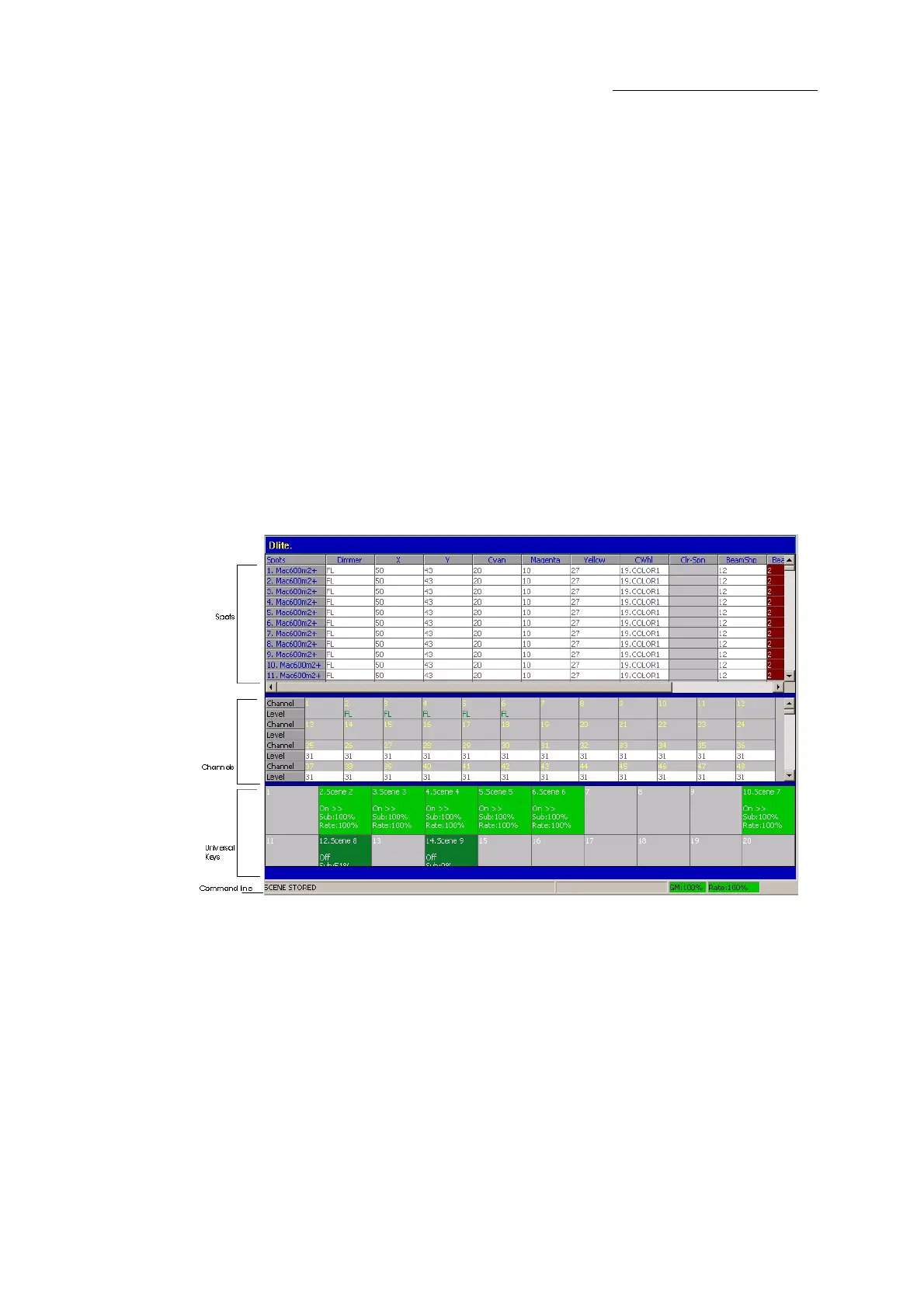
The display on the optional external monitor can be set to show:
Live fixtures (spot or channel or extra) display - shows fixtures and their parameter levels.
Loads for all twenty playbacks or 12 faders/UKeys. The contents of the UKs depends on the
fader mode.
QList display - analogous to a cue sheet.
Figure 5: External monitor display option 7



 To Next Page